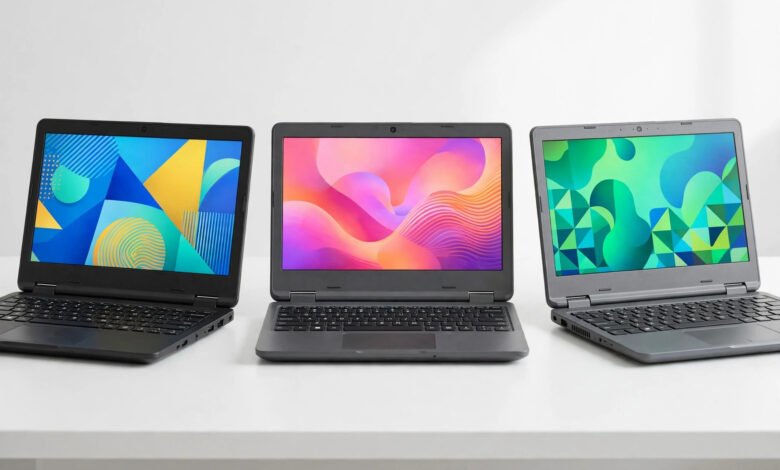
You do not need to spend a thousand dollars to get a laptop that handles school, work, and streaming without constant frustration. In 2026, the budget laptop market is stronger than it has ever been, with fast processors, bright 1080p screens, and all day battery life now standard at prices that used to buy you a slow plastic brick.
The trick is knowing which corners are safe to cut and which specs actually matter. Below you will find exactly what to look for, our seven favorite laptops under 500 dollars this year, and honest notes on the tradeoffs of each pick.
The best budget laptop under $500 in 2026 is the Lenovo IdeaPad Slim 3, which packs a Ryzen 5 processor, 8GB of RAM, a 1080p display, and strong battery life for around $399 to $449. The Acer Aspire 3 and ASUS VivoBook 15 OLED are excellent alternatives, while the ASUS Chromebook Plus CX34 is the top pick if your work lives in a web browser.
What to Look for in a Budget Laptop in 2026
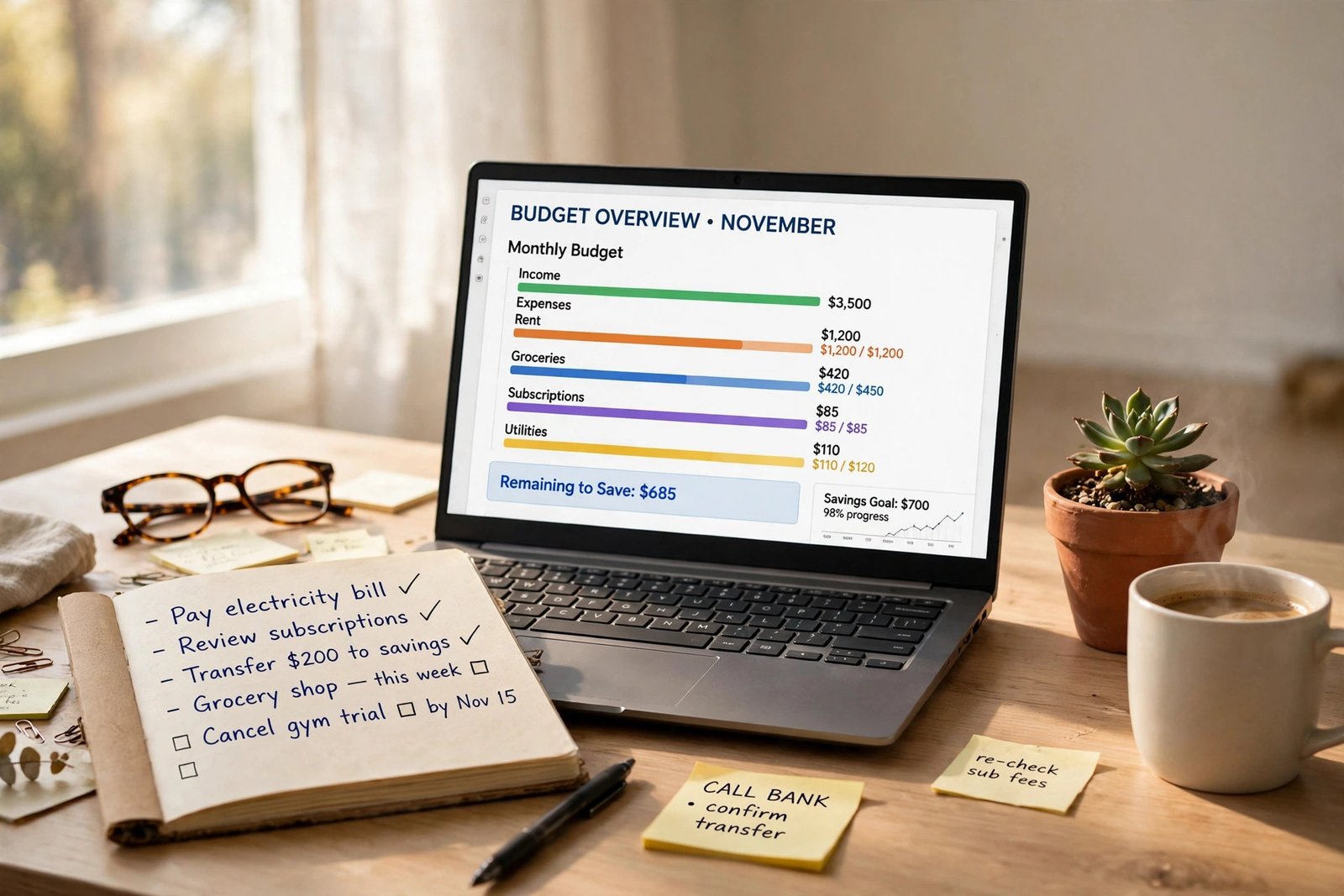
Before you compare models, lock in these five specs. They decide whether a cheap laptop feels fast or feels like a chore.
How Much RAM Do You Really Need?
8GB is the minimum for comfortable use in 2026, and 16GB is strongly preferred if you can find it under $500. Avoid 4GB machines entirely, since they will feel slow within months as browsers and apps keep getting heavier.
Which Processor Is Good Enough?
Look for an AMD Ryzen 5 5500U or 7520U, or an Intel Core i3 or i5 from the 12th generation or newer. These chips handle dozens of browser tabs, video calls, and office apps with ease. Intel N series chips are fine only for the most basic use, so treat them as a last resort.
Storage: Never Settle for a Hard Drive
Every laptop on this list ships with an SSD, and yours should too. Aim for at least 256GB, since 128GB fills up fast once you install a few programs. An NVMe SSD is faster than older SATA drives, though at this price either one beats a spinning hard drive by a mile.
The Display Matters More Than You Think
A 1080p IPS screen is the sweet spot: sharp text, good viewing angles, and decent colors. Dim, washed out TN panels still hide in some ultra cheap models, so check the panel type before you buy. If you watch a lot of video, brightness matters as much as resolution.
Battery Life and Build Quality
Target at least seven hours of real world battery life so the laptop survives a school or work day. A comfortable keyboard and solid hinges matter more than a slim body at this price. Bonus points for models tested to military durability standards, since budget laptops take plenty of knocks.
The 7 Best Budget Laptops Under $500 in 2026
1. Lenovo IdeaPad Slim 3: Best Overall
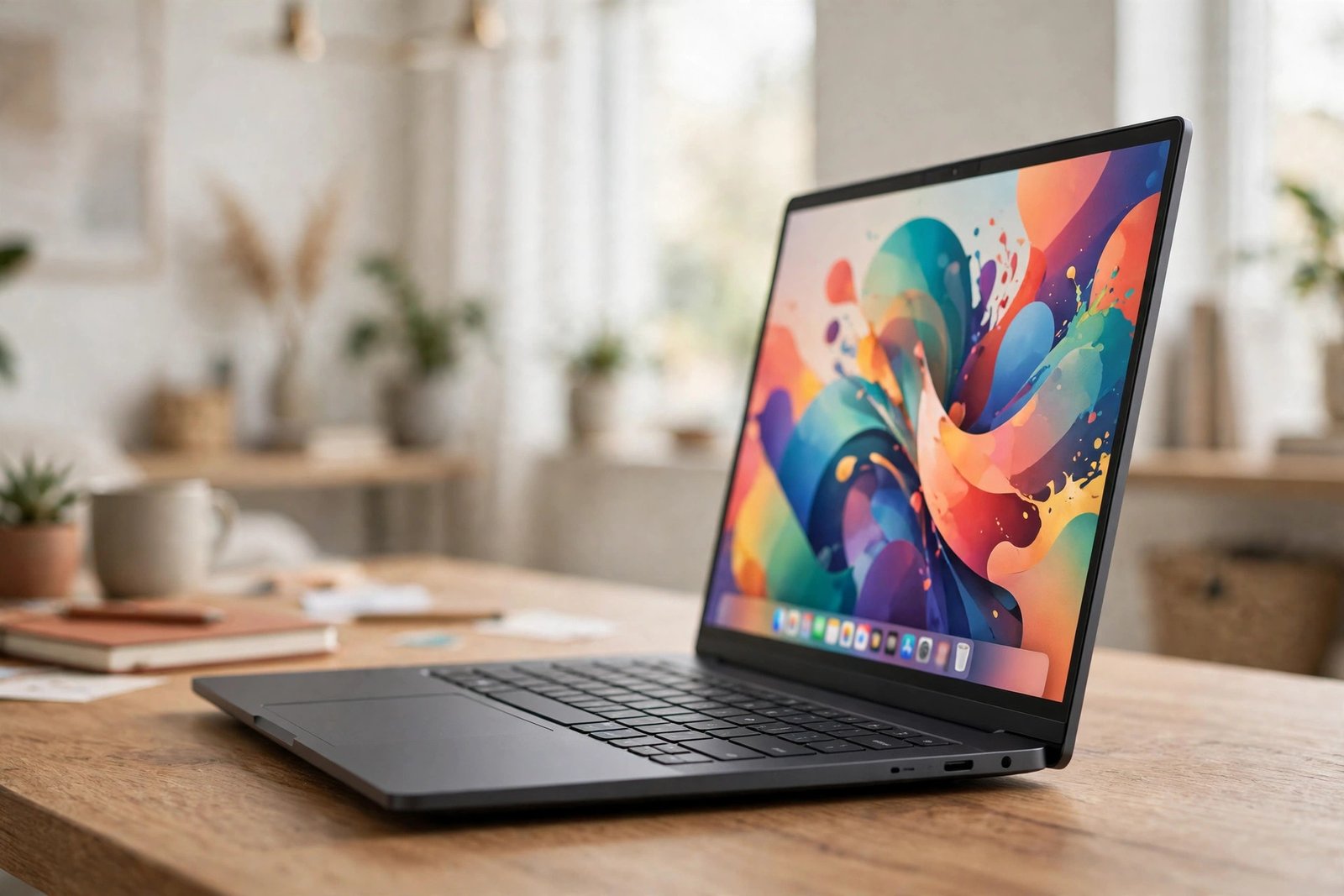
The IdeaPad Slim 3 is the safest recommendation in the entire budget category. The Ryzen 5 7520U processor keeps everything snappy, 8GB of RAM and a 256GB or 512GB SSD cover everyday multitasking, and the 15.6 inch 1080p display is bright and clear. Battery life runs seven to eight and a half hours, the keyboard is genuinely pleasant to type on, and the chassis is tested to MIL STD 810H durability standards. Expect to pay around $399 to $449 depending on the configuration and current sales. Students comparing options should also check our guide to the best laptops for college students in 2026.
2. Acer Aspire 3: Brightest Screen
The Acer Aspire 3 pairs the same capable Ryzen 5 7520U chip with the brightest display in this price range, which makes a real difference if you work near windows or outdoors. You get 8GB of RAM, fast SSD storage, and a 15.6 inch 1080p screen in a quiet, cool running body. Prices hover around $400. The one caveat: Acer sells several Aspire 3 variants, so confirm the 1080p screen and 8GB of RAM before checkout.
3. ASUS VivoBook 15 OLED: Best Display
This is the pick for anyone who cares about how things look. The VivoBook 15 OLED brings an OLED panel, normally reserved for far pricier machines, down to around $480 on sale. Movies, photos, and even spreadsheets look dramatically better on it. The tradeoffs are a mostly plastic build and average battery life of seven to eight hours, but for display lovers it is easily worth it.
4. HP 15: Best Big Screen Value
The HP 15 is the straightforward big screen workhorse of this list. A Ryzen 5 5500U processor, 8GB of RAM, and a 15.6 inch 1080p display handle office work, classes, and streaming with zero drama, and the full numeric keypad is a genuine plus for anyone who lives in spreadsheets. It typically sells for around $450. The design feels a little dated, but everything you touch works well.
5. Acer Aspire Go 15: Best Under $350
If your budget is truly tight, the Acer Aspire Go 15 starts from around $299 and is still a legitimate computer, not a toy. It browses, streams, and runs Microsoft 365 without meaningful frustration. Just make sure you buy the configuration with 8GB of RAM, an SSD, and a 1080p screen, since cheaper variants with 4GB of RAM and dimmer displays exist under the same name.
6. ASUS Chromebook Plus CX34: Best Chromebook
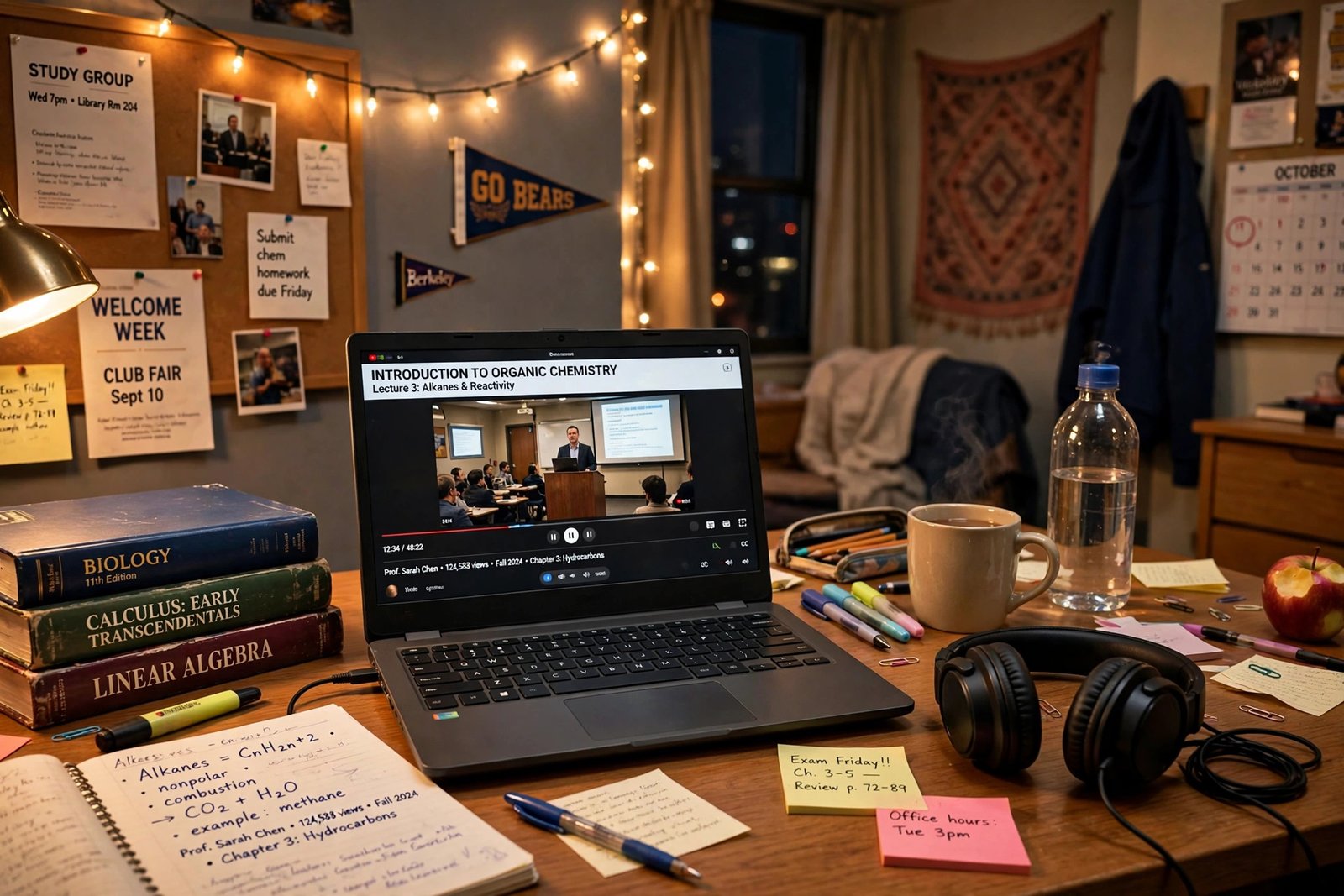
If your work lives in a browser, a Chromebook often beats a similarly priced Windows laptop. The Chromebook Plus CX34 costs around $487 to $499, boots in seconds, and delivers up to 13 hours of battery life with zero maintenance and no viruses to worry about. It is ideal for Google Docs, online classes, and video calls. Pair it with free AI tools in the browser; our ChatGPT vs Gemini free comparison shows what you can do without spending a cent.
7. HP Pavilion x360 14: Best 2 in 1
The Pavilion x360 14 is a convertible with a touch screen and pen support that often dips under $500 on sale. Flip it into tent mode for movies, tablet mode for reading, or laptop mode for typing, and take handwritten notes directly on the screen. It is the most versatile pick here and a favorite for students and note takers. Writers and bloggers on a budget will also appreciate our roundup of the best AI writing tools for bloggers in 2026.
Quick Comparison
| Laptop | Typical Price | Best For | Battery Life |
|---|---|---|---|
| Lenovo IdeaPad Slim 3 | $399 to $449 | Most people | 7 to 8.5 hours |
| Acer Aspire 3 | Around $400 | Bright screen | 7 to 8 hours |
| ASUS VivoBook 15 OLED | Around $480 on sale | Display quality | 7 to 8 hours |
| HP 15 | Around $450 | Big screen value | 7 to 8 hours |
| Acer Aspire Go 15 | From $299 | Tightest budget | Around 7 hours |
| ASUS Chromebook Plus CX34 | $487 to $499 | Web based work | Up to 13 hours |
| HP Pavilion x360 14 | Under $500 on sale | Versatility | 7 to 9 hours |
How We Picked These Laptops
- Performance for the price. We favored proven AMD Ryzen 5 and Intel Core chips over ultra basic processors, since the CPU decides how the laptop feels two years from now.
- Memory and storage minimums. Every pick has at least 8GB of RAM and an SSD, with 256GB preferred. Anything less creates frustration you cannot fix later.
- Display quality. We required 1080p IPS level screens and avoided dim TN panels, because you stare at the screen all day.
- Real world battery life. Each pick is rated for a full school or work day of light to moderate use.
- Keyboard and reliability. We weighted typing comfort, hinge quality, and brand track record over thinness or flashy design.
Who Should Buy a Budget Laptop, and Who Should Skip
A sub $500 laptop is perfect for students, remote workers, writers, and anyone whose heaviest tasks are browsing, documents, video calls, and streaming. You will be genuinely happy with any pick above for those jobs.
Skip this category if you edit 4K video, play modern games, or run heavy engineering software. Those workloads need dedicated graphics and stronger cooling, which start around $700 and up. Buying a budget laptop for the wrong job is the only way to be disappointed by one.
Frequently Asked Questions
Should I get a Chromebook or a Windows laptop?
Get a Chromebook if your work lives in a browser, since you get better battery life, lower prices, and no maintenance. Get Windows if you need specific desktop applications for your major or job. When in doubt, check with your school or IT department before you buy.
Is 8GB of RAM enough in 2026?
Yes, 8GB is the comfortable minimum for browsing, office apps, streaming, and video calls. If you keep dozens of tabs open or run heavier software, look for a 16GB configuration, which several models above offer for only a little more money.
Can a budget laptop run Microsoft Office?
Yes. Microsoft 365 runs fine on any Windows laptop here with 8GB of RAM for normal document work. On Chromebooks, Microsoft 365 runs in the browser and handles most tasks well, except complex macro heavy Excel files.
Can I game on a laptop under $500?
Light or older games at low settings are possible with integrated graphics, but modern titles need a dedicated GPU. Budget gaming laptops with real graphics cards start around $700, so treat the picks above as work and school machines first.
A great laptop does not have to cost a fortune. Pick the model that matches how you actually work, double check the RAM and screen specs on the exact configuration you buy, and you will get years of solid use for under 500 dollars. Happy shopping.