You no longer need to pay for great AI art. In 2026, the free plans from Google, Microsoft, OpenAI and a handful of smaller studios can produce images good enough for a blog, a social post, a presentation or even a client mockup. The catch is that every free plan has its own limits, and those limits decide which tool fits your work.
Some tools cap you at a few images a day. Others give you hundreds but stamp a watermark on every picture or make your images public by default. This guide tests the best free AI image generators side by side, so you can see the real free limit, the watermark rules and the commercial use terms before you sign up.
Google Gemini is the best free AI image generator for most people in 2026, with strong photorealism and editing through Nano Banana 2 and limits that refresh every few hours. Bing Image Creator gives the most free images, up to 200 prompts a day, while Ideogram is the best free pick for posters and logos with readable text.
How We Compared the Free Plans
We compared each tool on the free plan only, with no trials and no paid credits. Four things matter most when a tool costs nothing. First is the free limit, meaning how many images you can make in a day or a week before the tool stops you. Second is the watermark, since a visible mark can ruin an image you want to publish.
Third is commercial use, meaning whether the free plan lets you use images in work you sell or publish for a business. Fourth is the model itself, since the same prompt can look stunning on one tool and strange on another. Free limits change often, so treat the numbers below as current for late 2026 and check the tool page before you commit to a big project.
The Best Free AI Image Generators in 2026 at a Glance
| Tool | Free limit | Watermark | Commercial use | Best for |
|---|---|---|---|---|
| Google Gemini | Limits refresh every few hours, plus a weekly cap | Visible mark and SynthID | Yes, check terms | Photorealism and edits |
| ChatGPT | Image creation on free plan, tight caps | No visible mark, C2PA metadata | Yes | Best overall quality |
| Bing Image Creator | 15 fast creations a day, then up to 200 prompts a day | No | Personal use | Most free images |
| Leonardo AI | 150 tokens a day | No | Limited, images are public | Style range |
| Ideogram | 30 credits a week | No | Yes, images are public | Text in images |
| Adobe Firefly | 25 credits a month | Content Credentials only | Yes, fully safe | Commercial work |
| Canva AI | Up to 20 AI uses a month | No | Yes, within Canva terms | Beginners and social posts |
| Perchance | Unlimited | No | Unclear | Unlimited drafts |
1. Google Gemini
Google Gemini is the best all round free AI image generator in 2026, and it is the one we recommend first. The free plan runs on Nano Banana 2, which Google officially calls Gemini 3.1 Flash Image, and it handles photorealistic scenes, product shots and edits to your own photos with impressive consistency. Upload a photo and ask for a change, and Gemini keeps the person, the object or the room looking like itself.
Free users get limits that refresh every few hours, plus a weekly cap on top, though Google no longer publishes an exact daily number. Images download at 1K resolution on the free plan, and the more powerful Nano Banana Pro is reserved for subscribers. Free images carry a visible mark and SynthID, a hidden watermark Google uses to label AI made images. If you want one free tool that does almost everything well, start here.
2. ChatGPT
ChatGPT now runs on ChatGPT Images 2.5, released on September 8, 2026, and it produces some of the most polished images of any free tool. The older DALL E model was retired in August 2026, so every free user now gets the newer model. Image quality is excellent for illustrations, product concepts and stylized scenes, and the chat format makes editing easy. Describe a change in plain words and ChatGPT revises the same image.
The trade off is the cap. The free plan includes image creation, but the daily limit is tight, around three images a day in most tests, and generation is slower than Gemini or Bing. There is no visible watermark, though images carry C2PA metadata that marks them as AI made. Use ChatGPT when quality matters more than volume, and keep your best prompts for it.
3. Bing Image Creator
Bing Image Creator is the volume king of free AI image tools. You get 15 fast creations a day, and after that the tool switches to standard speed automatically, up to 200 prompts in 24 hours. No other free plan we tested comes close to that number. It runs on Microsoft MAI Image models and needs only a free Microsoft account.
Image quality is solid for fun concepts, social posts and quick mockups, though it trails Gemini and ChatGPT on photorealism and fine detail. Creations are kept for 90 days, and the free plan is meant for personal use, so check the terms before using images in client work. If you need lots of images fast, for a blog series or a social calendar, Bing is the tool that keeps going when others stop.
4. Leonardo AI
Leonardo AI is the best free pick for creative control. The free plan gives you 150 tokens a day, which covers roughly 20 to 30 images depending on the model you choose, and you can pick from a wide range of styles, from photorealism to anime to 3D renders. Few free tools offer this much variety, and the style controls are the most flexible we found at zero cost.
The catch is that free images are public by default, so anyone can see what you make, and Leonardo holds broad rights over free outputs. Commercial use is limited on the free plan, so treat it as a playground for ideas and personal projects. Paid plans start at $12 a month if you later want private images and full commercial rights. For experimenting with styles and building a look, Leonardo is hard to beat.
5. Ideogram
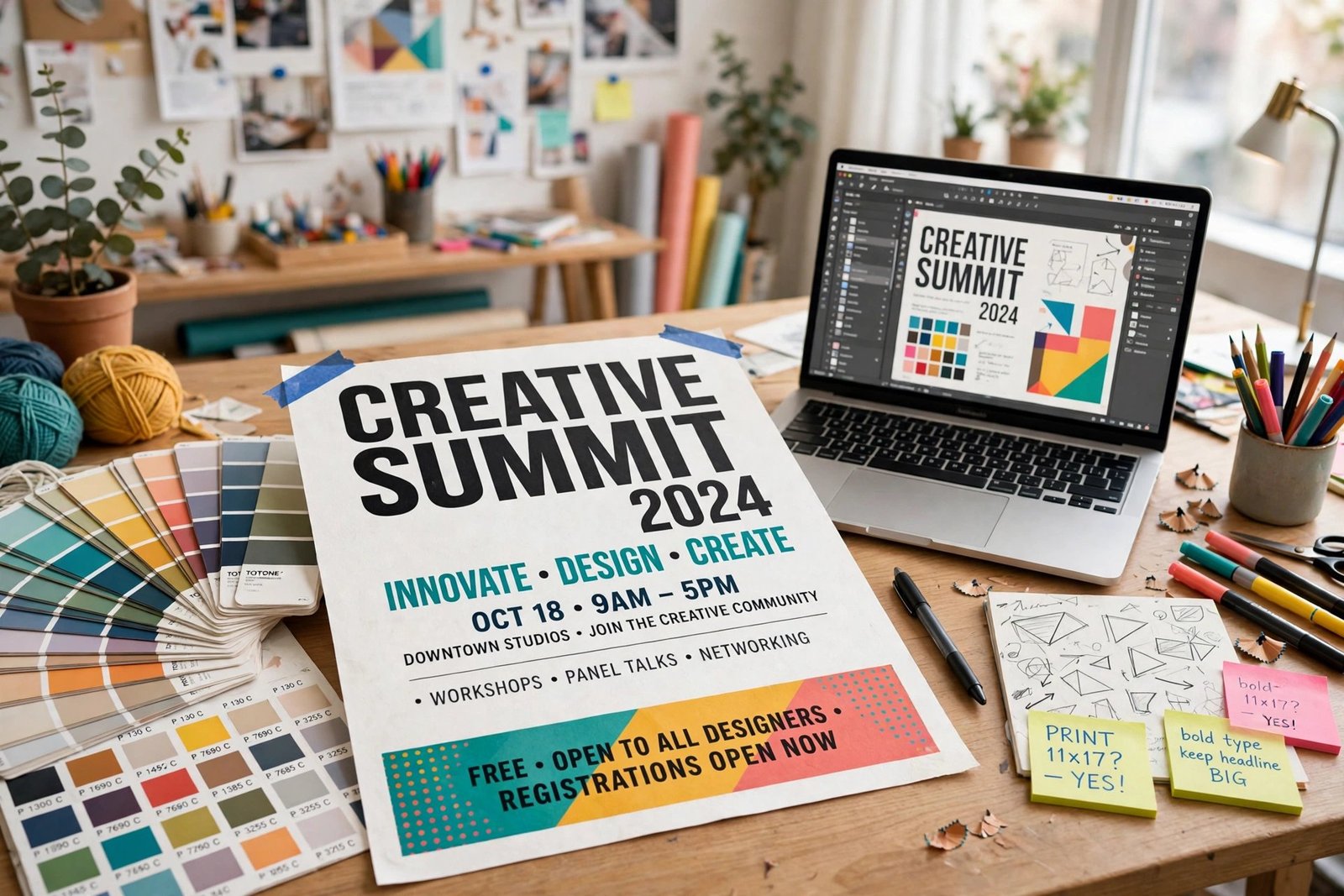
Ideogram is the only free tool built around text, and that makes it special. Posters, logos, book covers and social graphics all need readable words inside the image, and most generators still garble letters. Ideogram renders clean, accurate text in a range of fonts and layouts, and it is the best free pick for any design that includes a headline, a name or a slogan.
The free plan gives you 30 credits a week, but only when you sign in with Google, Apple or Microsoft. Email signups get no free credits, so use a social login. Free images are public by default, and paid plans start at around $15 a month for private generations and more credits. If your image needs words in it, try Ideogram before anything else.
6. Adobe Firefly
Adobe Firefly is the safest free AI image generator for commercial work, and that safety is its whole selling point. Firefly is trained on licensed stock photos and public domain content, so the images it makes are cleared for business use, with Content Credentials embedded to prove the source. No other free tool offers that level of legal comfort.
The free plan is modest, with 25 credits a month, so you will run out quickly on a big project. Paid plans start at $9.99 a month for more generations and access to partner models. Use Firefly when an image will appear in a client project, an ad or a product page, and you want zero worry about where the training data came from. For safe commercial images, it is the only free tool we trust without a second thought.
If you make logos as well as images, our guide to the best AI logo makers for small businesses covers eight tools that pair well with Firefly for a full brand kit.
7. Canva AI
Canva AI is the easiest free AI image generator for beginners, because the images land straight inside a design you can finish and publish. The free plan gives you up to 20 uses of the AI tools a month, shared across Magic Media and Dream Lab, which is enough for a few social posts or a presentation each month. You can generate an image, drop it into a template, add text and export, all without leaving Canva.
Quality is good for social graphics and simple illustrations, but Canva cannot match Gemini or Leonardo for detailed art or photorealism. Canva Pro starts at $15 a month and raises the AI limits, though the free tier is enough to learn the workflow. If you already design in Canva, its built in image tool is the fastest path from idea to finished post.
8. Perchance
Perchance is the simplest free AI image generator of all, because there is no account, no login and no daily limit. Open the page, type a prompt and get an image. There is no watermark, and the tool runs on Stable Diffusion models that are fine for drafts, ideas and casual fun.
The limits are real, though. Images max out at 768 by 768 pixels, which is small for print or a large blog header, and the commercial use terms are unclear, so keep Perchance images to personal projects and drafts. The interface is basic, with none of the editing tools Gemini or Canva offer. Still, for unlimited free drafts with zero friction, nothing else comes close.
Which Free AI Image Generator Should You Pick?
The right tool depends on the job, not the ranking. For photorealistic images and editing your own photos, pick Google Gemini. For the highest quality illustrations and a chat based workflow, pick ChatGPT and save its tight daily cap for your best ideas. For volume, such as a month of social posts or a long blog series, pick Bing Image Creator and its 200 prompts a day.
For posters, logos and anything with words, pick Ideogram. For commercial client work where training data matters, pick Adobe Firefly. For a wide range of artistic styles, pick Leonardo AI. For designs that need to be finished and published in one place, pick Canva AI. And for quick unlimited drafts with no account, pick Perchance. Most creators end up using two or three of these together, and that is the smartest way to work for free.
Once you have your images, you may want to turn them into motion, and our comparison of the best AI video generators in 2026 shows which video tools pair best with each image generator.
What to Watch Out For on Free Plans
Free plans change fast, and three traps catch beginners. First, public by default is common. Leonardo and Ideogram both make free images visible to others, so never generate anything private or client confidential on a free plan. Second, watermarks vary. Gemini adds a visible mark, ChatGPT adds invisible metadata, and Firefly adds Content Credentials. Check what your chosen tool adds before you publish.
Third, commercial use is not the same as free to download. Bing is meant for personal use, Perchance leaves the terms unclear, and Leonardo limits commercial rights on free outputs. Read the license line on the tool page before you use an image to sell something. Two more tools are worth a quick look if you need extra volume. NightCafe offers unlimited generations on its base Stable Diffusion model plus five credits a day, and Playground gives up to 10 images every three hours with two downloads a day.
Frequently Asked Questions About Free AI Image Generators
What is the best completely free AI image generator in 2026?
Google Gemini is the best completely free AI image generator for most people, with strong photorealism, photo editing and limits that refresh every few hours. Bing Image Creator is the best pick if you need the most images, with up to 200 prompts a day at standard speed after 15 fast creations.
Can I use free AI generated images for commercial work?
It depends on the tool. Gemini, ChatGPT, Firefly and Canva allow commercial use on their free plans within their terms. Bing is meant for personal use, Leonardo limits commercial rights on free outputs, and Perchance leaves the terms unclear. Always read the license on the tool page before using an image to sell a product or service.
Which free AI image generator is best for text in images?
Ideogram is the best free AI image generator for text, because it renders readable words in posters, logos and book covers where other tools garble letters. The free plan gives 30 credits a week when you sign in with Google, Apple or Microsoft. ChatGPT Images 2.5 is a strong second choice for short headlines.
Do free AI image generators add watermarks?
Some do and some do not. Gemini adds a visible mark plus SynthID, Firefly adds Content Credentials, and ChatGPT adds invisible C2PA metadata with no visible mark. Bing, Leonardo, Ideogram, Canva and Perchance add no visible watermark on free images, though Leonardo and Ideogram make free images public by default.
How many free images can I generate per day?
It varies widely. Bing allows up to 200 prompts a day, Leonardo gives about 20 to 30 images from 150 daily tokens, Gemini refreshes limits every few hours with a weekly cap, ChatGPT allows only a few images a day, and Perchance has no daily limit at all. Firefly and Canva use monthly allowances instead, with 25 credits and 20 uses a month.
Start Creating for Free Today
The best free AI image generators in 2026 are good enough for real work, not just experiments. Start with Gemini for everyday images, add Bing when you need volume, and keep Ideogram ready for anything with text. Check the free limits and the license terms before a big project, since both change often, and remember that a free plan is a starting point, not a limit on your creativity. Pick one tool from this list, type your first prompt, and see what you can make before lunch. If you are choosing between the design tools themselves, our Canva vs Adobe Express guide for beginners will help you pick the right canvas for your new images.