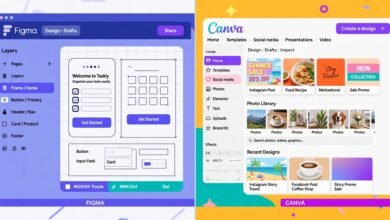
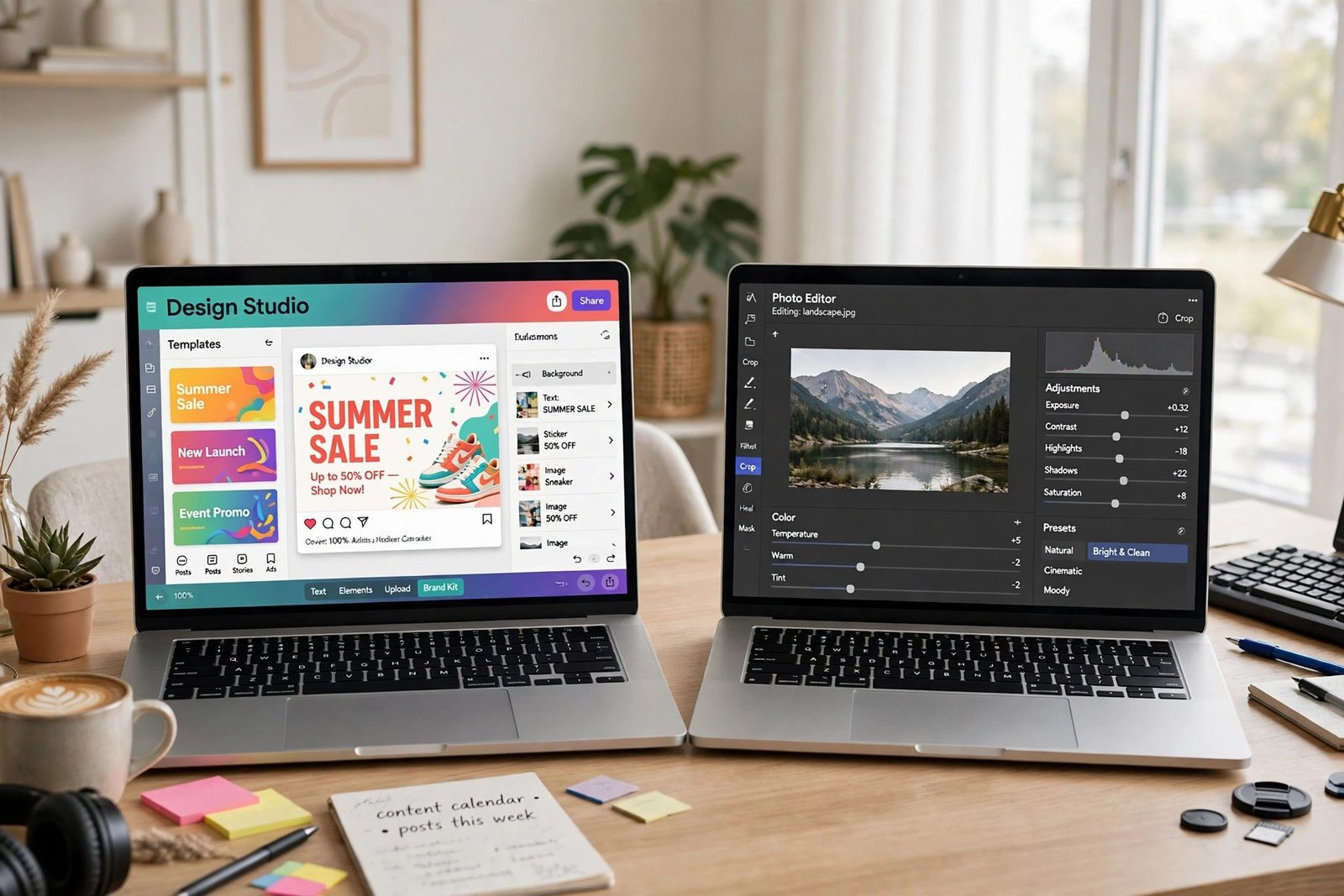
Canva and Adobe Express are the two most popular design tools for beginners, and they look similar at first glance. Both run in your browser, both offer free plans, both give you templates for social posts, flyers, and presentations, and both now include AI tools that generate images and text. So which one should you choose? The answer depends on what you make, how often you make it, and how much you want to pay.
For most beginners, Canva is the better first pick because it offers more templates, more formats, and the easiest learning curve. Adobe Express is the better pick if you want a strong free plan, a cheaper paid plan, and Adobe quality AI images. Both have free plans, so try each one before you pay.
What Is Canva?
Canva is an all in one design platform that started as a simple tool for social graphics and grew into a workspace for almost every kind of visual content. You can design Instagram posts, presentations, posters, videos, documents, whiteboards, websites, and print products, all in one place. Its template library is the largest in the category, with more than 1.6 million free templates and millions more behind the paid plan.
Canva’s AI tools live under the Magic Studio name. Magic Write drafts text, Magic Resize turns one design into many sizes, Magic Grab moves objects inside a photo, and Magic Expand extends an image beyond its edges. A newer chat style assistant, called Canva AI, can build a whole design from a single sentence. For teams, Canva adds brand kits, approvals, and shared folders that keep everyone on the same visual style.
What Is Adobe Express?
Adobe Express is Adobe’s answer for people who will never open Photoshop. It focuses on fast, polished social content: posts, stories, flyers, short videos, and simple web pages. It covers fewer formats than Canva, but what it does, it does cleanly, with a tidy interface and templates that many designers find more refined.
Its AI comes from Firefly, Adobe’s own image model. Firefly was trained on licensed Adobe Stock content and public domain material, which matters if you care about how AI images are made. Adobe Express also connects with the wider Adobe world, so if you already use Photoshop, Illustrator, or Adobe Stock, your files and fonts travel with you. Its free plan is unusually generous, including unlimited background removal, a feature Canva locks behind its paid plan.
Canva vs Adobe Express at a Glance
Here is the quick comparison. Read the sections below for the detail behind each row.
| Feature | Canva | Adobe Express |
|---|---|---|
| Best for | Daily creators and teams | Budget buyers and Adobe users |
| Free plan | Yes, 1.6 million plus templates, 5GB storage | Yes, 100,000 plus templates, 5GB storage, free background removal |
| Paid plan price | Pro around 15 to 18 dollars a month, or around 120 to 144 dollars a year | Premium 9.99 dollars a month in the US |
| Templates | Millions across nearly every format | Fewer, but polished and well designed |
| AI image tool | Magic Studio and Canva AI | Firefly, trained on licensed stock content |
| Fonts | Large library, more on paid plans | 30,000 plus Adobe Fonts on Premium |
| Storage on paid plan | 100GB | 100GB |
| Team plan | Business around 25 dollars per seat a month | Teams around 4.99 to 7.99 dollars per seat a month |
| Easiest to learn | Easiest learning curve in the category | Simple, but more options on screen |
Prices vary by region and change often, so check the official pricing page before you pay.
Which One Is Cheaper?
Adobe Express wins on price at every step. Its Premium plan costs 9.99 dollars a month in the US, while Canva Pro costs around 15 to 18 dollars a month on monthly billing, or around 120 to 144 dollars a year when paid yearly. That gap is small for one person, but it grows fast for teams. Canva Business costs around 25 dollars per seat a month, while Adobe Express Teams costs around 4.99 to 7.99 dollars per seat a month.
The free plans tell a similar story. Both are free forever and genuinely usable, but Adobe Express gives you more on the free tier, including unlimited background removal and access to Adobe Stock assets. Canva’s free plan gives you far more templates, but it holds back the background remover, Magic Resize, and the full Magic Studio toolset for paying users.
If budget is your main concern, start with Adobe Express. If you plan to use the tool daily for many kinds of content, Canva Pro’s higher price buys a much wider toolset.

Which One Has More Templates and Formats?
Canva wins here, and the gap is wide enough to matter. It offers millions of templates across social posts, presentations, posters, videos, documents, whiteboards, websites, and print. Its search makes it easy to start from something close to what you want, then change the colors, fonts, and images to match your brand.
Adobe Express offers far fewer templates, but many users find them nicer. They look cleaner and more editorial, and they need less tweaking to look professional. If you mainly make social posts and flyers, you may never notice the smaller library. If you make many kinds of content every week, Canva’s depth will save you time.
Which AI Tools Are Better?
Both tools have strong AI, but they shine in different ways. Canva’s Magic Studio covers more jobs: writing, resizing, removing backgrounds, expanding images, and turning a sentence into a finished design. Its AI is metered in tiers, with Pro getting a set number of standard, premium, and ultra uses each month. The headline features, such as the chat style Canva AI designer and text to video, sit in the highest tier.
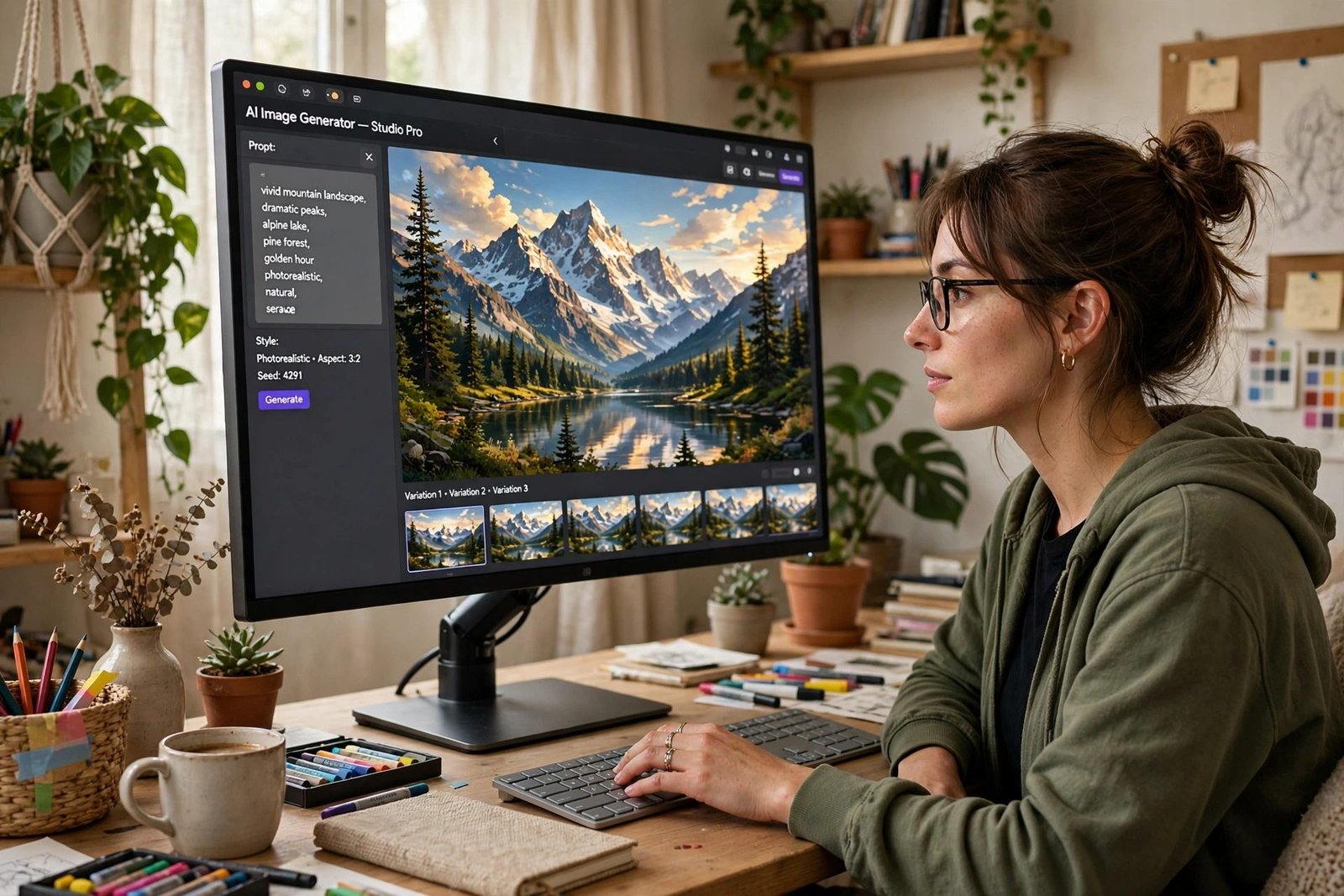
Adobe Express keeps things simpler. Firefly generates images, creates text effects, and powers tools like Clip Maker for short videos. Premium includes 250 generative credits a month, and the image quality is widely praised, especially for realistic photos and clean product shots. If your main AI need is great looking images, Firefly is hard to beat. If you want AI to help with every part of the design process, Canva’s wider toolset fits better.
Which One Is Easier for Beginners?
Both are beginner friendly because the main path is the same: pick a template, edit it, resize it, and export it. Canva is usually easier for a first time creator who wants many content types in one menu. Everything is labeled clearly, and the drag and drop editor forgives mistakes. Most people make their first finished design in Canva within minutes of signing up.
Adobe Express is usually easier for a beginner who already uses Adobe products, or who wants a calmer screen with fewer choices. Its editor shows fewer options at once, which some beginners find less overwhelming. The trade off is that finding an advanced feature can take an extra click.
For a complete beginner with no design background, Canva has the gentler learning curve. For a beginner who values a clean workspace and already lives in the Adobe world, Express feels more natural.
Which One Should You Choose?
Your answer depends on your situation. Match yourself to one of these profiles.
- Pick Canva if you create many kinds of content every day. Its template depth, Magic Studio tools, brand kits, and team controls fit creators, marketers, freelancers, and small teams who need one tool for almost every format.
- Pick Adobe Express if you are on a tight budget. Its free plan is strong, Premium costs 9.99 dollars a month, and it fits small business owners, casual creators, and students who mainly make social posts, flyers, and short videos.
- Pick Canva if you work with a team. Shared brand kits, approvals, and content scheduling keep a team consistent, and Canva’s collaboration tools are the most mature in this category.
- Pick Adobe Express if you already use Adobe products. Photoshop files, Illustrator assets, and Adobe Fonts flow straight into Express, so you can start from your existing brand assets without rebuilding them.
- Pick Canva if logos and branding are part of your work. Pair it with our roundup of the best AI logo makers to build a full brand kit, then use Canva to apply it everywhere.
Still unsure? Use both free plans for a week. Make the same Instagram post in each tool and see which one feels faster. Your own experience will answer the question better than any comparison article.
How Canva and Adobe Express Fit Your Wider Toolkit
A design tool rarely works alone. It sits beside the other apps in your workflow, and both Canva and Adobe Express play well with others. Canva connects with hundreds of apps, from social schedulers to cloud storage, and it can publish straight to social platforms. Adobe Express connects deeply with Adobe Creative Cloud and Adobe Stock, which matters if your photos and brand files already live there.
Think about the rest of your stack too. If you run a small business, the right design tool should sit beside the best AI tools for small business owners you already use for writing, bookkeeping, and customer messages. And if video is part of your content plan, compare your options with our guide to the best AI video generators before you commit to one design app for everything.
Frequently Asked Questions
Is Canva or Adobe Express better for beginners?
Canva is the better first pick for most beginners because it has more templates, more formats, and the easiest learning curve. Adobe Express is better for beginners who want a cheaper paid plan, a stronger free plan, or Adobe quality AI images.
Is there a free version of Canva and Adobe Express?
Yes, both have free plans that cost nothing forever. Canva Free includes more than 1.6 million templates and 5GB of storage. Adobe Express Free includes more than 100,000 templates, 5GB of storage, and unlimited background removal.
Which is cheaper, Canva Pro or Adobe Express Premium?
Adobe Express Premium is cheaper. It costs 9.99 dollars a month in the US. Canva Pro costs around 15 to 18 dollars a month on monthly billing, or around 120 to 144 dollars a year. Prices vary by region, so check the official pricing page before you buy.
Can I use Canva and Adobe Express together?
Yes, and many creators do. A common setup is Canva for presentations and multi format content, plus Adobe Express for quick social posts and Firefly images. Both free plans make it easy to test this workflow before paying for either one.
Which one has better AI image generation?
Firefly in Adobe Express is widely praised for image quality, especially for realistic photos. Canva’s Magic Studio and Dream Lab cover more AI jobs overall, including text, resizing, and video. For pure image quality, Firefly often wins. For AI across the whole design process, Canva wins.
Conclusion
Canva vs Adobe Express is not a contest with one winner. Canva is the broader tool: more templates, more formats, better team features, and AI that helps with every step. Adobe Express is the sharper value: a generous free plan, a 9.99 dollar Premium plan, polished templates, and Firefly images that look superb. For most beginners, Canva is the safer first choice. For budget conscious creators and Adobe users, Express is the smarter buy. Try both free plans, make the same design in each, and let your own hands decide.