If you have ever typed a research question into a search engine and then spent an hour opening ten tabs to check the answer, Perplexity AI was built for you. It searches the live web, reads the sources, and returns a direct answer with numbered citations you can open and verify. This guide shows you how to use Perplexity AI for research, step by step, even if you have never used an AI search tool before.
You will learn what Perplexity AI is, what the free and Pro plans include, how to ask questions that get better answers, and when to use Deep Research instead of a quick search. By the end, you will know exactly when Perplexity beats Google and ChatGPT for research, and when it does not.
Perplexity AI is an answer engine that searches the live web and returns an answer with citations. To use it for research, type a question, set a Focus mode, read the cited sources, and ask follow up questions in the same thread. The free plan covers basic research. Pro adds Deep Research and model choice for 20 dollars a month.
1. What Is Perplexity AI?
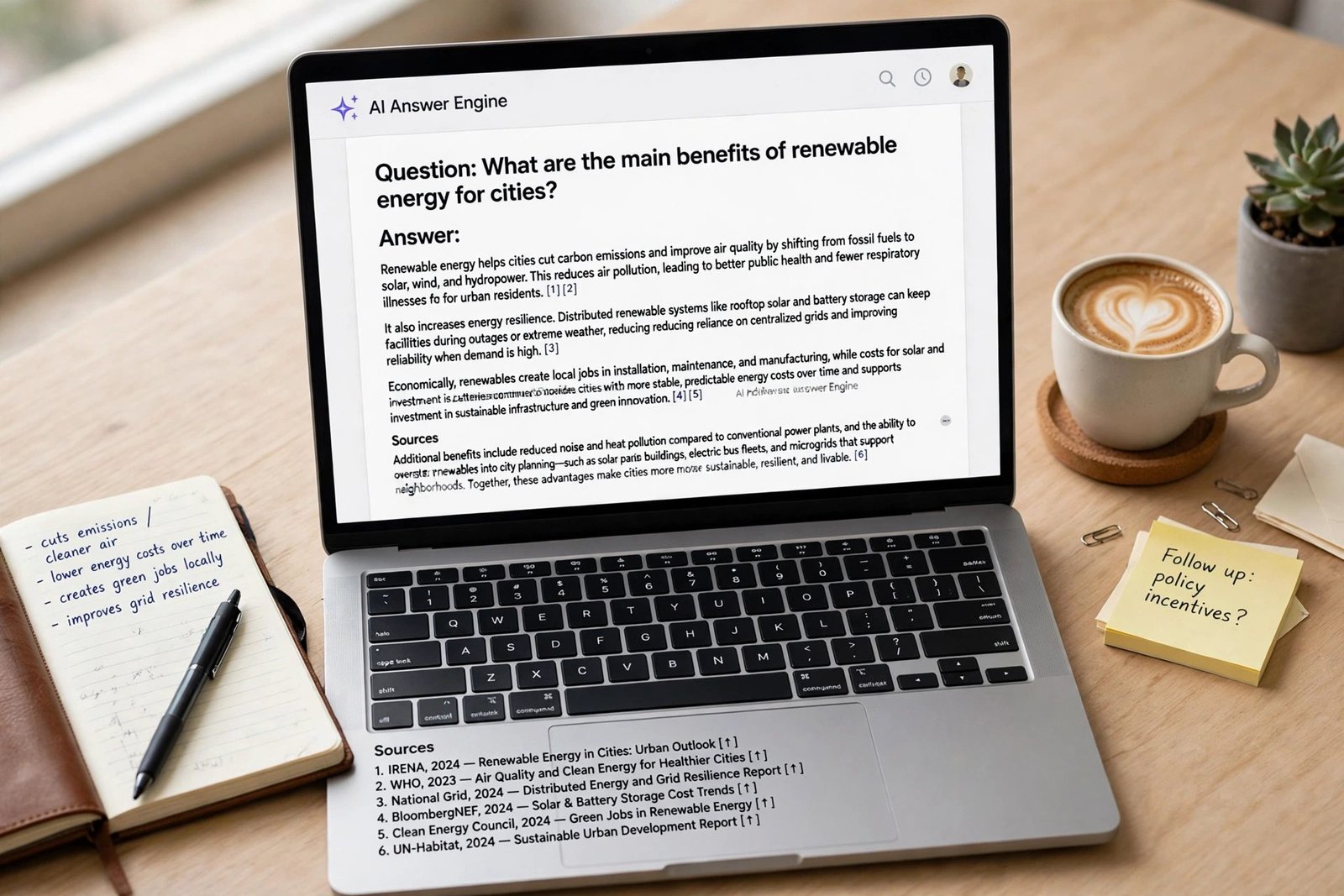
Perplexity AI is an AI powered answer engine, not a traditional search engine. Instead of giving you a list of links, it searches the web in real time, reads the pages it finds, and writes a direct answer in plain language. Every important claim in the answer carries a small numbered citation, so you can click through to the original source and check it yourself.
That citation habit is what makes Perplexity useful for research. A normal chatbot can give you a confident answer with no way to check it. Perplexity shows its work. You can see which sources it used, whether they are trustworthy, and whether the answer is current. It also keeps your questions in threads, so follow up questions stay in context without you repeating the background.
2. Perplexity Free vs Pro: What Do You Actually Get?
Perplexity has a free plan and paid plans, and the free plan is genuinely useful. The table below compares the plans as listed on Perplexity’s pricing page in 2026, but check the official page before you pay, since prices and limits change.
| Plan | Price | What you get | Best for |
|---|---|---|---|
| Free | 0 dollars a month | Practically unlimited basic searches with citations, 3 Pro Searches a day, 1 Research query a month, limited file uploads | Casual research and trying the tool |
| Pro | 20 dollars a month, or 200 dollars a year | Unlimited Pro Search, Deep Research, model choice, 10 times the file uploads, image generation, Pages, app connectors | Students, analysts, journalists, daily researchers |
| Max | 200 dollars a month | Everything in Pro with the highest usage limits, earliest feature access, and more Computer credits | Heavy users who bill their hours |
| Education Pro | 10 dollars a month for verified students | Pro features at half price | Students and educators |
Most beginners should start on the free plan. It covers everyday research well, and the 3 daily Pro Searches plus 1 monthly Research query are enough to learn the tool. Upgrade to Pro only when you hit the limits every week, need Deep Research often, or want to pick the model behind each answer.
3. How to Use Perplexity AI for Research in 6 Steps
You can start in under a minute. Open perplexity.ai in your browser or download the app, and you can ask a question without an account. Creating a free account saves your threads and unlocks file uploads, so it is worth doing.
- Ask a full question, not keywords. Type the question the way you would ask a colleague, with the subject, the decision you need to make, and the time period. “What does Perplexity Pro cost in the United States in 2026?” beats “Perplexity Pro price” every time.
- Set a Focus mode before you search. Use Academic for papers and studies, Finance for market data, Social for forums and discussion, and Web for everything else. Focus filters out most junk before the answer is written.
- Read the answer, then click the citations. The answer is only as good as its sources. Open at least two citations, check that they say what Perplexity claims, and note the date on each source.
- Ask follow up questions in the same thread. Narrow, challenge, or expand the previous answer without rewriting the full question. Threads keep the context, so each follow up builds on the last answer.
- Upload files when the sources are yours. On Pro, you can upload a PDF or document and ask questions about it alongside web research. On the free plan, uploads are limited, so save them for the documents that matter most.
- Save or export what matters. Turn a good thread into a shareable Page, or export a Deep Research report as a PDF or document for your notes.
4. Focus Modes: How to Narrow Your Search
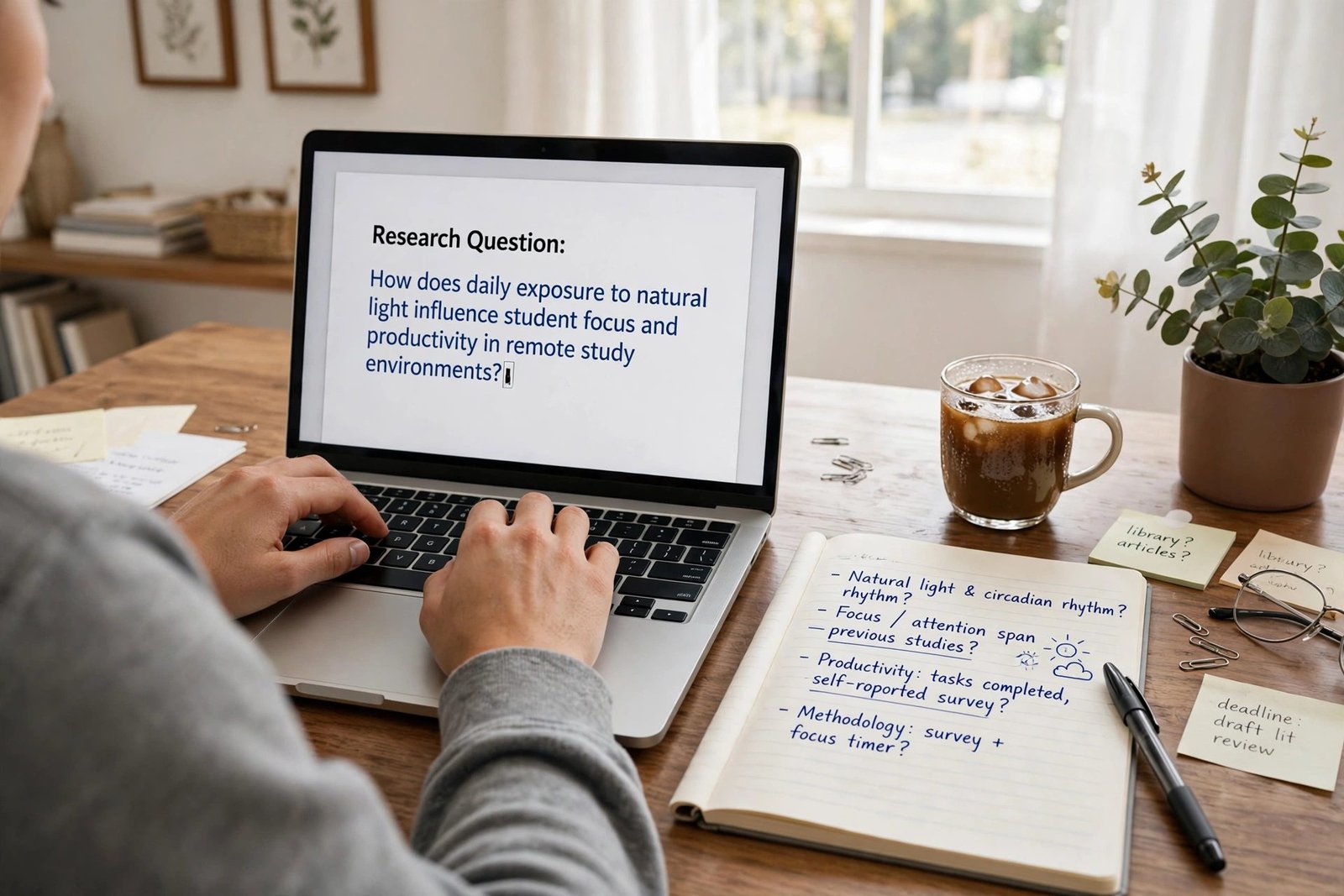
Focus is the most underused feature in Perplexity. It tells the tool where to look before it starts searching, which changes the quality of the answer more than any other setting.
Use Academic when you need papers, studies, or textbook level explanations. Use Finance when you need stock prices, earnings, or market news. Use Social when you want real user opinions from forums and discussion boards. Use Web for general questions, news, and how to guides. If your answer looks thin or off topic, the Focus mode is usually the first thing to check.
5. Deep Research: When to Use It
Deep Research is the long form mode. Instead of a quick answer from a few sources, it spends a few minutes running many searches and reading dozens of sources, then assembles a structured report you can export. Most reports finish in under 3 minutes, and some take 4 to 5 minutes.
Use Deep Research when the question has several parts, when claims conflict, or when you need a report you would otherwise assemble by hand. A comparison of two tools, a market overview, or a literature summary are all good fits. Do not waste it on a quick fact. On the free plan you get 1 Research query a month, so spend it on the question that would take you longest by hand.
6. Five Prompt Habits That Get Better Answers
Good research on Perplexity starts with a good prompt. These five habits make the biggest difference.
- State the decision. “Research electric bikes for a 10 mile commute in 2026” gets a better answer than “electric bikes”, because Perplexity knows what to optimize for.
- Ask for a table. Tables force the tool to compare options side by side with citations, which makes gaps and weak claims easy to spot.
- Name your sources. “Prefer official pricing pages and company docs” keeps the answer grounded in primary sources instead of roundup articles.
- Ask for uncertainty. “Mark every claim you are unsure about” makes the tool flag weak evidence instead of hiding it.
- Give a date. “As of November 2026” stops the tool from mixing old prices and retired features into a current answer.
7. Perplexity vs ChatGPT vs Google: When to Use Each
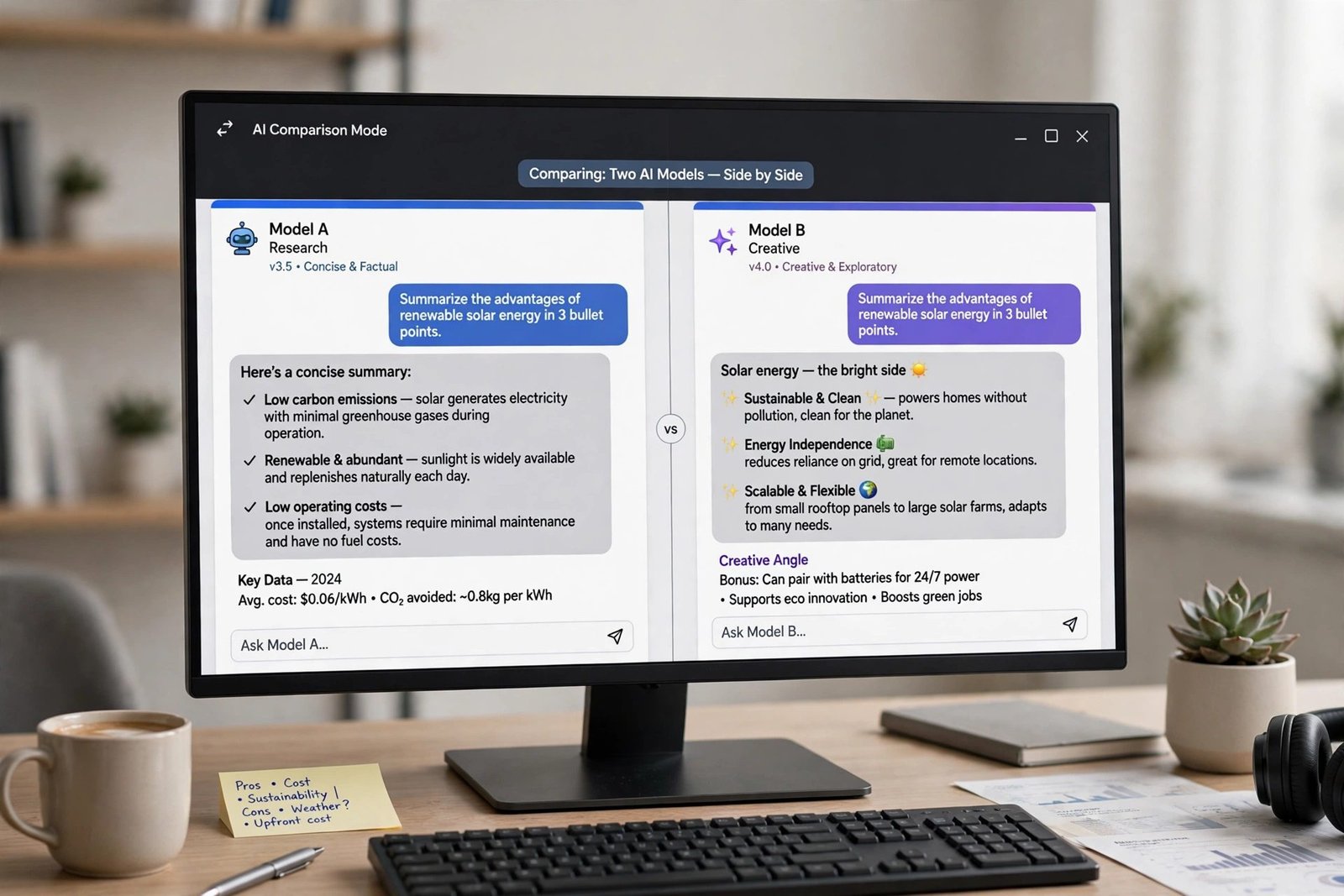
Perplexity is not a replacement for every tool. It is the best choice when the answer must be current and checkable, like a price, a regulation, or a comparison. If you need to draft, edit, or brainstorm, ChatGPT or Claude is the better tool. If you need to browse many pages yourself, Google still wins. Our Perplexity vs ChatGPT comparison breaks down the differences in detail.
A practical workflow is to research in Perplexity, then draft in ChatGPT or Claude. You get cited facts from one tool and strong writing help from the other. For longer writing projects, our guide to the best AI writing tools for bloggers shows which tools pair well with Perplexity. And if your research is for SEO, start with our keyword research guide so you search for terms people actually use.
Frequently Asked Questions
Is Perplexity AI free?
Yes. The free plan costs 0 dollars and includes practically unlimited basic searches with citations, 3 Pro Searches a day, and 1 Research query a month. File uploads are limited on the free plan. Pro costs 20 dollars a month, or 200 dollars a year, and raises every limit.
Is Perplexity better than ChatGPT for research?
For research, yes. Perplexity searches the live web on every question and cites its sources, while ChatGPT is stronger at drafting, editing, and brainstorming. Use Perplexity to find and verify facts, then use ChatGPT to write with them.
Can Perplexity replace Google?
Not completely. Perplexity is faster when you want one verified answer, but Google is better when you want to browse many pages, compare shopping results, or explore a topic without a clear question. Most researchers use both.
What is Deep Research in Perplexity?
Deep Research is a mode that runs many searches, reads dozens of sources, and assembles a structured report in a few minutes. Use it for multi part questions, comparisons, and market overviews. Free accounts get 1 Research query a month.
Does Perplexity cite its sources?
Yes, every answer carries inline numbered citations that link to the original pages. Always open the citations for important claims, since a citation proves the source exists, not that Perplexity read it correctly.
The Short Version
Perplexity AI turns research into a conversation with sources attached. Ask full questions, set a Focus mode, check the citations, and follow up in the same thread. Start free, use your 3 daily Pro Searches wisely, and save Deep Research for the questions that would take you an afternoon by hand.