Choosing Wisely: How to Find What Is the Best Android App Development Software for Your Next Project

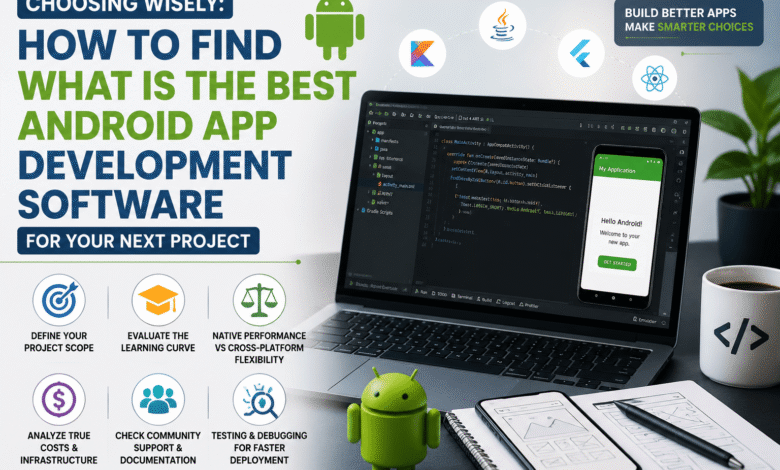
Android app development has become more accessible than ever because developers can choose from many powerful tools and frameworks. However, selecting the right software remains challenging because every project has different technical requirements, budgets, and long-term goals. Understanding what is the best android app development software begins with evaluating your specific needs instead of following popular trends. At Its Tech Club, we believe informed decisions lead to better applications, smoother development workflows, and greater long-term success.
Modern development platforms range from fully featured native environments to cross-platform frameworks that support multiple operating systems. Each option offers different advantages for performance, learning difficulty, scalability, and maintenance. Comparing these strengths carefully helps developers avoid unnecessary costs and technical limitations later.
Whether you are creating a simple utility application or a feature-rich business platform, your software choice directly affects the entire development process. The right tool improves productivity while making testing, debugging, and future updates much easier. Taking time to evaluate available options creates a stronger foundation before writing the first line of code.
1. Defining Your Project Scope Before Choosing an IDE
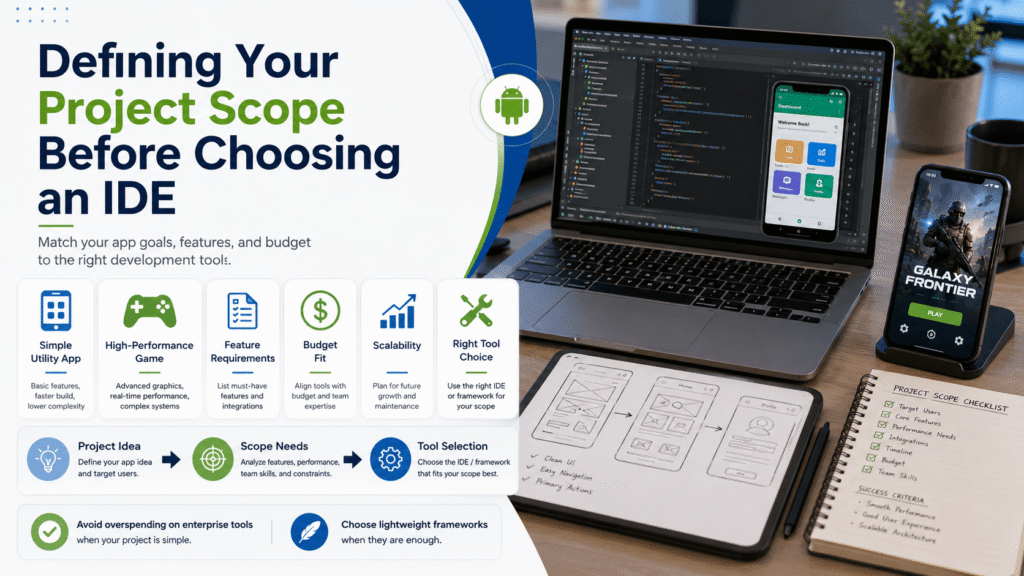
Every successful Android project begins with a clear understanding of its purpose, features, and expected user experience. A simple note-taking application requires far fewer resources than a graphics-intensive mobile game or enterprise platform. Defining project scope early prevents developers from selecting unnecessarily complex development environments.
Many beginners assume powerful software automatically produces better applications regardless of project requirements. In reality, heavyweight enterprise platforms may increase development time while adding features that smaller projects never need. Choosing software that matches project complexity improves efficiency while reducing unnecessary technical overhead.
Planning should also consider future updates, expected user growth, third-party integrations, and maintenance requirements. A scalable development environment supports long-term expansion without requiring a complete technology change later. Careful planning helps developers invest time and resources more effectively from the beginning.
You may also like:
2. Evaluating the Learning Curve of Popular Android Development Tools
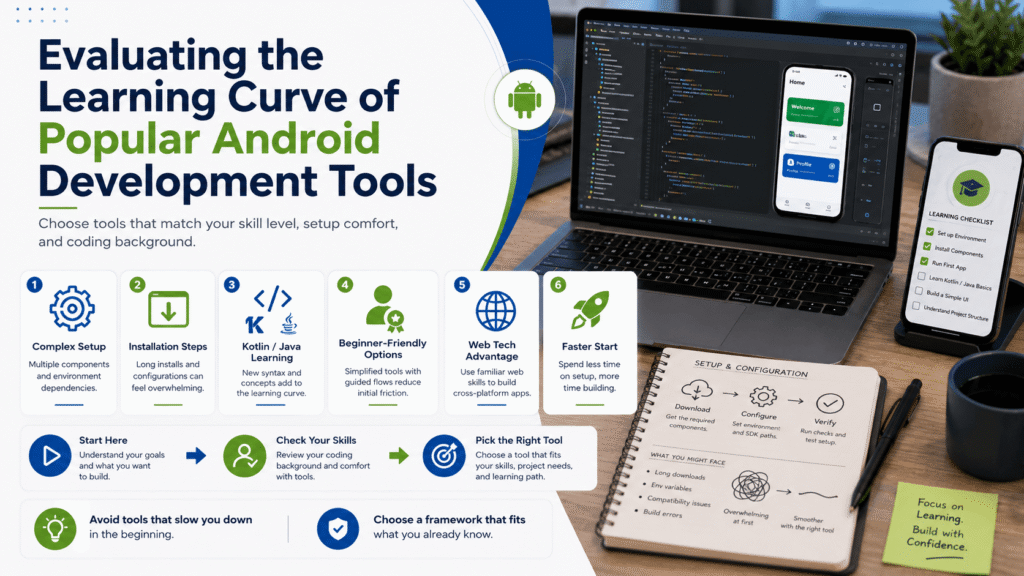
Learning Android development becomes much easier when software matches your existing programming knowledge and experience. Beginners often feel overwhelmed by complicated installation procedures, unfamiliar interfaces, and advanced configuration settings before building their first application. Selecting beginner-friendly tools helps maintain motivation throughout the learning process.
Native Android development typically relies on Kotlin or Java, both of which require dedicated learning for new programmers. Developers with web development experience may find cross-platform frameworks more approachable because they often support familiar programming languages. Choosing software that builds upon existing skills can significantly reduce learning time.
High-quality documentation, interactive tutorials, and active educational communities also influence how quickly developers become productive. Reliable learning resources help users solve problems without unnecessary frustration during development. Investing time in learning the fundamentals creates stronger technical skills regardless of the chosen platform.
You may also like:
3. Weighing Native Android Performance Against Cross Platform Flexibility
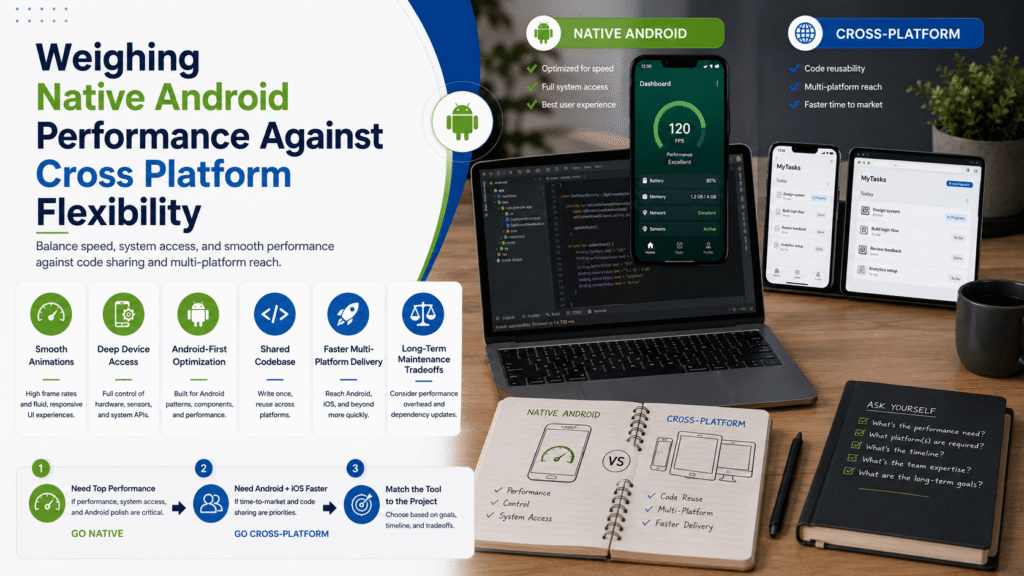
Understanding what is the best android app development software requires balancing performance with development efficiency. Native Android development provides direct access to operating system features while delivering excellent speed and smooth user interface performance. This approach often suits applications requiring advanced hardware integration or intensive graphics processing.
Cross-platform frameworks allow developers to build applications for Android and iOS using a shared codebase. This approach reduces duplicate work while simplifying long-term maintenance across multiple operating systems. Businesses with limited budgets often appreciate the ability to support different platforms without maintaining separate development teams.
Each development approach involves practical trade-offs depending on project requirements and available resources. Native applications generally provide maximum performance, while cross-platform solutions emphasize development speed and broader platform compatibility. Evaluating these priorities carefully helps developers choose software that best supports their project goals.
You may also like:
4. Analyzing the True Costs of Licensing and App Development Infrastructure
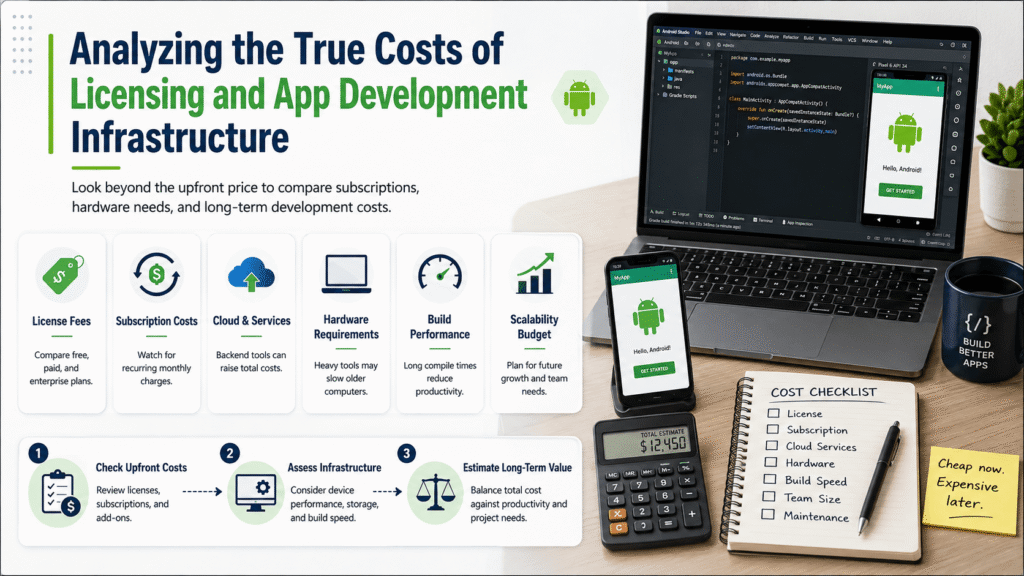
Choosing development software involves more than comparing download prices or subscription plans. Some visual app builders appear affordable initially but introduce premium features, publishing fees, or higher monthly costs later. Understanding the complete pricing structure helps developers avoid unexpected expenses throughout the project lifecycle.
Hardware requirements also influence the overall cost of Android development, especially for larger applications. Resource-intensive development environments may require modern processors, additional memory, and faster storage for efficient compilation. Older computers can experience slower build times, reducing productivity and increasing development frustration.
Developers should also consider expenses related to testing devices, cloud services, version control, and team collaboration tools. These supporting resources become increasingly important as projects grow in complexity and scale. Evaluating the complete development ecosystem creates more accurate project budgets and long-term planning.
You may also like:
5. Checking the Reliability of Community Support and Ecosystem Documentation
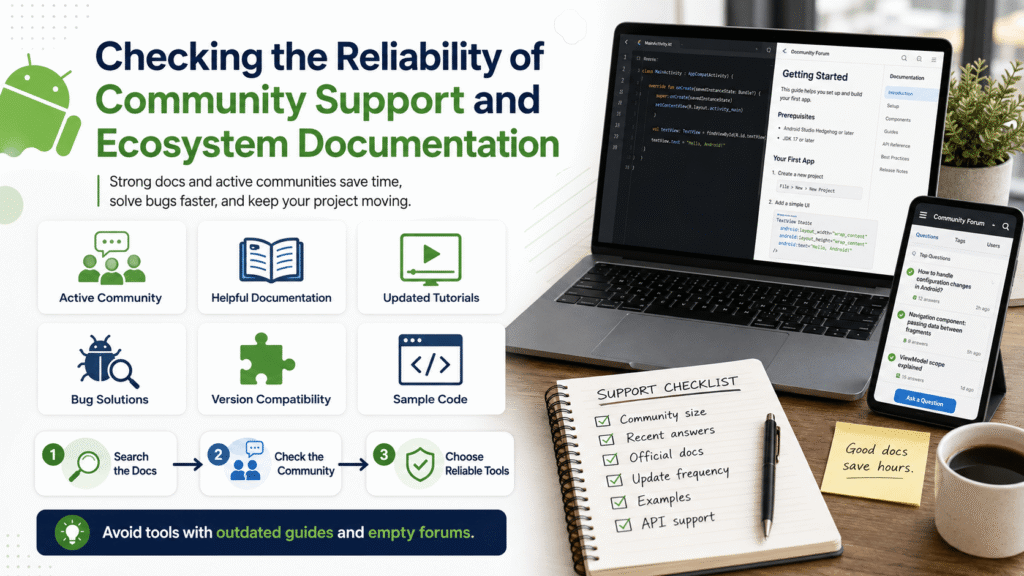
Strong community support often becomes just as valuable as the software itself during application development. Even experienced developers encounter compiler errors, dependency conflicts, or unexpected platform behavior that requires outside guidance. Active communities provide practical solutions that save valuable development time.
Official documentation should remain accurate, regularly updated, and aligned with current Android development standards. Outdated tutorials frequently reference deprecated APIs or obsolete configuration methods that no longer function correctly. Developers should prioritize learning resources maintained alongside modern software releases.
Understanding what is the best android app development software also means evaluating the quality of its ecosystem. Popular platforms usually offer extensive libraries, plugins, tutorials, discussion forums, and open source examples. A healthy development community makes solving technical challenges significantly easier throughout every stage of a project.
You may also like:
6. Testing and Debugging Capabilities That Speed Up Deployment
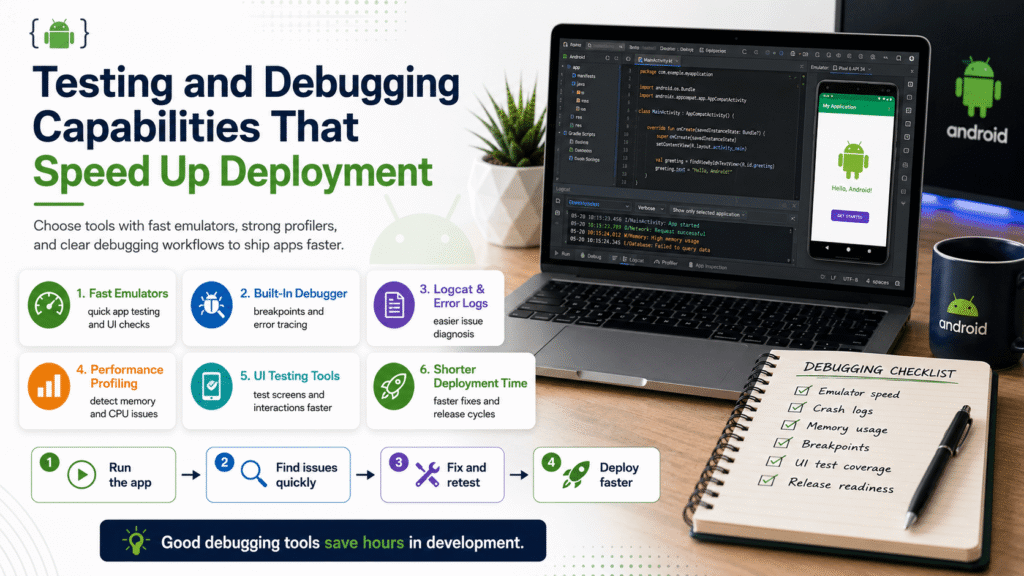
Testing and debugging tools directly influence how quickly developers identify and resolve application issues before release. Modern Android development software often includes built-in profilers, performance analyzers, and debugging utilities that simplify troubleshooting. These features help developers deliver more stable and reliable applications.
Memory leaks, slow rendering, and inefficient resource usage can reduce application quality if they remain undetected. Built-in profiling tools allow developers to monitor application behavior while identifying performance bottlenecks more efficiently. Early detection prevents small issues from becoming larger problems after deployment.
Fast emulators and real-device testing also improve productivity throughout the development process. Waiting several minutes for slow virtual devices interrupts workflow and delays application testing after simple interface changes. Efficient testing environments encourage frequent validation while helping developers release polished applications with greater confidence.
You May also like:
Conclusion
Choosing what is the best android app development software depends entirely on your project goals, technical skills, available budget, and long-term maintenance plans. No single platform satisfies every development scenario because different tools excel in different areas. Careful evaluation helps developers select software that supports both current requirements and future growth.
Successful Android development begins with informed planning rather than following the latest industry trends or marketing claims. Comparing project scope, learning resources, development costs, community support, and debugging capabilities leads to smarter decisions. At Its Tech Club, we encourage developers to build strong technical foundations by selecting tools that match their experience and project objectives, ensuring more efficient development and long-term success.