Your page can rank on page one and still get ignored. The title and the meta description are the only parts of your result a searcher reads before deciding to click, and the description does most of the persuading. A weak one blends into the page, while a strong one makes your result the obvious pick.
This guide shows you how to write meta descriptions that earn the click, using the length Google actually shows in 2026, a simple four part formula, and real before and after examples you can copy. No keyword stuffing, no clickbait, just clear writing that matches what the searcher wants.
A good meta description is 120 to 155 characters long, puts the searcher’s exact phrase and the main benefit in the first 120 characters, and ends with a clear reason to click. It does not affect rankings, but it controls how many people click once you rank. Write one unique description for every page that matters.
What Is a Meta Description and Why Does It Matter?
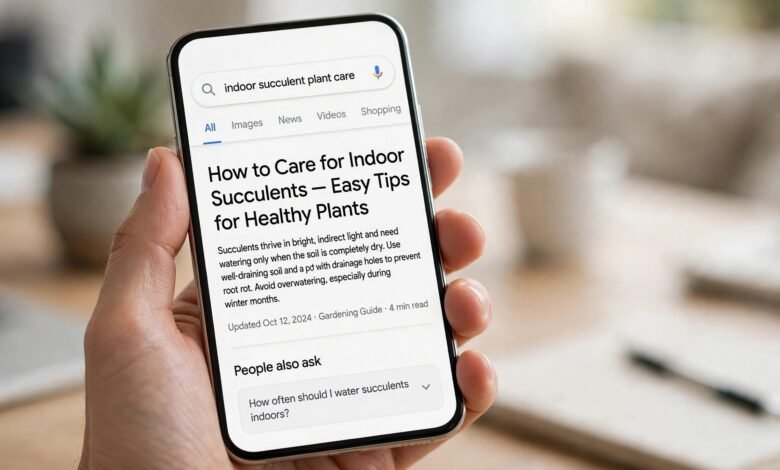
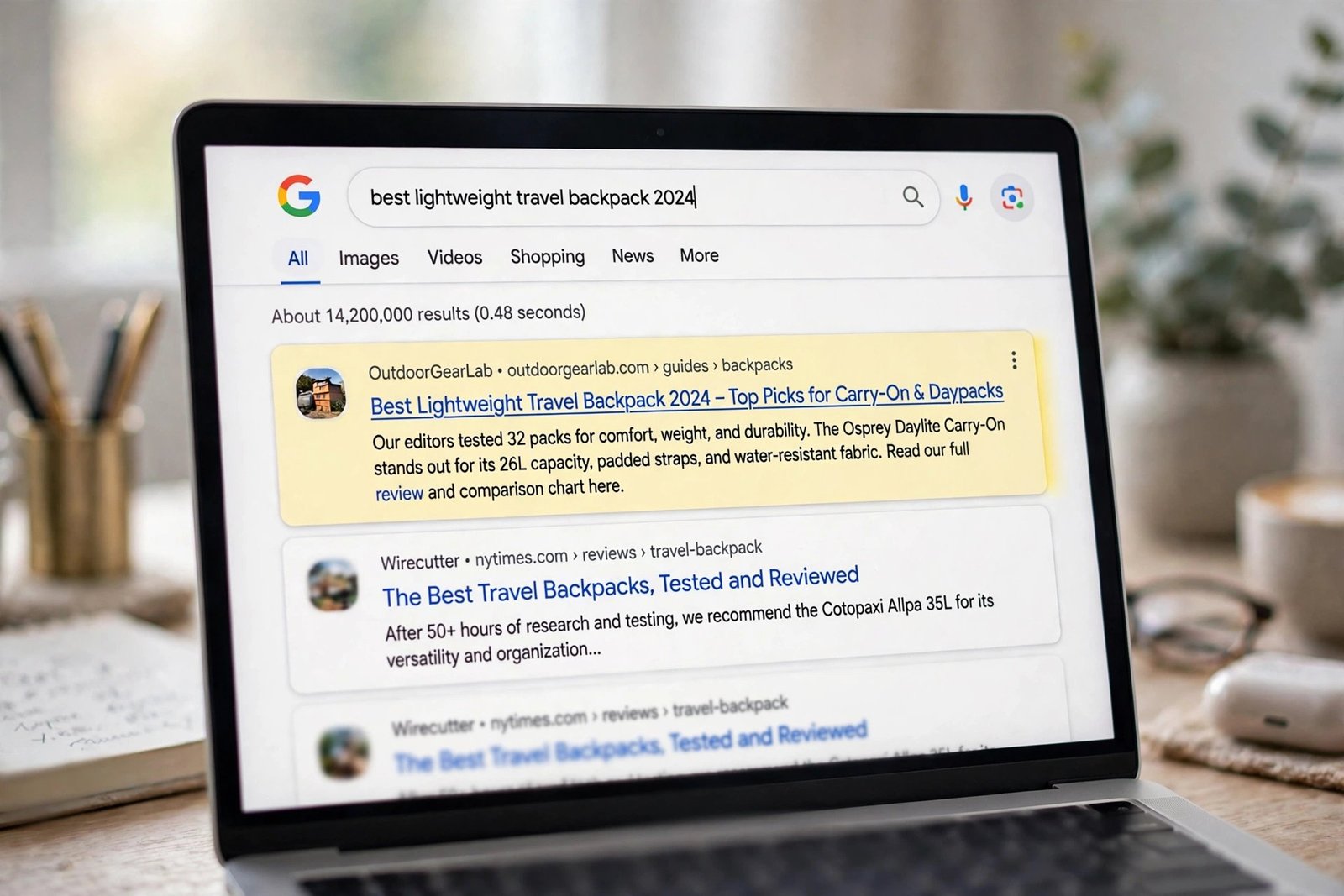
A meta description is a short summary of a page that lives in the head section of your HTML. Search engines may show it under your title in the results, as the snippet that tells a searcher what the page offers before they click.
Google has said since 2009 that the meta description is not a ranking factor. Stuffing it with keywords will not move your page up, and a long one will not help either. What it does affect is the click through rate, which is the share of people who see your result and choose it.
That choice matters more in 2026 than ever. AI Overviews now answer many searches directly on the results page, and an Ahrefs study of December 2025 data found the top ranking page gets 58 percent fewer clicks when an AI Overview appears. When the answer is already on screen, your snippet has to give people a reason to visit anyway. Our guide to how to rank in Google AI Overviews explains how to stay visible in that new layout.
How Long Should a Meta Description Be in 2026?
Google sets no character limit for meta descriptions. Its own documentation says there is no limit on how long a meta description can be, and that the snippet is cut to fit the width of the device. That cut is the real limit you have to write for.
On desktop, Google shows about 150 to 160 characters before the cut. On mobile, the cut comes much sooner, at about 120 characters. Most of your traffic is mobile, so the first 120 characters are the only part you can count on every searcher seeing.
Aim for 120 to 155 characters in total, with the main message inside the first 120. A sharp 120 character description beats a bloated 158 character one, because length is a ceiling, not a target. Tools like Yoast SEO flag descriptions under 50 characters as too short and over 160 as too long, which is a useful guardrail.
The 4 Part Formula That Gets Clicks
Stop thinking of the meta description as a summary. Think of it as a short ad with no budget, built from four parts in this order.
- Match the query. Open with the words the searcher typed, so Google bolds them in the snippet and the result feels relevant at a glance.
- Name the payoff. Say the specific thing the page delivers, such as a template, a checklist, a price, or a direct answer.
- Add one detail no other result has. A number, a date, a count, or a scope makes your result stand out from nine lookalikes.
- End with a light call to action. A plain verb like learn, compare, or download tells the reader what they can do on the page.
Put together, it reads like this: Learn how to write meta descriptions that get more clicks, with a 120 to 155 character formula, 5 proven patterns, and real before and after examples. That fits inside the 155 character ceiling, and every part of the formula is in it.
5 Meta Description Patterns That Work
Once you know the formula, these five patterns give you a starting point for any page type. Pick the one that matches the search intent, then fill in your own details.
- Answer first. Best for informational queries. Open with the answer, then promise the detail: A meta description should be 120 to 155 characters. Here is the length, the formula, and 5 patterns that earn clicks.
- Specificity. Best for product and comparison pages. Lead with numbers the reader can check: 7 models tested, prices from $499, battery life up to 12 hours, and our top pick for 2026.
- The question. Best when the searcher is unsure. Mirror their question, then promise a clear answer: Not sure which AI tool fits your small business? Compare 10 tools on price, features, and ease of use.
- The list. Best for roundups and guides. Name the count and the scope: 12 free SEO tools for beginners in 2026, tested by hand, with the best pick for every budget.
- The problem solver. Best for how to pages. Name the pain, then the fix: Slow laptop driving you mad? 12 easy fixes that work, from startup cleanup to a free RAM upgrade check.

Notice what every pattern has in common: the searcher’s words up front, one concrete detail, and a reason to click. None of them stuffs in extra keywords, and none of them promises something the page does not deliver. Google replaces descriptions that overpromise, so honesty is part of the technique.
Before and After: 3 Descriptions Rewritten
These three rewrites show the formula at work on real page types. The weak version says nothing a searcher can check. The strong version names the payoff.
| Page type | Weak description | Strong description |
|---|---|---|
| Blog post | Read our guide to meta descriptions and learn SEO tips for your website. | Learn how to write meta descriptions that get more clicks, with a simple formula and 5 proven patterns. |
| Product page | Our running shoes are comfortable and great for all kinds of runners. | Trail running shoes from $89, 7.4 oz, sizes 6 to 14, free returns. Find your fit in 60 seconds. |
| Comparison page | Compare the best AI tools and find the one that suits your needs. | ChatGPT vs Claude in 2026: price, speed, and writing quality compared side by side. See the winner. |
The strong versions are not longer. They are more specific. Specificity is what survives when Google rewrites your text, because a description that matches the query well is the one Google is most likely to keep.
How to Write a Meta Description in 7 Steps
Use this process for every important page. It takes about ten minutes per page once you get used to it.
- Find the page’s main query in Google Search Console, using the query that brings the most impressions.
- Read the top three results for that query and note what every snippet says, so yours can say something different.
- Draft one sentence of 120 to 155 characters that opens with the query words and names the payoff.
- Add one concrete detail, such as a number, a date, or a count, that no competing result mentions.
- Read it out loud. If it sounds like an ad for a page you would not click, rewrite it until it sounds useful.
- Paste it into the Yoast SEO field, check the preview on desktop and mobile, and trim anything past the cut.
- Publish, wait four to six weeks, then compare the click through rate in Search Console against the old description.
If you need the keyword first, our free keyword research guide shows how to pick the phrase worth targeting before you write a word.
Common Meta Description Mistakes to Fix
Most bad descriptions fail in the same few ways, and each one has a quick fix.
The first is duplication. If every page on your site shares one generic description, Google treats them as interchangeable and pulls text from the page instead. Write a unique description for every page that gets search traffic.
The second is keyword stuffing. Repeating the same phrase three times does not help rankings, because the description is not a ranking factor, and it reads like spam to a real person. Use the keyword once, naturally, near the start.
The third is the missing description. Pages with no meta description leave the snippet entirely to Google, which pulls whatever text it finds first. A study of Search Console data from Backlinko and ClickFlow found pages with a description got about 6 percent more clicks than pages without one.
The fourth is the vague promise. Descriptions like the best tips and tricks for your needs say nothing and get skipped. Replace the vague words with the specific thing the page delivers.
How to Measure Whether Your Descriptions Work
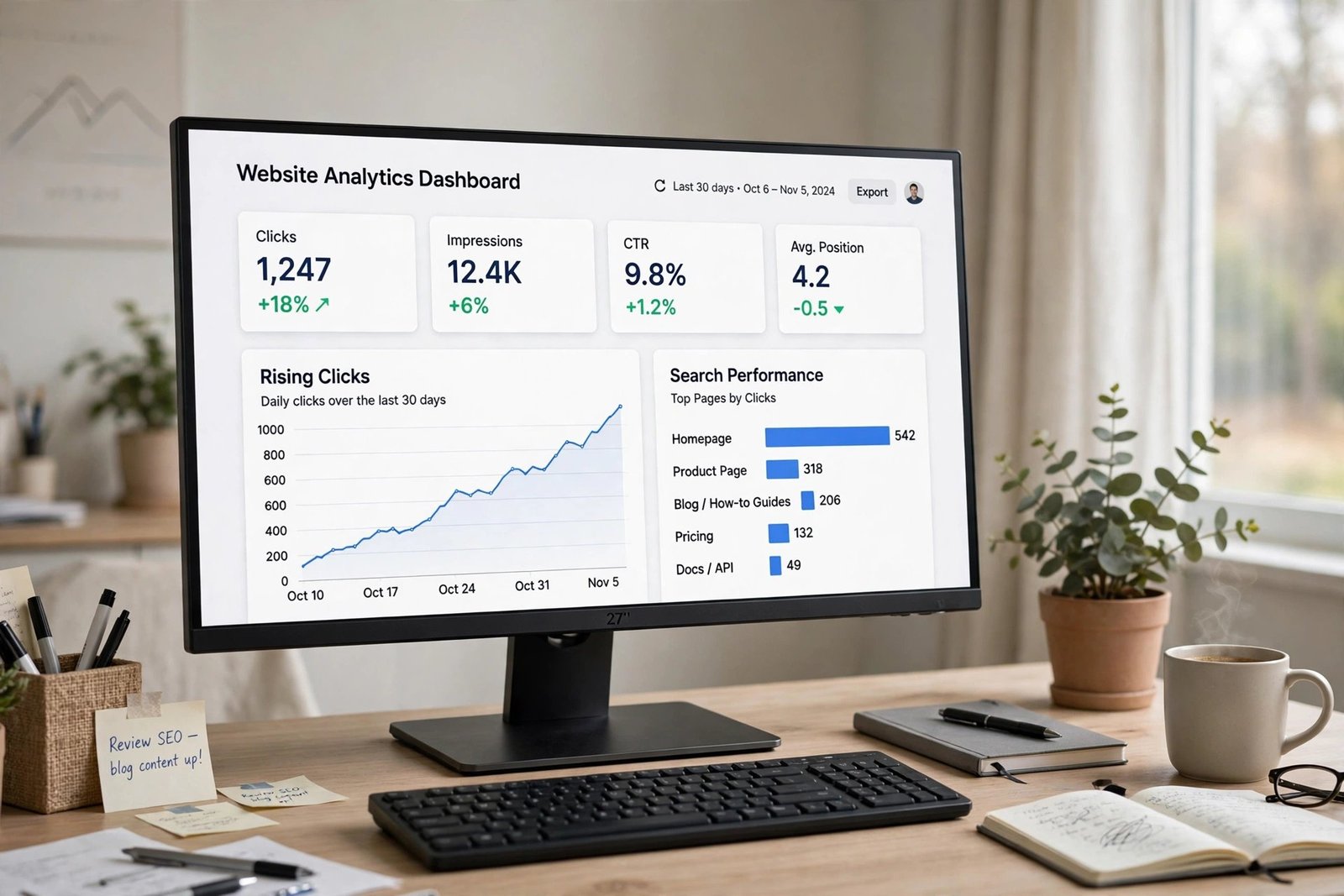
Do not judge a description by how it reads. Judge it by the clicks it earns. In Google Search Console, open the page report, filter to one page, and compare the click through rate before and after your change. Give each change four to six weeks, because search data is noisy week to week.
Change a few pages at a time, not the whole site at once, so you can tell which rewrites helped. If the click through rate rises while the position stays the same, the description did its job. If it falls, the old one was better, so put it back and try a different angle.
Keep a simple log of what you changed and when. A spreadsheet with the page, the old description, the new description, and the date is enough. Our roundup of the best free SEO tools for beginners in 2026 includes the free tools you need to track all of this without a paid subscription.
Frequently Asked Questions About Meta Descriptions
Do meta descriptions affect Google rankings?
No. Google has said for years that the meta description is not a ranking factor, and stuffing it with keywords will not move your page up. Its job is to win the click once you already rank, which is why it still matters for traffic.
How long should a meta description be in 2026?
Aim for 120 to 155 characters, with the main point inside the first 120 characters so mobile searchers see it. Google sets no official limit, and it cuts the snippet to fit the device, at about 150 to 160 characters on desktop and about 120 on mobile.
Why does Google rewrite my meta description?
Google builds most snippets from page content and uses your description only when it fits the query better than the page text. An Ahrefs study of 20,000 keywords found Google rewrote descriptions about 63 percent of the time. To lower the odds, write the description in the wording of the query that brings the most impressions and keep it specific to the page.
Should every page have a unique meta description?
Yes, every page that gets search traffic should have its own description. Google’s own guidance says identical descriptions across a site are not helpful when individual pages appear in the results. Generic descriptions are the ones most likely to be replaced.
Can I use AI to write meta descriptions?
Yes, AI can draft them, but check every draft against the formula before you publish. AI often writes vague summaries that Google replaces, so add the specific detail and the searcher’s exact words yourself. Treat the draft as a starting point, not a finished description.
Start With Your Highest Traffic Pages
You do not need to rewrite every description on your site today. Open Google Search Console, sort your pages by impressions, and start with the ten pages that get seen the most and clicked the least. Those are the pages where a better description pays off fastest.
Write each one with the formula, keep it inside 155 characters, put the payoff in the first 120, and measure the result after a month. Small pages add up: a better description on ten pages can bring more clicks than a new article, and it takes an afternoon to do.