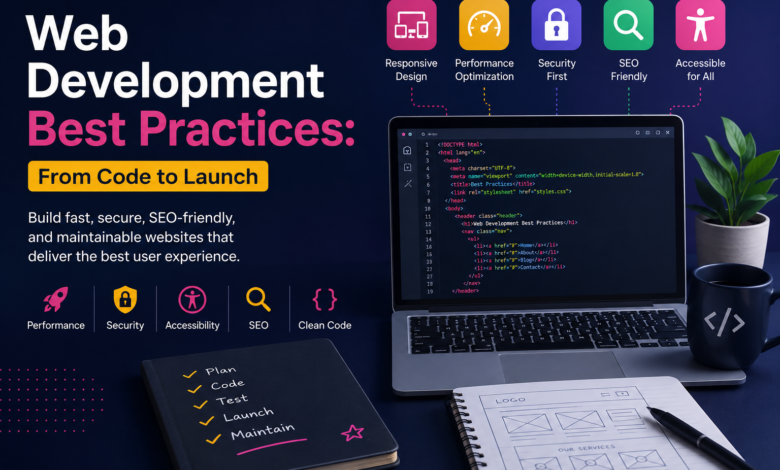
Building a website involves much more than writing code and publishing pages. A successful website needs to work reliably, load quickly, and remain easy to maintain. Developers also need to consider security, accessibility, search visibility, and different devices. These factors make web development best practices essential throughout every stage of development.
Whether you are creating a business website, online store, portfolio, or web application, good development decisions matter. A website may look impressive while still performing poorly behind the scenes. Therefore, developers should consider the complete experience from planning through launch and ongoing maintenance.
What Are Web Development Best Practices?
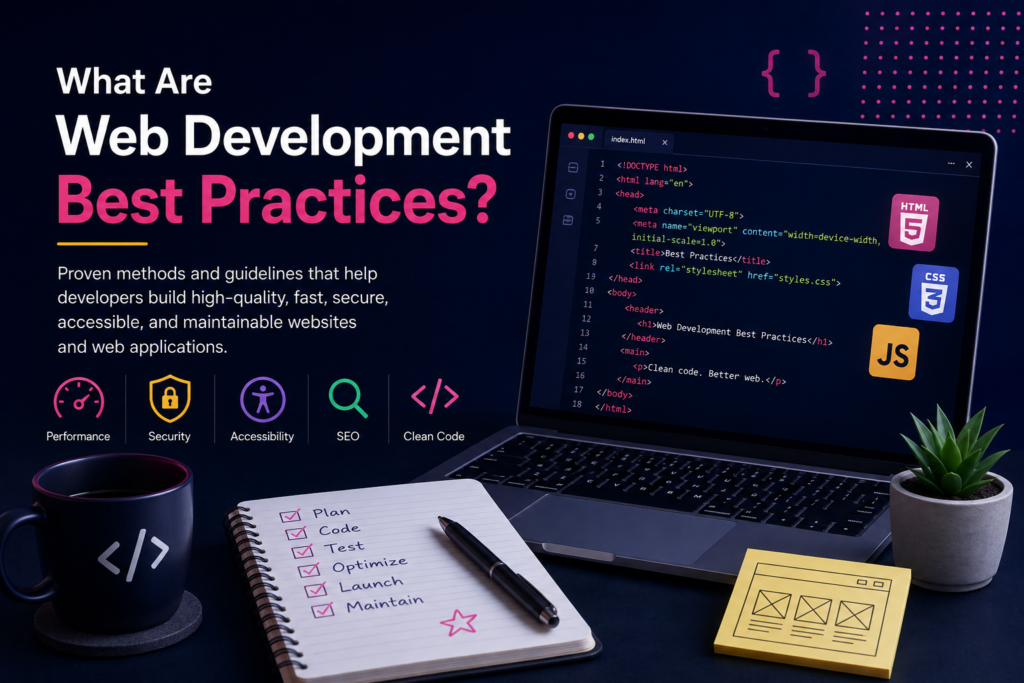
Web development best practices are proven approaches for creating reliable and useful websites. They cover everything from writing organized code to protecting users and improving performance. Following these practices can reduce technical problems and make future improvements easier.
Good development should balance appearance, functionality, speed, security, and usability. Developers should also consider how visitors access websites using different devices. Responsive design helps websites adapt across phones, tablets, laptops, and larger screens.
These principles are useful for beginners and experienced developers alike. They provide a practical foundation for making better technical decisions. Instead of treating development as separate tasks, consider the entire website lifecycle.
Start With Clear Planning

Strong websites usually begin with clear planning rather than immediate coding. Before development starts, define the website’s purpose and intended audience. Understanding these details helps determine the necessary features and overall structure.
Create a sitemap showing important pages and their relationships. Then decide how visitors should move between those pages naturally. Planning navigation early can prevent confusing structures and unnecessary development work.
You should also choose technologies based on project requirements. A simple website may not require a complicated technology stack. Similarly, larger applications may need frameworks, databases, APIs, and scalable infrastructure.
Define important requirements before development begins. This includes functionality, content, integrations, security requirements, and expected traffic. Good planning creates a clearer path from the first line of code toward launch.
Write Clean and Maintainable Code
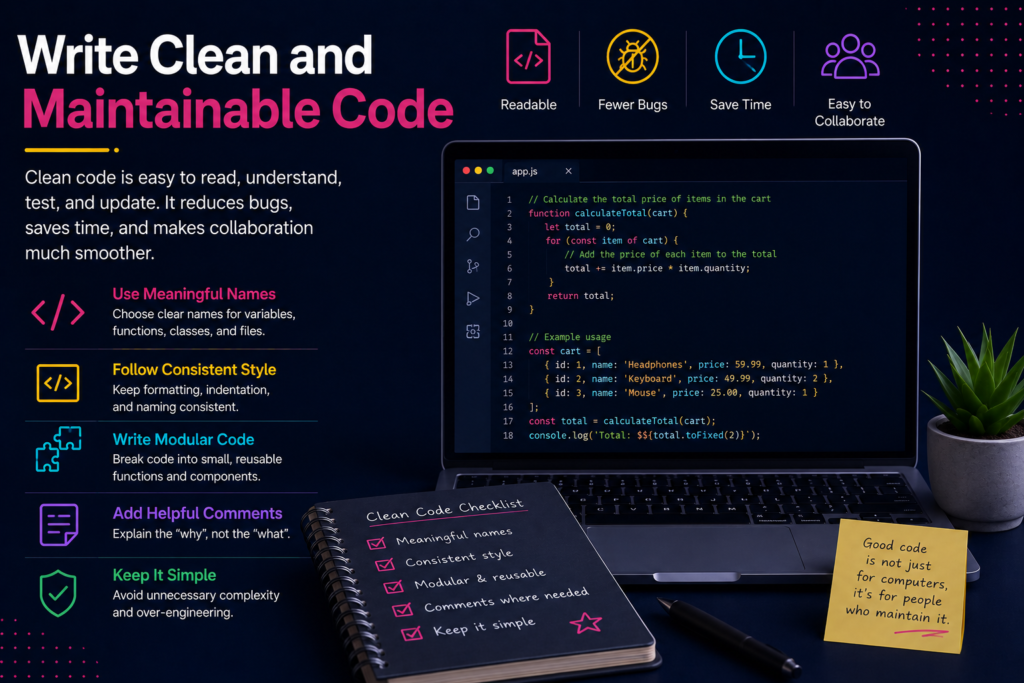
Clean code makes websites easier to understand, test, update, and troubleshoot. Developers should organize files logically and use consistent naming throughout projects. Reusable components can also reduce duplication and make future changes simpler.
Semantic HTML is particularly important because elements communicate meaning to browsers and assistive technologies. Developers should use headings, navigation elements, buttons, forms, and other elements appropriately. Correct semantics can improve usability and accessibility across different browsing experiences.
CSS should remain organized instead of becoming a collection of quick fixes. JavaScript should also be used where it genuinely improves functionality. Excessive scripting can increase complexity and negatively affect website performance.
Version control provides another important part of maintainable development. Tools such as Git allow developers to track changes and collaborate safely. Regular commits also make it easier to identify and reverse problematic changes.
Make Every Website Responsive

People access websites using devices with widely different screen sizes. Responsive development allows layouts to adapt appropriately across these different environments. Modern CSS provides several tools for creating flexible and responsive interfaces.
Developers should test navigation, forms, images, buttons, and content on smaller screens. A page that works beautifully on desktop may become difficult to use on mobile. Mobile-first development can provide a practical starting point for responsive layouts.
Images should also adapt to different screen sizes whenever possible. Sending unnecessarily large images can increase download requirements for mobile visitors. Responsive images can help deliver more appropriate resources for different devices.
Do not judge responsiveness only by resizing a browser window. Test real devices and different orientations when possible. This approach can reveal usability problems that desktop testing often misses.
Prioritize Website Performance
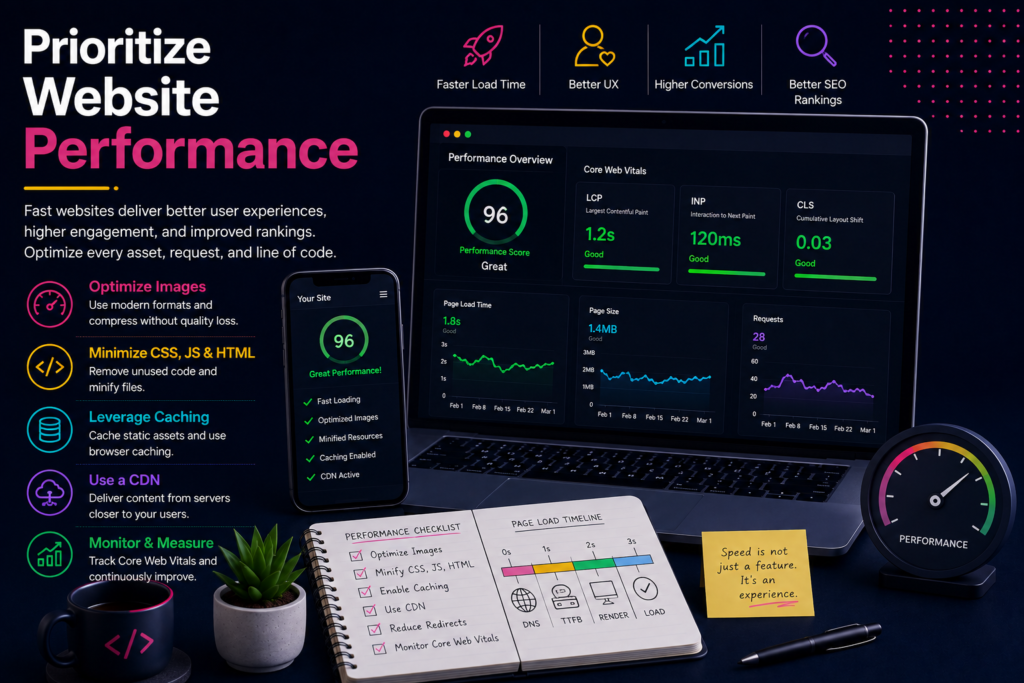
Consider performance throughout development instead of postponing it until launch. Slow websites can create frustrating experiences and make interactions feel unresponsive. MDN recommends minimizing unnecessary JavaScript and optimizing resources such as images and fonts.
Start by reducing unnecessary resources and avoiding oversized media files. Compress suitable assets and use modern formats when browser support allows. Developers should also consider caching, content delivery networks, and efficient resource loading.
JavaScript deserves particular attention because excessive scripts can increase download and processing requirements. Only load functionality that the current page genuinely needs. This can improve both initial loading and subsequent interaction.
Measure performance rather than judge it by appearance alone. Tools such as Lighthouse and PageSpeed Insights can help identify technical opportunities. Regular performance testing can prevent improvements from disappearing during future development.
Build Security Into Development
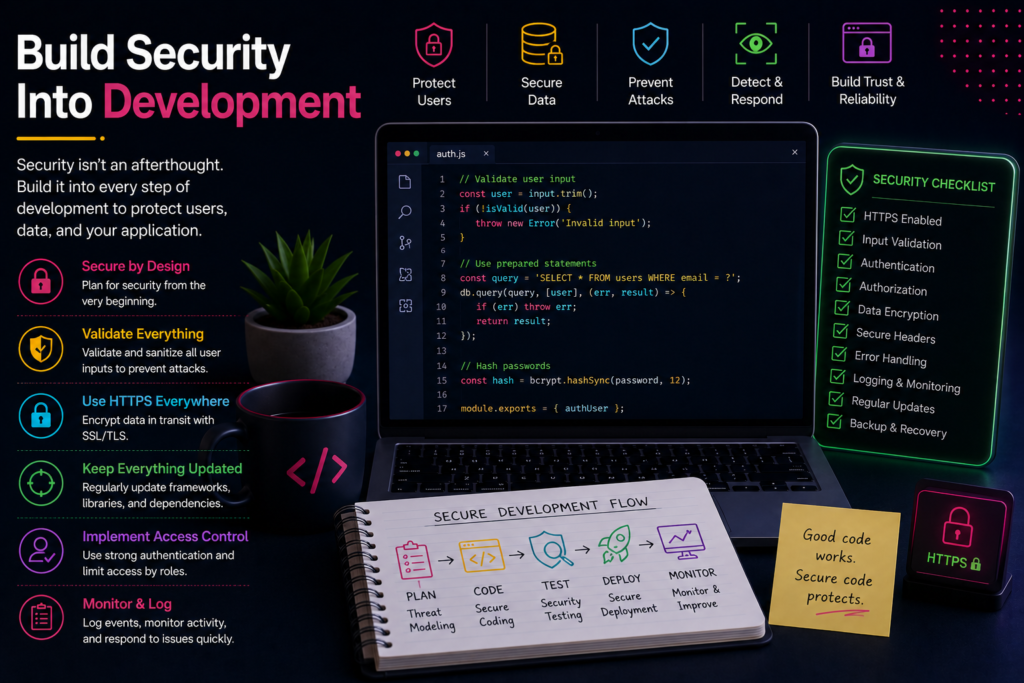
Security should never become an afterthought added shortly before launch. Developers should consider potential threats while designing features and handling user information. Secure development protects both website owners and the people using their websites.
Use HTTPS and keep frameworks, libraries, plugins, and dependencies updated. Developers should also validate input and apply appropriate authentication and authorization controls. Sensitive information should receive suitable protection throughout its entire lifecycle.
The OWASP Top 10 identifies major web application security risks developers should understand. These include broken access control, injection, security misconfiguration, and outdated components.
Security testing should continue after deployment because new vulnerabilities can emerge. Monitoring, updates, backups, and access reviews should become routine maintenance tasks. Treating security as an ongoing process creates stronger protection over time.
Follow SEO-Friendly Development Practices
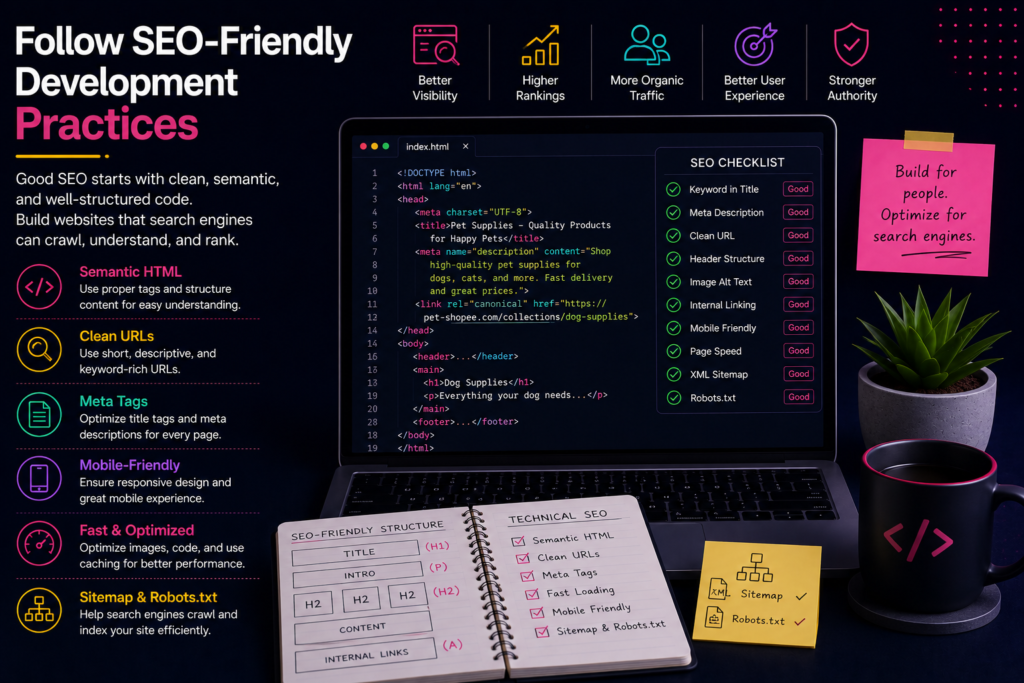
Search engine optimization should begin during development rather than after publishing. Search engines need to understand website content, structure, and relationships between pages. Developers can support this process through clean technical implementation.
Use descriptive page titles and logical heading structures throughout the website. Create readable URLs that clearly communicate the page’s subject. Semantic HTML can also help communicate content structure more effectively.
Make sure important content can be discovered and rendered properly. Developers should also create appropriate internal links between related pages. Technical issues such as broken links and incorrect indexing instructions can affect search visibility.
SEO should never mean sacrificing user experience for keywords. Search optimization works best when technical quality supports useful content. Therefore, developers and content teams should work together throughout the project.
Make Accessibility Part of Development
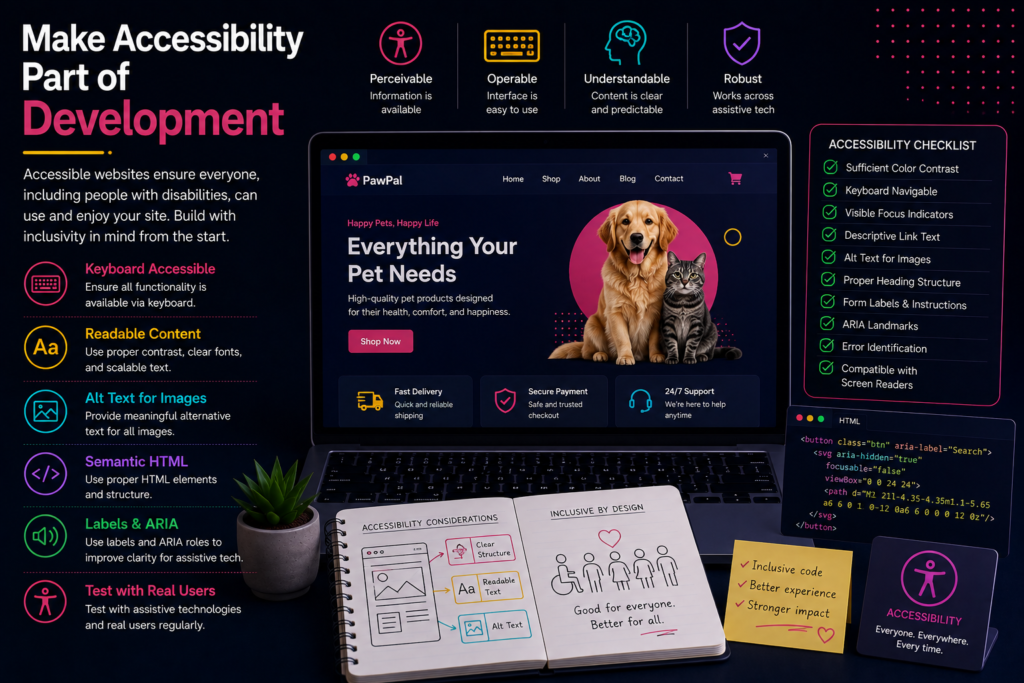
Accessible websites allow more people to use digital content successfully. Accessibility should be considered during development rather than treated as a final correction. MDN recommends incorporating accessibility into the development workflow from the beginning.
Use meaningful HTML elements and provide descriptive alternative text when appropriate. Forms should have understandable labels and clear instructions for users. Keyboard navigation should also work without requiring a mouse.
Color should not be the only method used to communicate important information. Text and interactive elements should remain distinguishable and usable. Developers should also test focus states and interactive controls carefully.
Accessibility benefits more than users with permanent disabilities. People may experience temporary limitations, difficult environments, or device restrictions. Building accessible interfaces therefore creates a more flexible experience for everyone.
Test Before You Launch
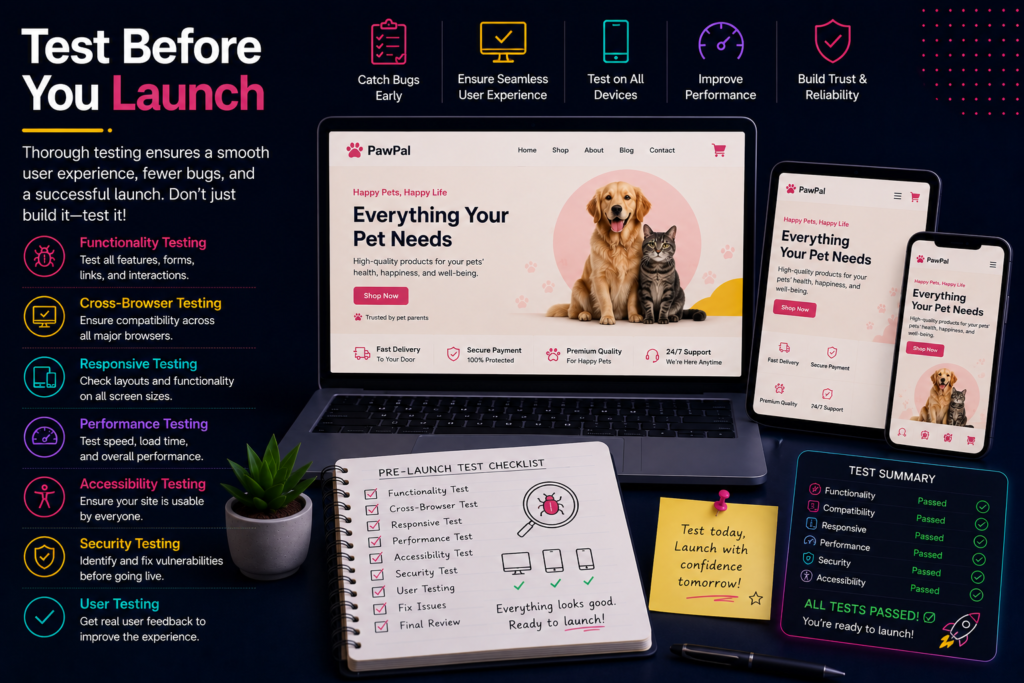
Testing helps identify problems before visitors encounter them. Developers should test important functionality across multiple browsers and device sizes. Forms, navigation, buttons, payments, and interactive features deserve particular attention.
Performance testing should happen alongside functional testing. Accessibility checks can reveal problems that ordinary browser testing might overlook. Security testing should also examine authentication, permissions, input handling, and exposed information.
Do not rely entirely on automated testing tools. Manual testing can reveal confusing interactions and usability problems that automated systems miss. Combining different testing approaches creates a more reliable pre-launch process.
Create a staging environment whenever the project allows it. This provides a safer place for testing changes before they reach production. A structured testing process can significantly reduce unexpected launch problems.
Launch Carefully and Monitor Continuously
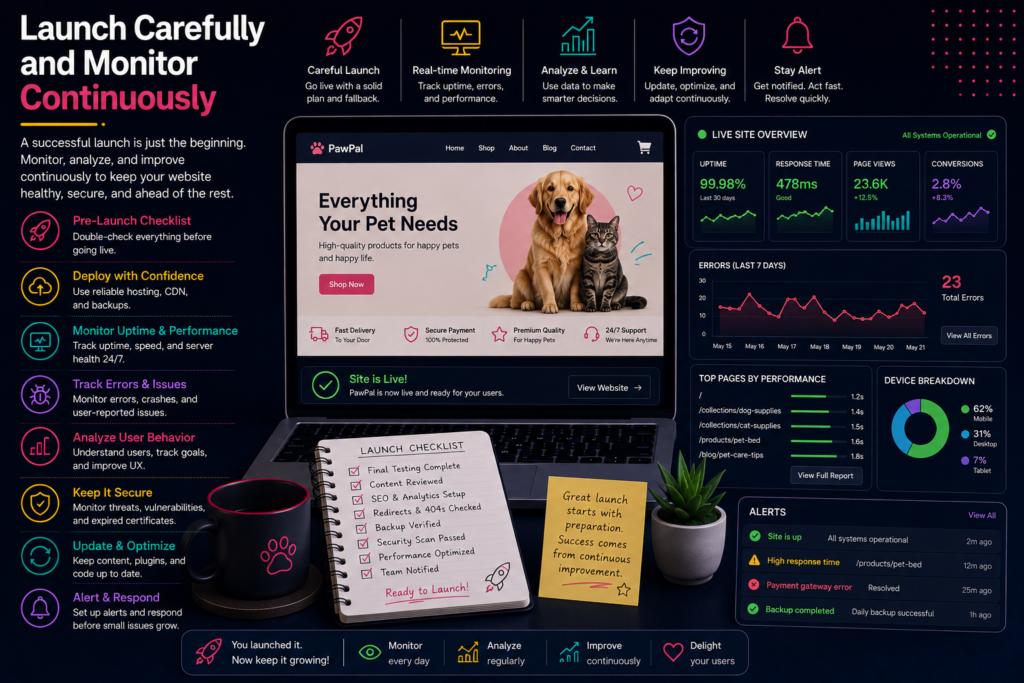
Launching a website is not the final step of web development. After deployment, developers should continue monitoring performance, availability, security, and user behavior. Problems can appear only after real visitors interact with the website.
Check important pages after deployment and verify that navigation works correctly. Monitor forms, integrations, analytics, and other critical functionality. Website owners should also watch for broken links and unexpected errors.
Keep dependencies and software components updated after launch. Regular maintenance helps reduce security risks and prevents technical problems from accumulating. Performance should also be reviewed periodically as new content and features are added.
A website should evolve alongside its users and business requirements. Continuous improvement keeps the website useful, secure, and competitive. This makes maintenance an important part of modern web development.
Common Mistakes Developers Should Avoid
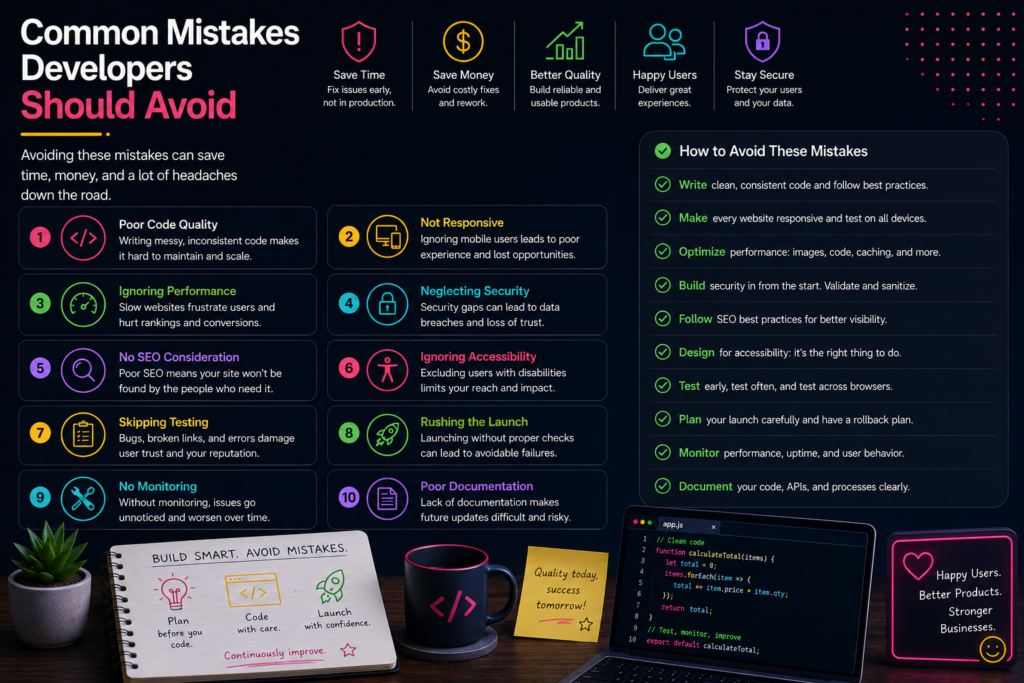
Several development mistakes can create unnecessary problems later. One common mistake involves focusing heavily on appearance while ignoring performance and accessibility. A beautiful interface cannot compensate for frustrating usability or slow loading.
Another mistake involves adding unnecessary technologies simply because they are popular. Every framework, plugin, library, and script should serve a clear purpose. Simpler solutions are often easier to maintain and troubleshoot.
Developers should also avoid postponing security and testing until the final stage. Late discovery of major problems can increase development costs and delay deployment. Building these practices into the workflow usually creates better results.
At Its Tech Club, understanding these fundamentals can help developers approach projects more strategically. Strong development comes from consistent decisions rather than isolated technical tricks.
Final Thoughts
Following web development best practices creates websites that are easier to use and maintain. The strongest projects balance performance, security, accessibility, responsiveness, SEO, and clean implementation. These considerations should influence decisions from planning through post-launch maintenance.
There is no single formula that works for every website or application. Developers should adapt their approach according to project goals, users, technologies, and available resources. However, the fundamental principles remain valuable across different types of projects.
Think beyond simply making a website function correctly. Build experiences that load efficiently, communicate clearly, protect users, and remain adaptable. With that mindset, your development process becomes more reliable from code to launch.