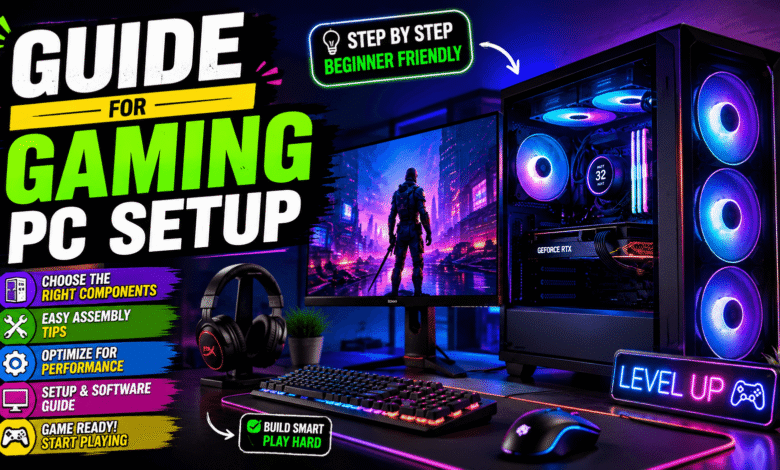
Building a great gaming setup requires more than buying expensive hardware and adding colorful lighting around your desk. A balanced system should deliver smooth performance, comfortable controls, reliable cooling, and enough flexibility for future upgrades. This guide for gaming pc setup explains the main decisions beginners should make before choosing parts or accessories. You will learn how to select compatible components, build the system correctly, organize peripherals, manage your budget, and improve performance. Careful planning helps you avoid common mistakes while creating a gaming station that feels fast, practical, and enjoyable.
Gaming PC Setup for Beginners
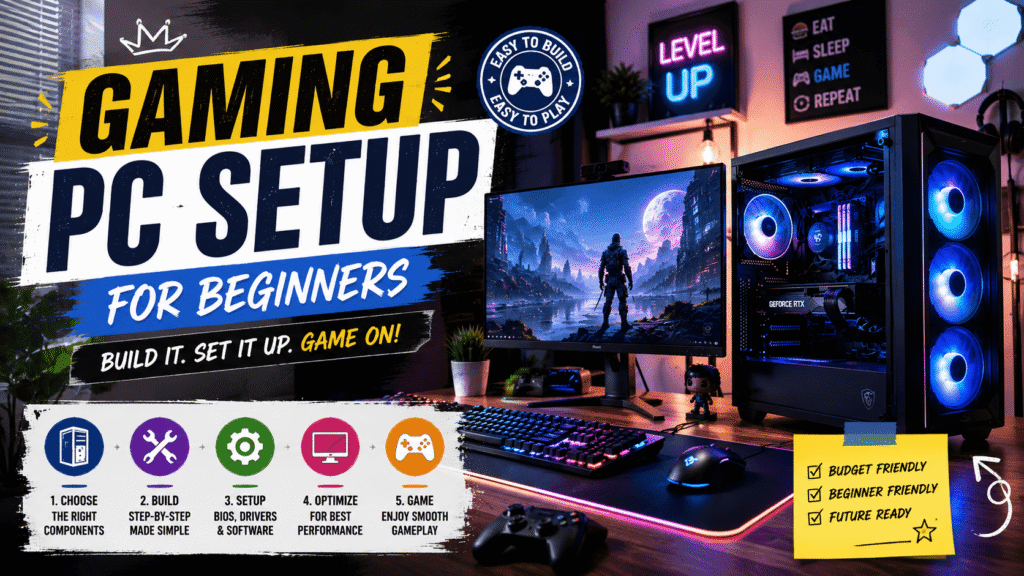
A gaming pc setup for beginners should start with a clear budget, gaming goal, and preferred resolution. Decide whether you mainly play competitive shooters, open-world adventures, racing games, strategy titles, or casual multiplayer games. Different games place different demands on the processor, graphics card, memory, and storage inside your computer. Your target resolution also matters because higher resolutions usually require stronger graphics performance for consistently smooth gameplay.
Beginners should also think about future expansion before choosing a motherboard, power supply, or computer case. A larger power supply capacity can support a stronger graphics card when you upgrade later. Extra memory slots and storage connections can make future improvements easier and more affordable. Planning ahead does not mean buying unnecessary features, but it prevents replacing several components together.
Comfort should remain part of your planning because gaming sessions can continue for several hours. Keep your monitor at a comfortable height and maintain enough desk space for natural mouse movement. A supportive chair and organized cables can make the entire station feel cleaner and easier to use. Good planning carefully creates a strong foundation before you begin comparing individual gaming components.
Choose the Right Gaming PC Components
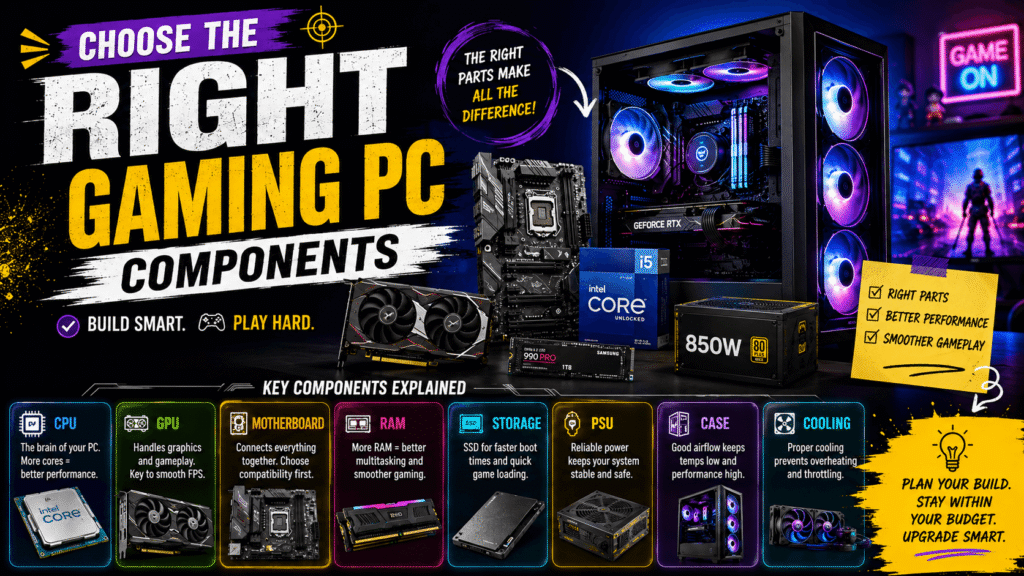
The processor and graphics card are two of the most important parts inside any gaming computer. Your processor manages game logic, background tasks, system instructions, and many calculations needed during gameplay. The graphics card renders textures, lighting, shadows, visual effects, and frames displayed on your gaming monitor. Both components should match your performance target instead of competing for most of your budget.
Competitive gamers often prioritize high frame rates, quick responsiveness, and stable performance during intense matches. Players who prefer cinematic games may prioritize stronger graphics performance for higher resolutions and detailed visual settings. Choose hardware according to the games you actually play instead of following expensive trends without purpose.
Your motherboard must support the processor socket, memory generation, storage devices, and other planned components. Check physical sizes and connection requirements before purchasing anything for your final build. The case must fit your motherboard, graphics card, cooling equipment, and power supply without creating airflow problems.
The power supply should deliver reliable electricity while providing enough capacity for every installed component. Avoid extremely cheap power supplies because poor power delivery can create stability problems throughout the system. Cooling is equally important because excessive heat may reduce performance and increase unwanted fan noise. Select suitable processor cooling and arrange case fans to create steady airflow through the system.
How to Build a Gaming PC Setup Properly
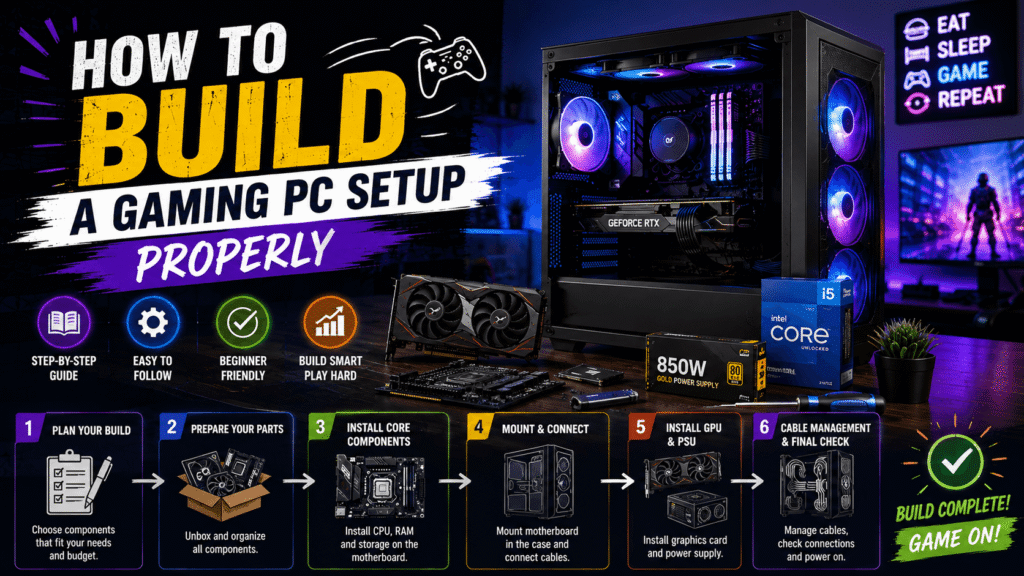
Learning how to build a gaming pc setup becomes easier when you follow a simple installation order. Prepare a clean workspace, gather your tools, and keep component manuals nearby before opening sensitive parts. Handle components carefully and avoid touching exposed contacts whenever possible during the building process.
Install the processor into the motherboard socket before adding memory and storage devices. You can also install the processor cooler before placing the motherboard inside the computer case. This approach usually provides more working space and makes early installation steps easier for beginners.
After securing the motherboard, install the power supply and route important power cables toward their connections. Place the graphics card into the correct expansion slot and secure it firmly inside the case. Connect storage devices, cooling fans, front-panel connectors, and any other required cables carefully.
Cable management should begin during assembly instead of becoming an afterthought at the end. Route cables behind the motherboard tray whenever your case provides enough space for organization. Keep loose wires away from cooling fans because blocked fans can reduce airflow or create noise.
Gaming PC Setup Essentials and Accessories
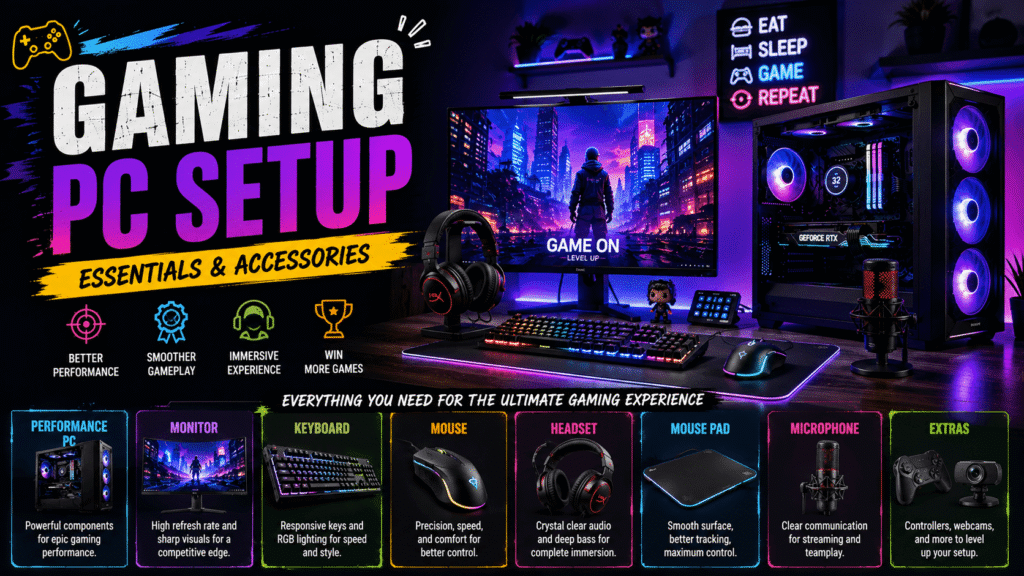
A complete gaming station needs several gaming pc setup essentials beyond the computer itself. Your monitor determines how clearly and smoothly you experience the performance produced by your gaming hardware. Consider resolution, refresh rate, screen size, response performance, and available connection options before choosing one.
Competitive players often prefer higher refresh rates because smoother motion can improve responsiveness during fast gameplay. Players focused on visual quality may choose higher resolutions for sharper details and more immersive environments. Make sure your graphics card can comfortably support the monitor settings you plan to use regularly.
Your keyboard should feel comfortable while offering controls that match your preferred gaming style. A gaming mouse should fit your hand, track accurately, and provide convenient buttons when needed. Choose these accessories based on comfort and performance instead of selecting products only for appearance.
A quality headset can improve communication and make directional sounds easier to recognize during multiplayer games. Comfort is especially important because heavy or tight headphones become distracting during longer sessions. Speakers can provide another useful option when you prefer gaming without wearing a headset.
Budget Gaming PC Setup and Performance Tips
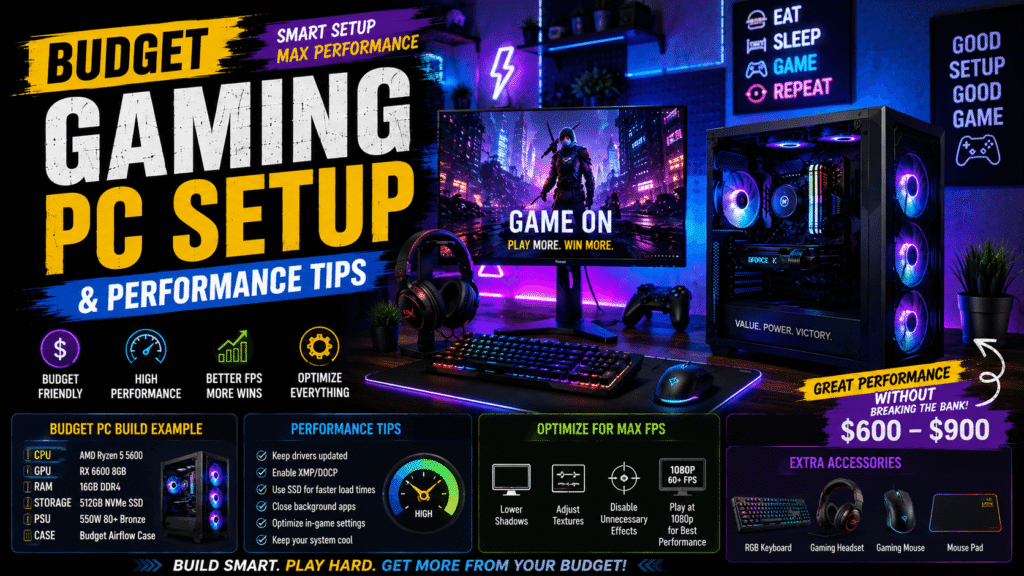
A budget gaming pc setup should focus on value instead of simply choosing the cheapest available parts. Start with a realistic performance target and spend more on components that directly affect your preferred games. This strategy prevents limited funds from disappearing into decorative features that provide little practical improvement.
Avoid premium cases, excessive lighting, and unnecessary accessories when essential hardware still needs better performance. You can always improve appearance later without replacing important parts inside the gaming computer. Prioritize the graphics card, processor, reliable power supply, useful storage, cooling, and suitable monitor first.
Buying significantly more performance than your games require can also reduce the value of your setup. Choose components that meet current needs while leaving enough flexibility for sensible upgrades later. Comparing complete system balance is usually more useful than focusing on one impressive specification.
After building the computer, install current hardware drivers and complete important operating system updates. Remove unnecessary startup applications that consume memory or processor resources without helping your gaming experience. Keep enough storage space available for game updates, temporary files, and future installations.
Check your monitor settings because the intended refresh rate may not activate automatically after installation. Adjust in-game graphics settings according to the balance you prefer between visual quality and performance. Monitor processor and graphics temperatures during demanding games to confirm that cooling works properly. Clean dust from filters and ventilation areas regularly because blocked airflow can increase heat and noise.
Common Gaming PC Setup Mistakes and Conclusion
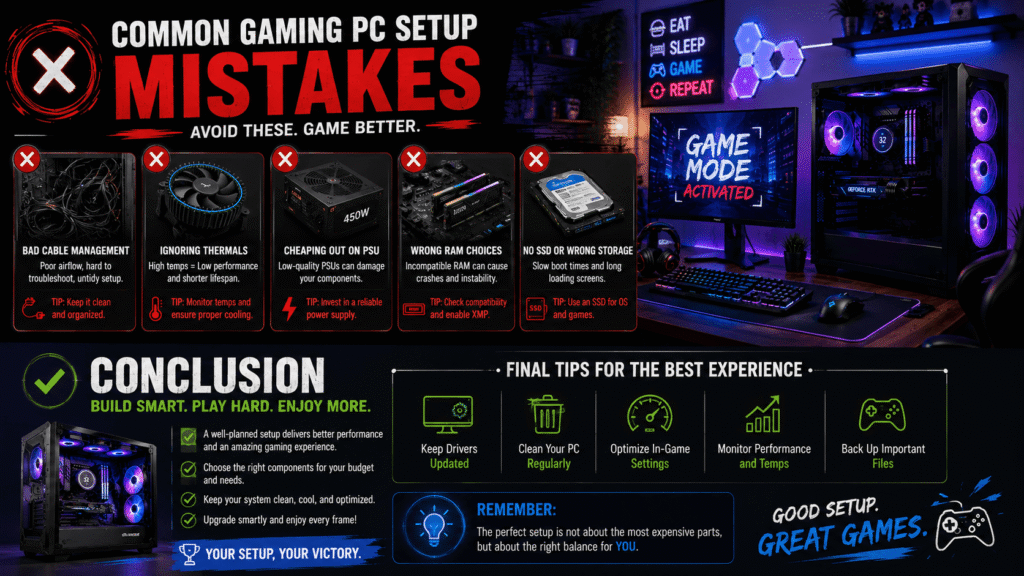
Poor airflow can also create excessive heat, loud fans, and reduced performance during longer gaming sessions. Make sure intake and exhaust fans create a clear path for cool and warm air. Avoid placing the computer where walls, furniture, or clutter block important ventilation openings.
Many beginners forget to select the correct monitor resolution and refresh rate after installation. Others install too many unnecessary background programs that consume resources and increase system clutter. Poor cable organization can also make cleaning, troubleshooting, and future hardware upgrades unnecessarily difficult.
A successful guide for gaming pc setup should help you create a system around your actual needs. Choose compatible hardware, reliable cooling, useful peripherals, sensible software settings, and a comfortable gaming environment. Avoid chasing expensive trends when balanced components can provide a better overall experience. With careful planning, your gaming station can remain fast, organized, upgradeable, and enjoyable for years. Its Tech Club recommends building with practical goals first, then improving appearance and accessories gradually.