The Ultimate Guide to Essential Personal Business Operating System App Design Features for Founders

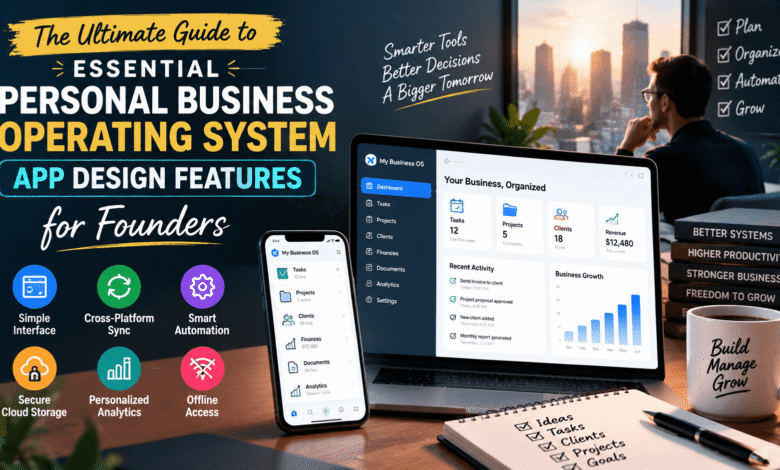
Running a modern business requires founders to manage multiple responsibilities at the same time. From tracking finances and handling client communication to organizing documents and monitoring performance, daily operations can quickly become overwhelming without the right system.
A personal business operating system app helps entrepreneurs bring important business activities into one organized platform. Instead of switching between multiple tools, founders can manage tasks, information, workflows, and insights from a single environment.
The success of such an application depends heavily on its design features. A well-designed business operating system should feel simple, reliable, and personalized while helping users save time and make better decisions.
For founders building efficient workflows, understanding essential personal business operating system app design features is important. Platforms like Its Tech Club often highlight how technology solutions can simplify business challenges and improve productivity.
Simplifying the User Interface for Daily Tasks
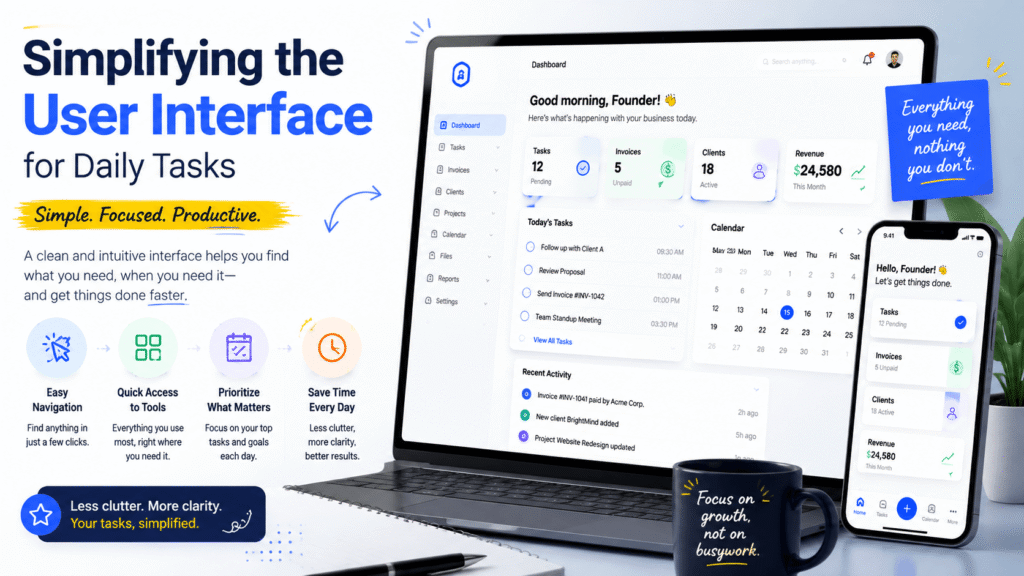
One of the most important design features of a personal business operating system app is a simple and user-friendly interface. Founders often manage several business activities every day, so complicated dashboards can create more problems than solutions.
A confusing interface forces users to spend unnecessary time searching for basic tools. Important features such as financial tracking, task management, client information, and scheduling should always remain easy to access.
A successful business operating system should focus on clarity rather than adding too many unnecessary options. Clean navigation, organized menus, and intuitive layouts allow users to complete daily tasks faster.
Many founders struggle with dashboards that display too much information at once. A better approach is creating a structured workspace where users can prioritize their most important activities.
The interface should provide quick access to frequently used features while keeping advanced options available when needed. This balance improves user experience without limiting functionality.
Another important aspect is reducing the learning curve. Founders usually want technology that supports their business rather than requiring extensive training.
A well-designed app should allow users to understand the system quickly and start managing operations immediately.
You may also like:
Cross Platform Syncing for Mobile and Desktop
Business owners rarely work from one location or device. They may manage operations from a desktop computer, smartphone, or tablet depending on their schedule.
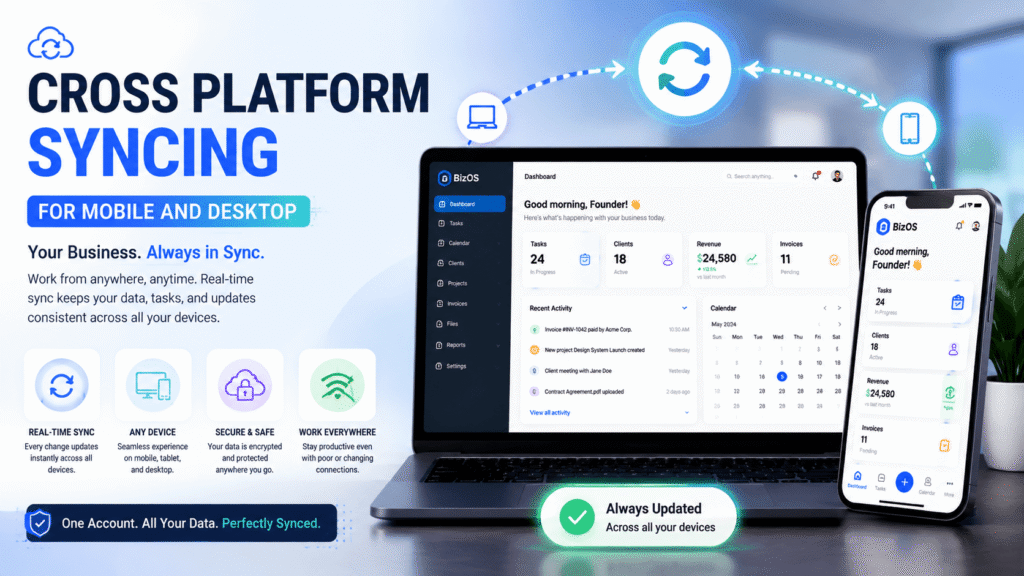
This makes cross-platform syncing one of the essential personal business operating system app design features. Users expect their information to remain updated regardless of the device they use.
Without proper synchronization, founders may experience missing client information, outdated schedules, or inconsistent business records. These problems can affect productivity and create unnecessary confusion.
A reliable operating system app should provide real-time updates across multiple platforms. Changes made on a laptop should immediately appear on mobile devices.
Cloud-based synchronization allows entrepreneurs to stay connected with their business activities anywhere. Whether they are traveling, meeting clients, or working remotely, they can access important information.
Mobile and desktop compatibility also improves flexibility. Founders can complete quick tasks from their phones while handling detailed planning through desktop interfaces.
A strong cross-platform experience creates confidence because users know their business information is always available.
You may also like:
Automating Routine Administrative Workflows
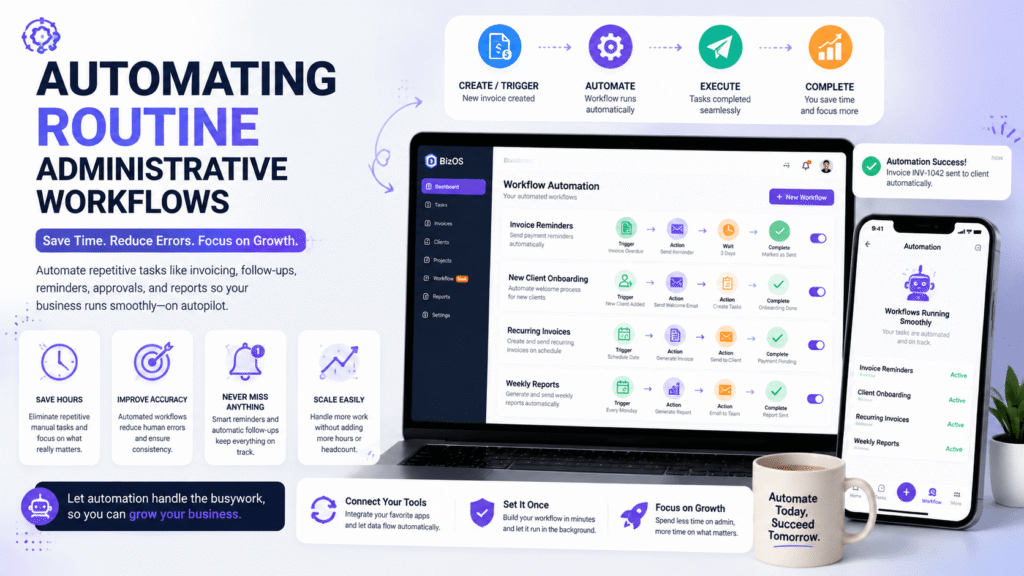
Administrative tasks can consume valuable time that founders could spend growing their businesses. Repetitive activities such as invoice reminders, scheduling updates, and data entry often reduce productivity.
Automation is one of the most valuable features in a personal business operating system app. It helps entrepreneurs reduce manual work and focus on higher-value decisions.
For example, automated invoicing systems can send payment reminders without requiring constant attention. This helps maintain consistent financial processes and reduces missed deadlines.
Business workflow automation can also connect different activities together. Instead of manually transferring information between applications, the system can update records automatically.
Automation improves accuracy because fewer manual steps mean fewer opportunities for mistakes. It also creates smoother business operations by maintaining consistent workflows.
A well-designed app should allow users to customize automation according to their specific needs. Every business operates differently, so flexible automation options create better results.
The goal of automation is not replacing human decisions. Instead, it gives founders more time to focus on strategy, customers, and business growth.
You may also like:
Integrating Secure Cloud Storage and File Management
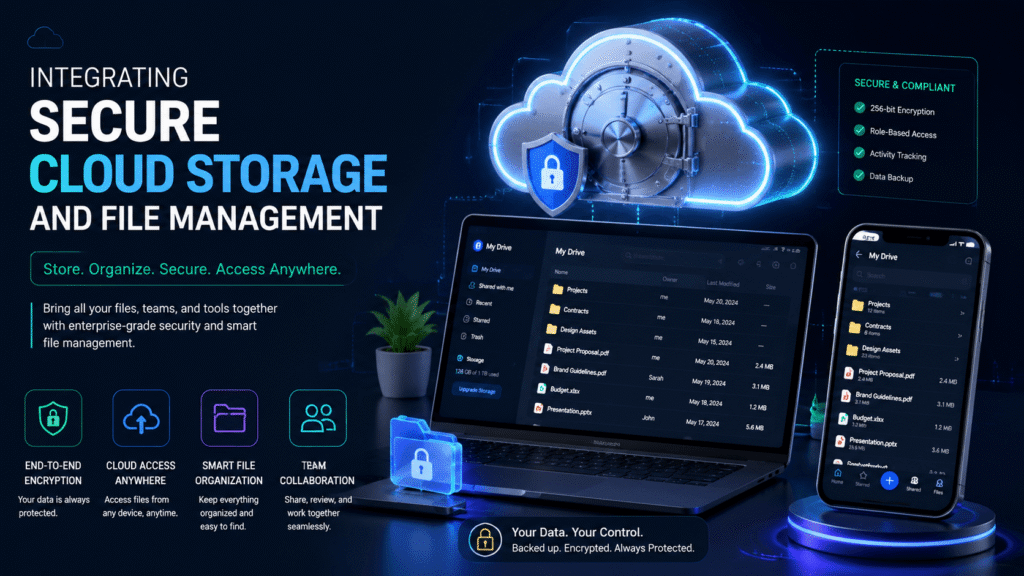
Managing business documents becomes challenging as companies grow. Contracts, invoices, client records, and important files can easily become scattered across different locations.
Secure cloud storage is a critical part of modern business operating system design. It provides founders with a centralized place to organize and protect important information.
A strong file management system should allow users to quickly search, categorize, and retrieve documents. Spending hours searching through multiple folders reduces efficiency.
Security is another major concern for business owners. Sensitive documents require protection against unauthorized access, data loss, and cyber threats.
A reliable app should include features such as encrypted storage, permission controls, and secure backups. These features help founders protect valuable business information.
Organized cloud storage also improves collaboration. Team members can access updated documents without creating multiple confusing versions.
By combining secure storage with efficient file management, a personal business operating system becomes a complete business control center.
You may also like:
Creating Personalized Dashboards and Analytics
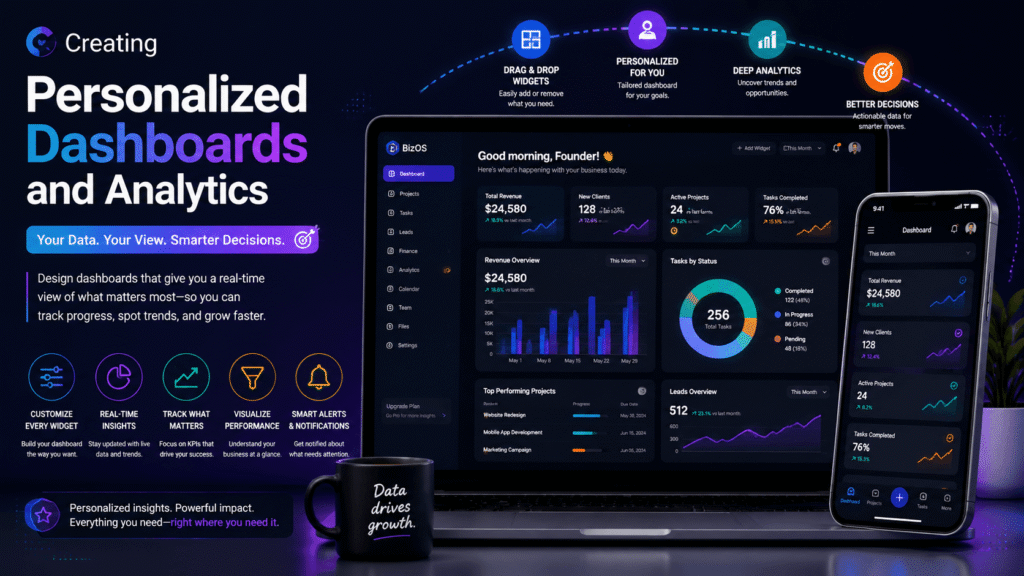
Every founder has different goals and priorities. A business dashboard that works for one company may not provide the right insights for another.
Personalized dashboards allow users to customize the information they see first. This makes business data easier to understand and more useful for decision-making.
Many entrepreneurs struggle with complicated analytics that show too much information without clear direction. Effective dashboards should focus on important metrics rather than overwhelming users.
A good analytics system can display information about revenue, customer activity, project progress, expenses, and overall business performance.
Customization allows founders to track the metrics that matter most to their business. Some users may prioritize financial growth, while others may focus on customer relationships or operational efficiency.
Visual reports and simple data presentations make complex information easier to understand. Clear charts and organized summaries help founders identify trends quickly.
A personalized dashboard transforms raw business data into practical insights. This helps entrepreneurs make informed decisions instead of relying on assumptions.
The best business operating system apps allow users to adjust layouts, select important metrics, and create a workspace that matches their workflow.
You may also like:
Incorporating Reliable Offline Functionality
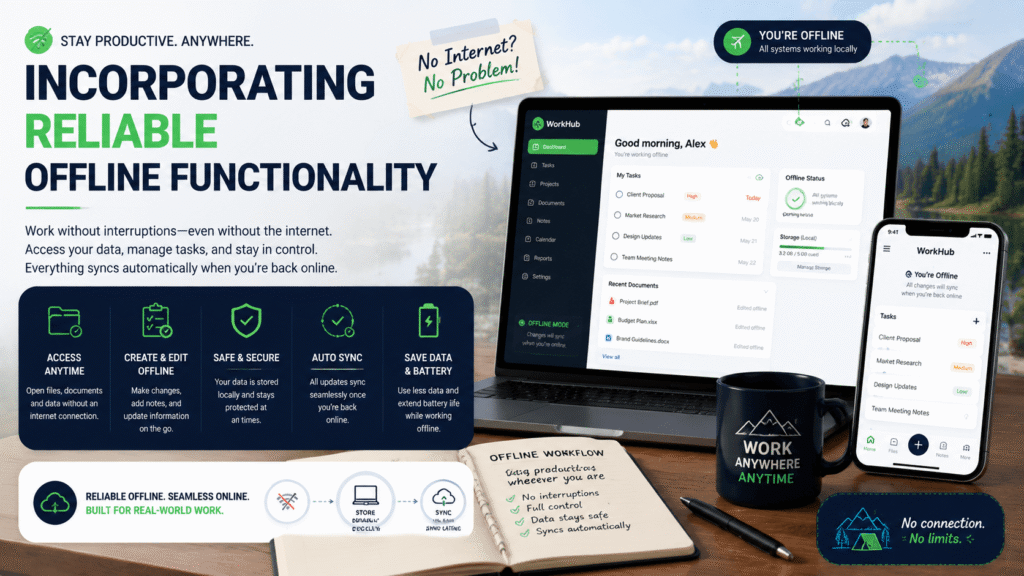
Although modern applications depend heavily on internet connectivity, businesses cannot always rely on constant online access.
Founders may need to access important notes during flights, remote meetings, or areas with weak internet connections. Offline functionality ensures that critical information remains available when connectivity fails.
A reliable personal business operating system app should allow users to view and update essential information without an active internet connection.
Offline support prevents productivity interruptions and helps users continue working during unexpected network problems.
The system should automatically synchronize changes once the internet connection returns. This ensures that offline updates are safely transferred without creating data conflicts.
Offline functionality is especially valuable for entrepreneurs who travel frequently or work across different locations.
A strong offline experience demonstrates thoughtful app design because it considers real-world situations faced by business owners.
You May also like:
Conclusion
A successful personal business operating system app should do more than store information. It should help founders manage daily operations, improve productivity, and make smarter decisions through organized technology.
The most important personal business operating system app design features include simple interfaces, cross-platform syncing, workflow automation, secure storage, personalized dashboards, and reliable offline access.
When these features work together, founders can reduce operational stress and focus more energy on business growth. Technology should simplify entrepreneurship rather than create additional complexity.
As discussed on Its Tech Club, modern business tools are becoming essential for entrepreneurs who want efficient workflows and better control over their operations. The future of business management will depend on intelligent systems that adapt to individual needs and provide practical solutions.
A well-designed operating system app is not just a productivity tool. It becomes a digital foundation that helps founders build, manage, and grow successful businesses.