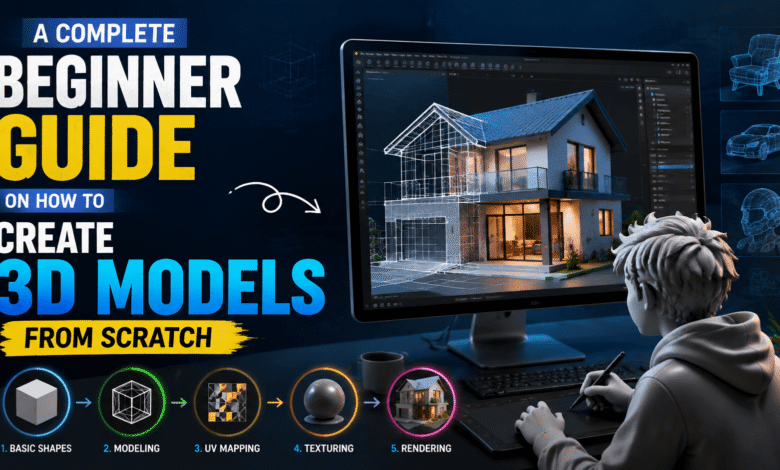
Creating digital objects in three-dimensional space has become an important skill across many industries, including gaming, animation, product design, architecture, and virtual experiences. Many beginners feel intimidated when they first explore 3D modeling because the process involves unfamiliar concepts, technical tools, and creative decisions.
However, learning how to create 3D models becomes much easier when you understand the basic workflow. Every detailed character, product visualization, or virtual object starts with simple shapes and gradually develops through modeling, texturing, and rendering.
Modern 3D software has made the process more accessible than ever before. Beginners can now experiment with powerful tools while learning step by step without needing advanced technical knowledge from the beginning.
This guide explains the essential stages of 3D modeling and helps beginners understand how digital objects are created from scratch. Whether you want to design game assets, create realistic objects, or explore creative technology, these fundamentals will help you build a strong foundation.
For technology enthusiasts exploring creative workflows, Its Tech Club shares useful insights about digital tools and modern design practices that help beginners improve their skills.
Understanding the Basics of 3D Geometry
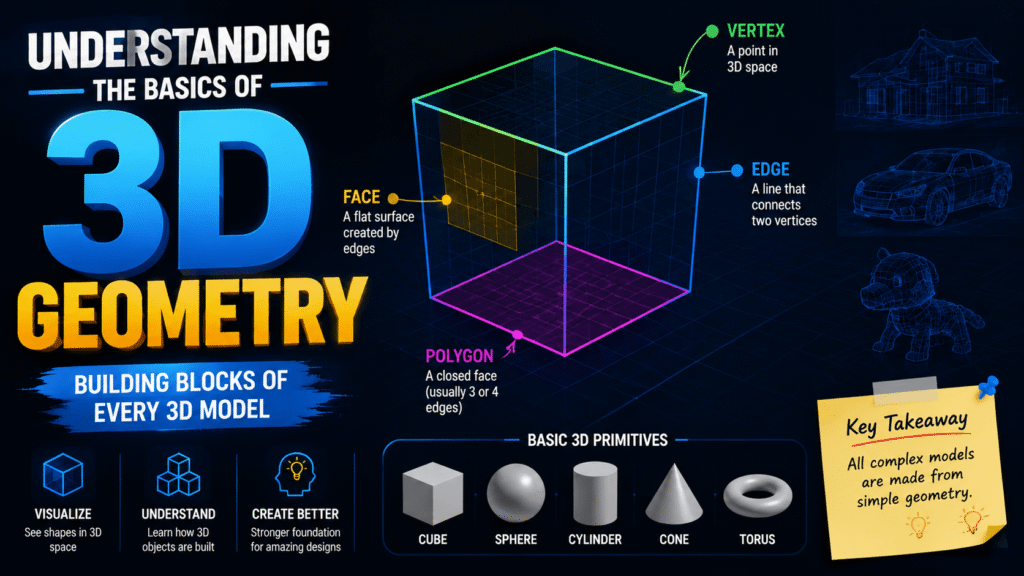
The first step in learning how to create 3D models is understanding the foundation of 3D geometry. Unlike traditional drawings that exist on flat surfaces, 3D models contain depth, height, and width.
Many beginners feel confused by terms like vertices, edges, polygons, and meshes. These concepts may sound complicated initially, but they represent simple building blocks used to create every digital object.
A vertex is a single point in three-dimensional space. Multiple vertices connect together to form edges, and connected edges create polygon faces. A complete collection of these elements creates a 3D mesh.
Understanding these components helps designers control the shape and structure of their models. For example, a simple cube contains multiple faces that can be edited to create more complex objects.
Three-dimensional modeling begins with basic primitive shapes such as cubes, spheres, cylinders, and planes. Artists combine and modify these shapes to create detailed designs.
The ability to visualize objects in three dimensions is one of the most important skills for beginners. Practicing with simple models helps develop spatial awareness and improves understanding of how objects exist in real environments.
A strong foundation in geometry makes advanced techniques easier to learn. Once you understand how shapes are constructed, creating detailed models becomes a more natural process.
You may also like:
Choosing the Right Design Software for Your Needs

Selecting the right 3D modeling software plays a major role in your learning experience. Beginners often make the mistake of choosing professional tools that contain too many advanced features.
Complex software can create frustration because new users may spend more time learning the interface than actually creating models. Choosing a platform that matches your skill level helps maintain motivation.
Different software solutions are designed for different purposes. Some focus on character creation, while others specialize in product visualization, animation, architecture, or digital sculpting.
When selecting software, beginners should consider factors such as usability, available learning resources, modeling features, and personal goals.
A good beginner-friendly program should provide essential tools without overwhelming users. Features such as object creation, mesh editing, material application, and rendering options are important for building fundamental skills.
The best software choice depends on what you want to create. Someone interested in game development may need different tools compared to someone creating industrial designs.
Instead of focusing only on expensive professional options, beginners should prioritize learning concepts that apply across different platforms. Modeling principles remain similar regardless of the software being used.
You may also like:
Mastering Essential Sculpting and Extrusion Tools
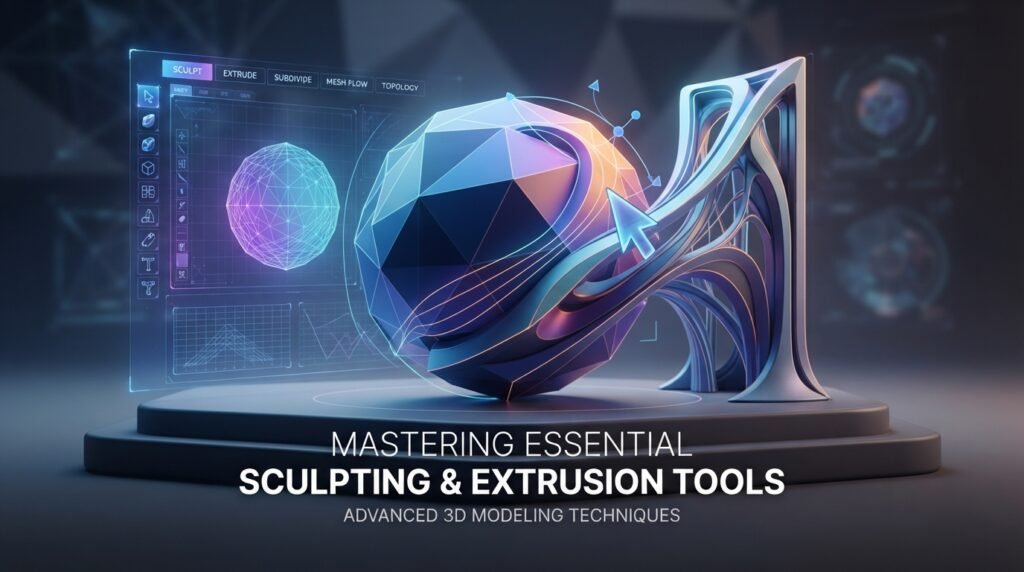
After understanding geometry and choosing software, the next step involves learning essential modeling techniques. Sculpting and extrusion are two important methods used to transform basic shapes into detailed objects.
Extrusion allows designers to extend existing surfaces and create additional geometry. For example, a simple flat shape can become a three-dimensional object by pulling specific areas outward.
Beginners often struggle with extrusion because selecting incorrect faces can distort the entire model. Understanding proper mesh selection helps prevent unwanted changes.
Sculpting provides a more artistic approach to modeling. Instead of manipulating individual polygons, artists can shape digital objects similarly to working with physical clay.
This technique is especially useful for creating characters, creatures, organic objects, and detailed surfaces.
Maintaining clean geometry is important during the modeling process. Overlapping faces, unnecessary polygons, and incorrect topology can create problems later during animation, rendering, or printing.
Regular practice with basic tools helps beginners understand how different adjustments affect the final shape. Small projects such as simple objects or basic characters provide valuable experience.
Developing confidence with sculpting and extrusion creates a stronger foundation for creating complex 3D models.
You may also like:
Navigating the Complexities of UV Mapping
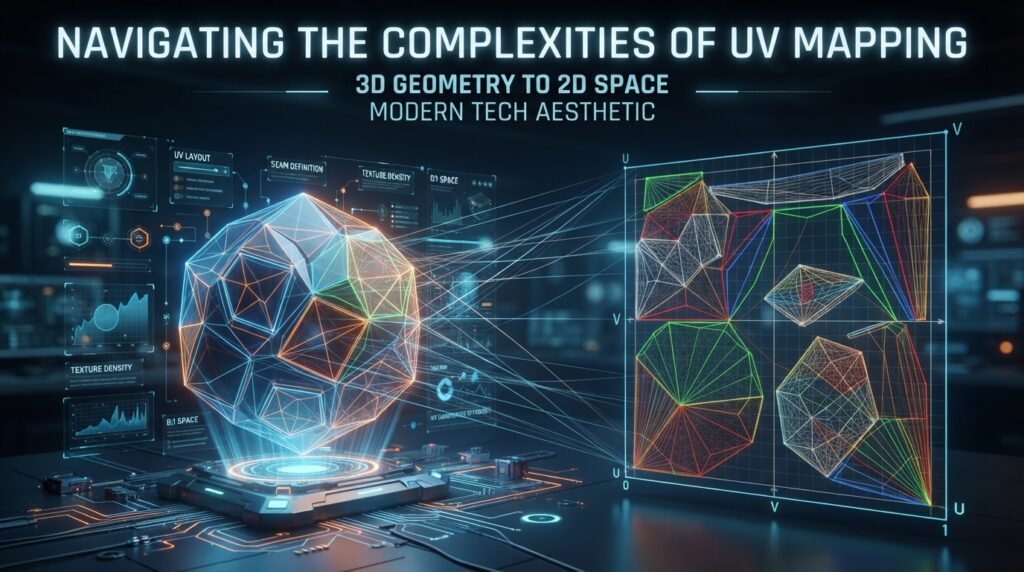
UV mapping is an essential step that allows designers to apply two-dimensional textures onto three-dimensional surfaces. Although it may seem confusing initially, it plays a major role in creating realistic models.
A 3D object exists in space, but textures are usually created in a flat image format. UV mapping creates a connection between the surface of the model and the texture image.
Many beginners experience problems such as stretched patterns, distorted images, or uneven texture placement. These issues usually happen when the model is not properly unwrapped.
The UV unwrapping process involves carefully separating the surface of a model into a flat layout. This allows textures to follow the shape correctly.
Complex objects require more planning because different areas may need specific adjustments. Clean UV layouts make texturing easier and produce better visual results.
Taking time to organize UV maps before adding textures saves significant effort later. A well-prepared model allows artists to create professional-looking surfaces.
Understanding UV mapping helps bridge the gap between simple geometry and realistic digital creations.
You may also like:
Adding Textures and Materials for Realism
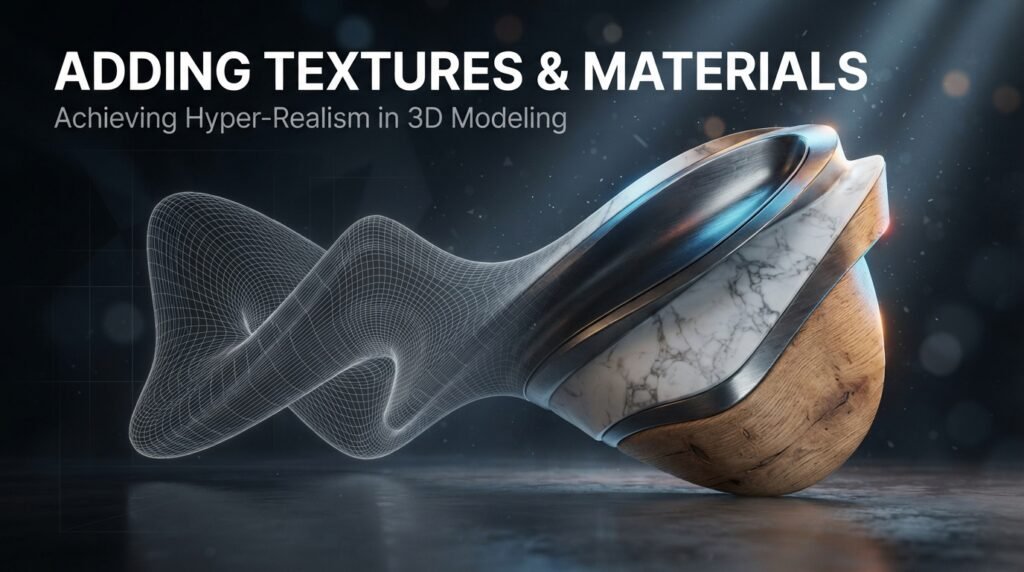
Textures and materials bring 3D models to life by adding surface details, colors, and realistic properties. Without proper materials, even a well-designed model can appear flat or artificial.
Materials determine how surfaces react to light. For example, metal should reflect light differently compared to wood, glass, or fabric.
Beginners often struggle because they focus only on color while ignoring other material properties. Realistic appearance depends on factors such as roughness, reflection, transparency, and surface detail.
Texture images can add additional realism by creating patterns and small details. These details help digital objects appear closer to their real-world references.
Creating realistic materials requires observation. Studying real objects helps designers understand how different surfaces behave under different lighting conditions.
Small adjustments can create major improvements. Changing texture resolution, surface reflection, or material settings can completely transform the final appearance.
Learning material creation is an important step for anyone who wants to produce professional-quality 3D designs.
You may also like:
Preparing Your Final Design for Rendering or Printing
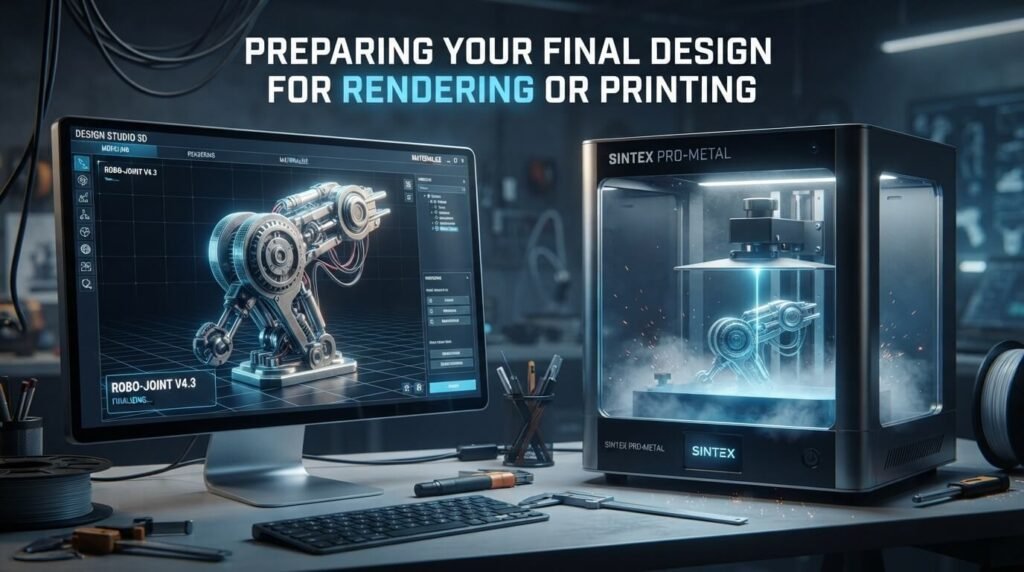
The final stage of 3D modeling involves preparing your creation for rendering or physical production. A finished model requires proper checking before it can be successfully used.
For digital rendering, lighting, camera position, and scene settings strongly influence the final result. A well-designed model can appear unrealistic if the lighting setup is poor.
Beginners often experience long rendering times because scenes contain unnecessary complexity. Optimizing models helps improve performance while maintaining quality.
For 3D printing, additional preparation is required. The model must have proper dimensions, connected surfaces, and a completely closed mesh.
A non-watertight model can cause printing failures because the software cannot correctly understand the object structure.
Checking geometry, reducing unnecessary details, and testing the final file before printing prevents common mistakes.
Successful rendering and printing depend on careful preparation. The modeling process does not end when the object looks complete because technical adjustments are equally important.
You may also like:
Conclusion
Learning how to create 3D models from scratch requires patience, creativity, and consistent practice. Beginners should focus on understanding geometry, selecting suitable software, mastering modeling tools, improving UV mapping, creating realistic materials, and preparing designs correctly.
3D modeling is not only a technical skill but also a creative process that allows ideas to become digital realities. With the right approach, anyone can gradually develop the ability to create detailed and impressive models.
As shared on Its Tech Club, learning modern digital skills opens opportunities across creative industries such as gaming, animation, design, and virtual experiences. Starting with simple projects and continuously improving your techniques is the best way to grow as a 3D artist.
With dedication and regular practice, beginners can transform basic shapes into professional-quality creations and confidently explore the world of three-dimensional design.