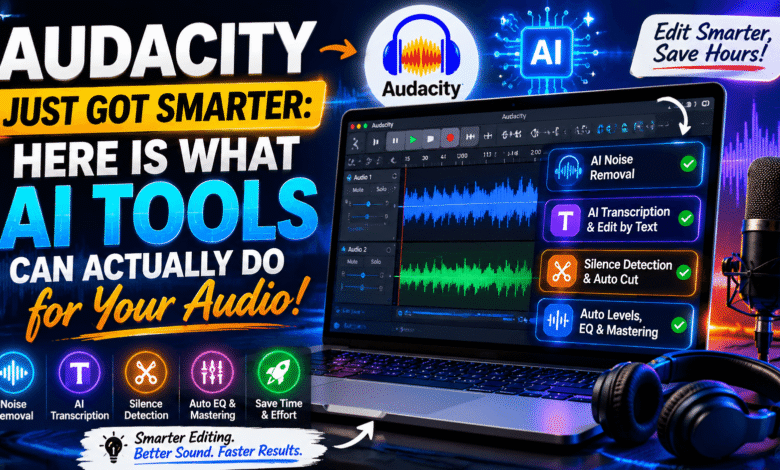
Audio editing has always been a time-intensive process, requiring focus and precision to produce professional results. Tasks like removing background noise, trimming silences, and cleaning up voice recordings can consume hours, even on short projects. Human ears fatigue during long sessions, causing subtle mistakes to be overlooked. Many podcasters, voiceover artists, and independent musicians spend far more time editing than creating content, which slows down production schedules.
AI tools integrated into Audacity are changing this landscape, allowing editors to automate repetitive tasks, improve audio clarity, and speed up workflows significantly. Knowing what can AI tools do in Audacity allows creators to maximize efficiency while maintaining high-quality audio. Its Tech Club provides insights into these tools, helping both beginners and professionals achieve professional-sounding results without investing in expensive software or hardware upgrades.
Why Audio Editing Without AI Consumes Excessive Time
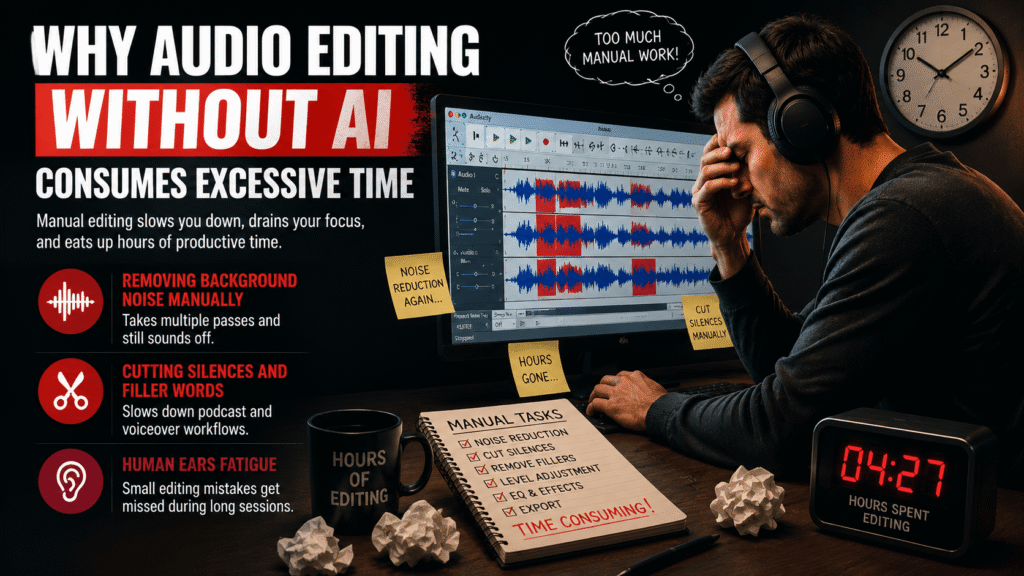
Manually removing background noise is a tedious and repetitive process. Standard Audacity tools often require multiple passes to reduce noise, and even then, recordings can sound unnatural or processed. Trimming filler words, silences, or breaths requires careful scrubbing, which slows down the editing workflow dramatically, especially for podcasts or audiobooks.
Additionally, human fatigue makes it difficult to spot small errors in long audio sessions. Mistakes such as slight volume inconsistencies or minor clicks can easily be missed. Without AI, editors need to repeatedly listen and adjust, consuming hours that could be better spent creating new content. Integrating AI tools helps reduce this manual workload while maintaining professional audio standards.
What AI Tools in Audacity Can Actually Do
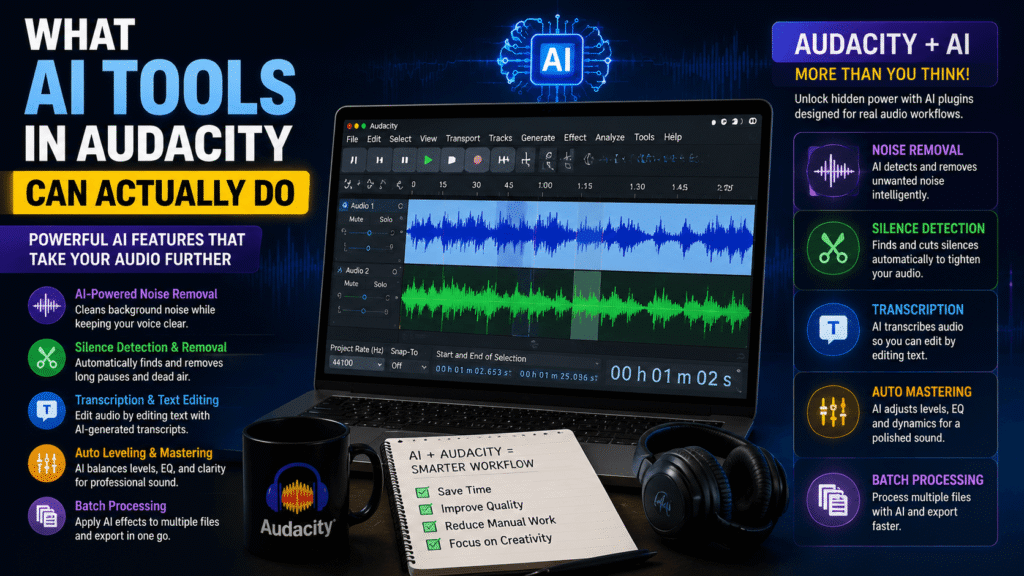
Many users still assume Audacity is too simple to support AI functionalities. This is no longer true, as several AI-powered plugins enhance noise reduction, silence detection, and voice cleanup. These tools allow users to perform complex audio edits automatically, saving time while improving consistency across projects.
Most editors currently use only a fraction of what AI can offer in Audacity. The full capabilities include batch processing, advanced noise profiling, and text-based editing workflows. Understanding these features ensures users unlock the platform’s potential, turning Audacity into a professional-grade audio workstation capable of handling a variety of content efficiently.
Noise Removal and Audio Cleanup With AI
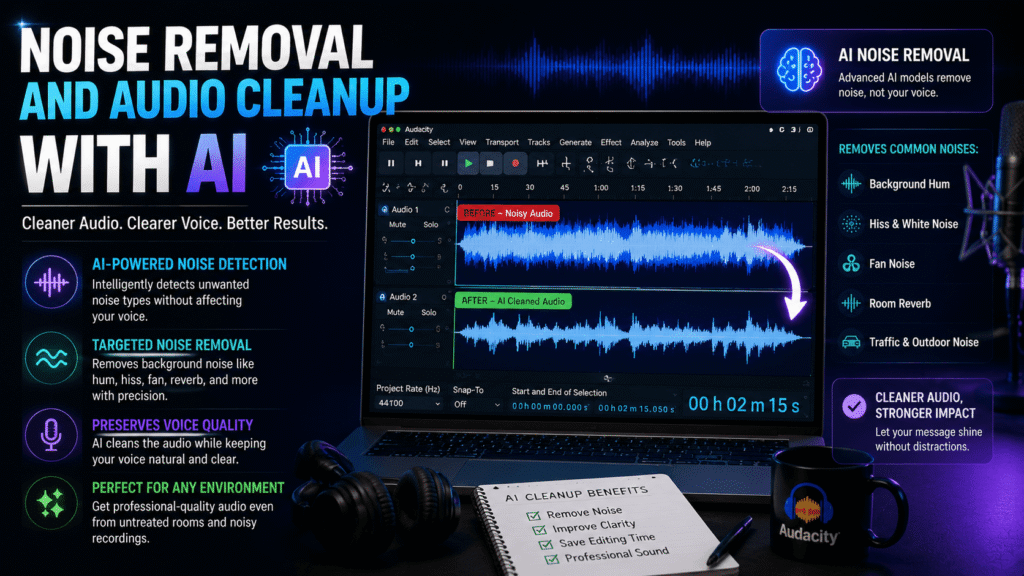
Default noise reduction in Audacity works, but it often leaves behind audio artifacts that sound unnatural. AI-powered plugins go further, detecting specific types of background noise and removing them without affecting vocal clarity. Even recordings in untreated rooms or with low-quality microphones can be cleaned effectively.
AI cleanup also improves tonal consistency across multiple recordings. For podcasters and voiceover artists, this ensures uniform quality throughout episodes without repetitive manual adjustments. By automating audio cleanup, AI tools reduce the need for additional recording sessions and accelerate project timelines, making them essential for modern content creators.
Transcription and Text-Based Editing in Audacity
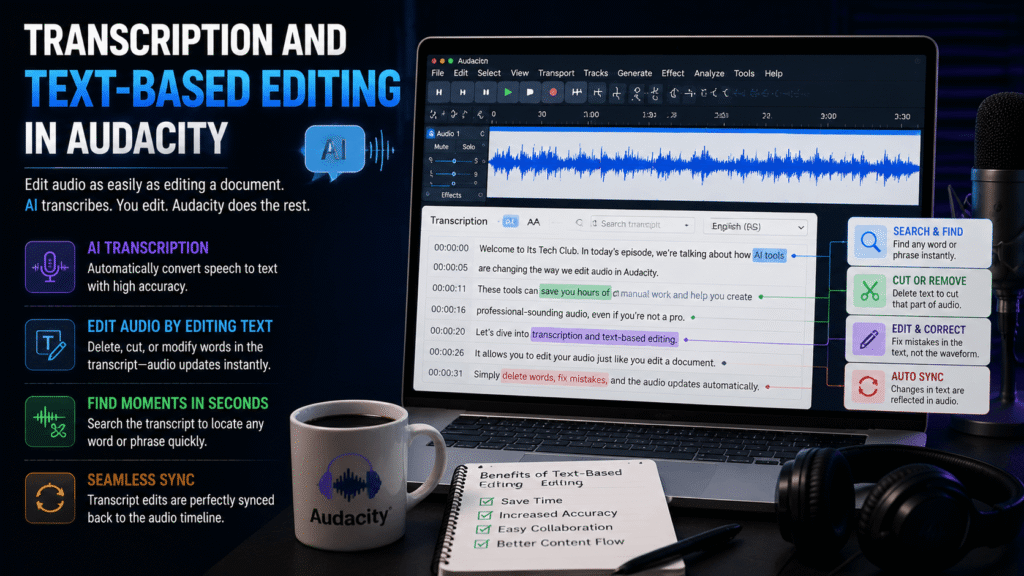
Finding exact words in long audio tracks can be frustrating and time-consuming. AI transcription plugins convert audio into editable text, allowing users to make precise edits on the transcript. These changes are then synced back to the audio track automatically, saving significant time compared to traditional waveform editing.
Transcription-based editing also improves accuracy in complex projects like interviews, podcasts, or lectures. Editors can identify cut points more efficiently and make adjustments with confidence. Learning this workflow is key to leveraging AI effectively, as it enables faster, more precise editing while minimizing human error.
Automating Repetitive Tasks in Your Workflow
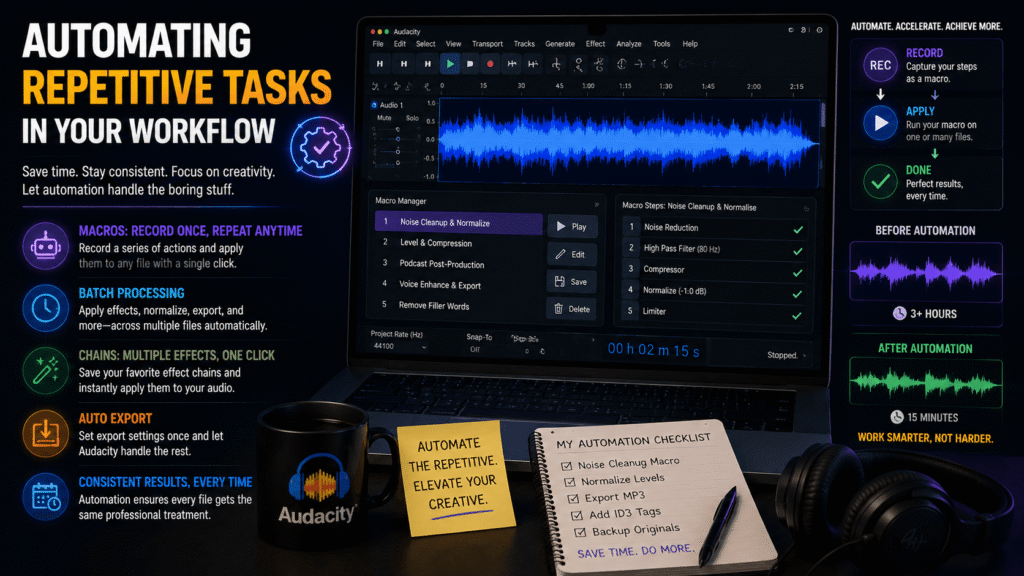
Manual audio tasks like adjusting volume, applying fades, and equalization are time-intensive. AI tools can standardize these processes across multiple files, ensuring consistency without repetitive manual work. Batch processing multiple tracks allows simultaneous edits, reducing export times significantly.
Automation also enhances creative focus. By removing tedious tasks, editors can concentrate on content quality, narrative structure, and vocal performance. Using AI in Audacity streamlines production, increases efficiency, and ensures professional results across large projects, which is especially valuable for recurring content creators.
Limitations and Best Practices for AI in Audacity
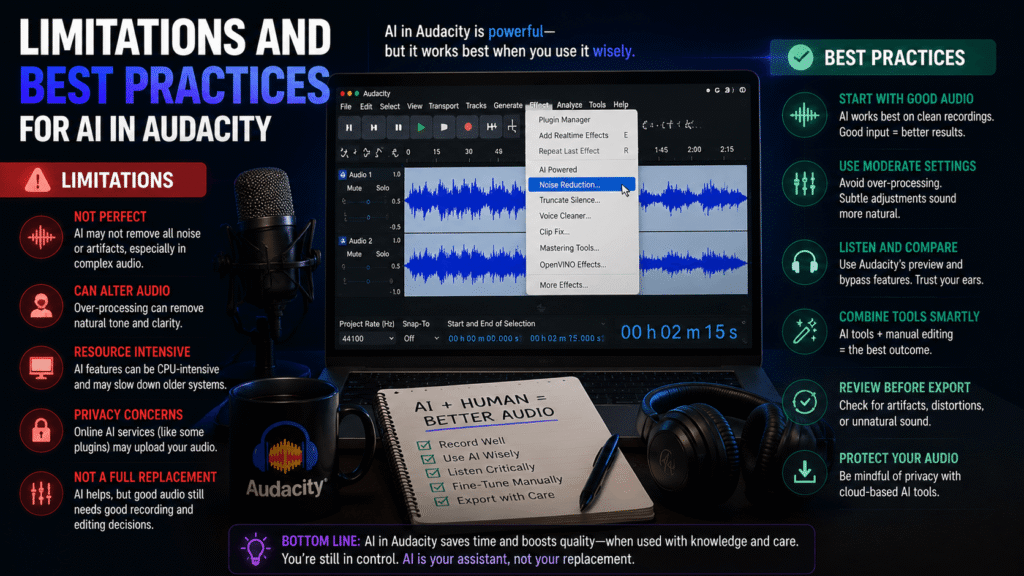
Despite its benefits, AI in Audacity is not flawless. Plugin compatibility issues may arise with updates, and older computers may struggle with heavy AI processing due to RAM or CPU limitations. AI tools work best on speech but struggle with layered music or complex audio effects.
Users should plan workflows around these constraints, applying AI primarily to speech and simpler audio tasks. Understanding these limitations prevents frustration and ensures better outcomes. Combining human oversight with AI processing creates a balanced workflow that maximizes productivity while maintaining quality control.
Recommended AI Plugins for Audacity
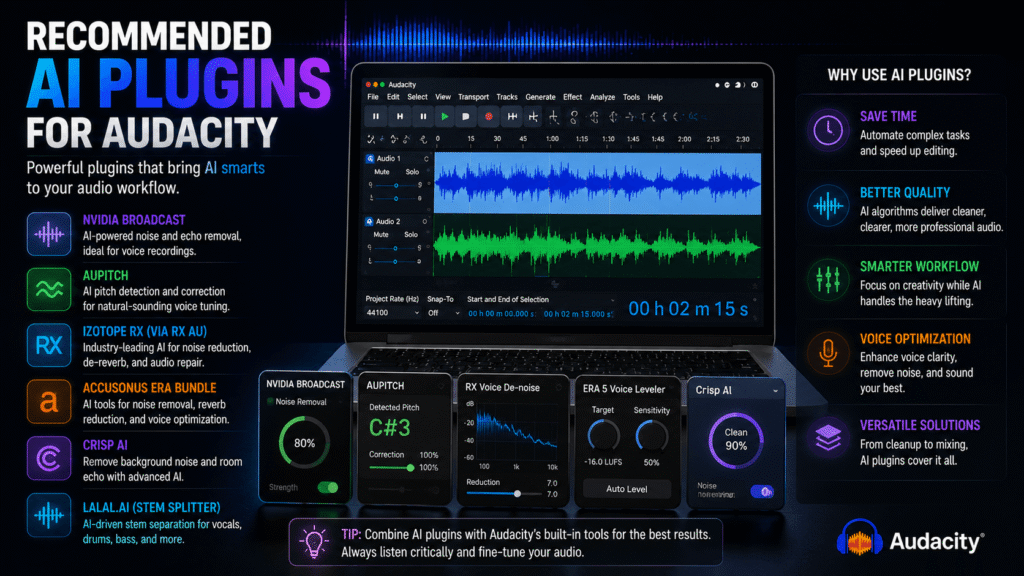
Choosing the right AI plugins is critical. Randomly installing free plugins may result in broken features or incompatibility with new Audacity versions. Trusted plugins with frequent updates, good user feedback, and clear documentation deliver the best results for specific tasks like noise removal or transcription.
Paid plugins often provide better algorithms, batch processing options, and reliable support, outperforming multiple free alternatives. Selecting the right tools ensures editors can achieve professional results efficiently without wasting time troubleshooting ineffective software. Using well-chosen plugins enhances the full potential of AI in Audacity.
Conclusion
AI tools have revolutionized what can AI tools do in Audacity for modern audio editing. From noise reduction to transcription, batch processing, and automation, these tools save time and improve audio quality. Understanding plugin selection, workflow integration, and the limitations of AI ensures editors maintain high standards while increasing efficiency. Beginners and professionals alike can benefit from AI-enhanced Audacity workflows, producing polished, professional audio more quickly. For guidance on AI tools, plugins, and practical tips for audio production, Its Tech Club provides expert insights to help users leverage AI for real-world projects.
You May Also Like: