Android continues to evolve every year, bringing new features, stronger security, and better performance to millions of smartphones worldwide. However, many users struggle to find accurate information about the latest Android version because outdated articles often remain online for years. This creates confusion about which version is current, which devices support it, and how to update properly.
If you have been wondering what is the latest version of Android software and whether your phone can get it, this guide covers everything you need to know.
What Is the Latest Version of Android Software Right Now?
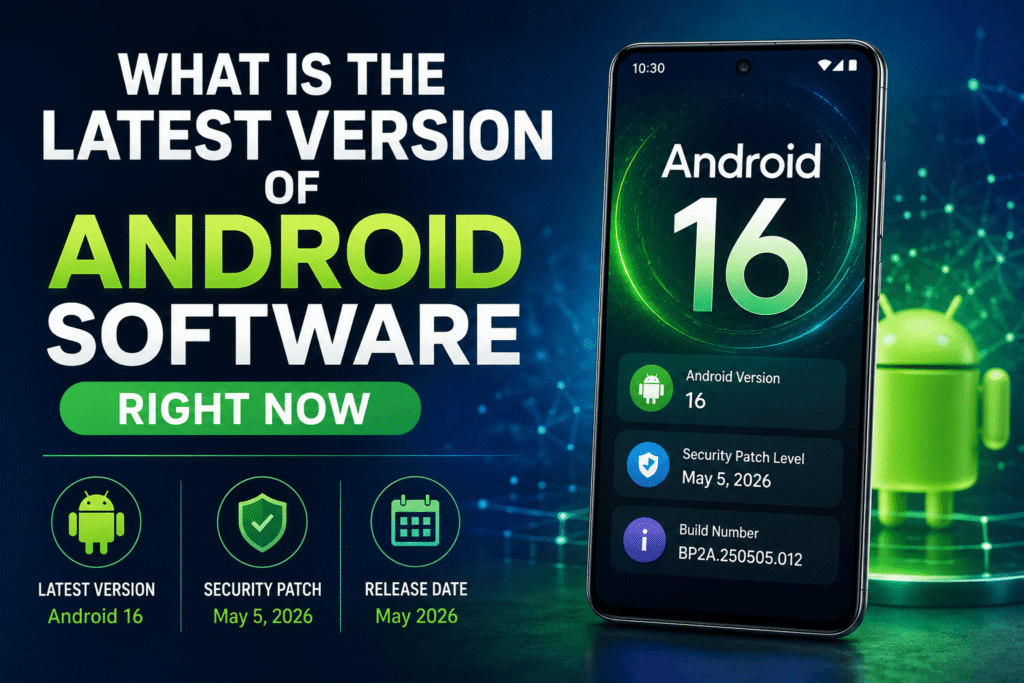
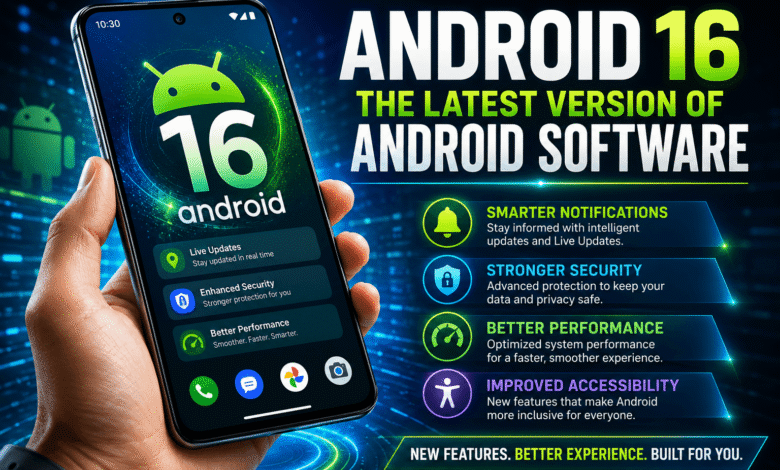
As of 2026, the latest stable Android release available to most users is Android 16. Google officially released Android 16 for supported Pixel devices, with manufacturers like Samsung, OnePlus, Xiaomi, OPPO, and others gradually rolling it out to compatible smartphones.
Many users confuse Android version numbers with security patches. These are two different things:
- Android Version: The major operating system release, such as Android 15 or Android 16.
- Security Patch: Monthly security updates that fix vulnerabilities without changing the Android version.
For example, a phone can run Android 16 while also having a March 2026 security patch installed.
The easiest way to verify the latest Android release is through Google’s official Android developer website, which confirms Android 16 as the current stable version.
Key Features Introduced in the Latest Android Update
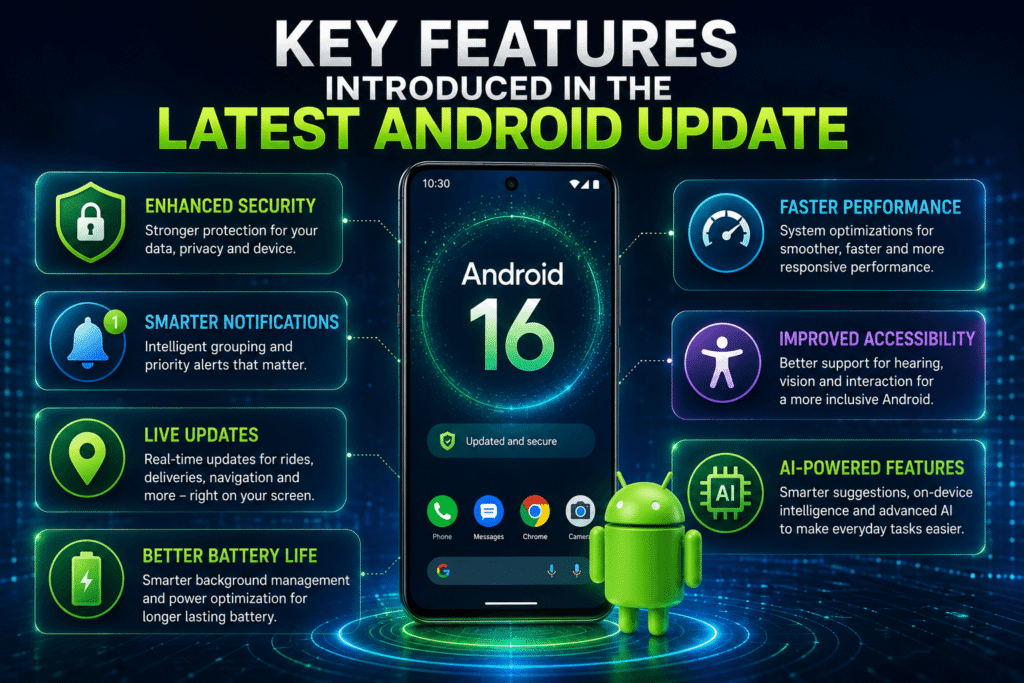
Every major Android release includes hundreds of changes, but only a handful directly affect everyday users. Android 16 focuses heavily on security, notifications, accessibility, and device performance.
Live Updates
Users can now receive real-time updates for deliveries, rideshares, navigation, and other ongoing activities without repeatedly opening applications.
Enhanced Security Protection
Android 16 introduces stronger anti-theft tools, improved identity protection, and better remote device security. These features help users secure personal data if a phone is lost or stolen.
Better Notification Management
Notifications are grouped more intelligently, reducing clutter and making important alerts easier to find.
Improved Accessibility
People using hearing aids benefit from better call handling and audio support. Google has also expanded support for modern Bluetooth audio technologies.
Performance and Battery Enhancements
Android 16 includes background optimizations that improve responsiveness and reduce unnecessary resource consumption. Some devices also gain battery preservation features such as charging limits.
Which Devices Are Eligible for the Latest Android Version?
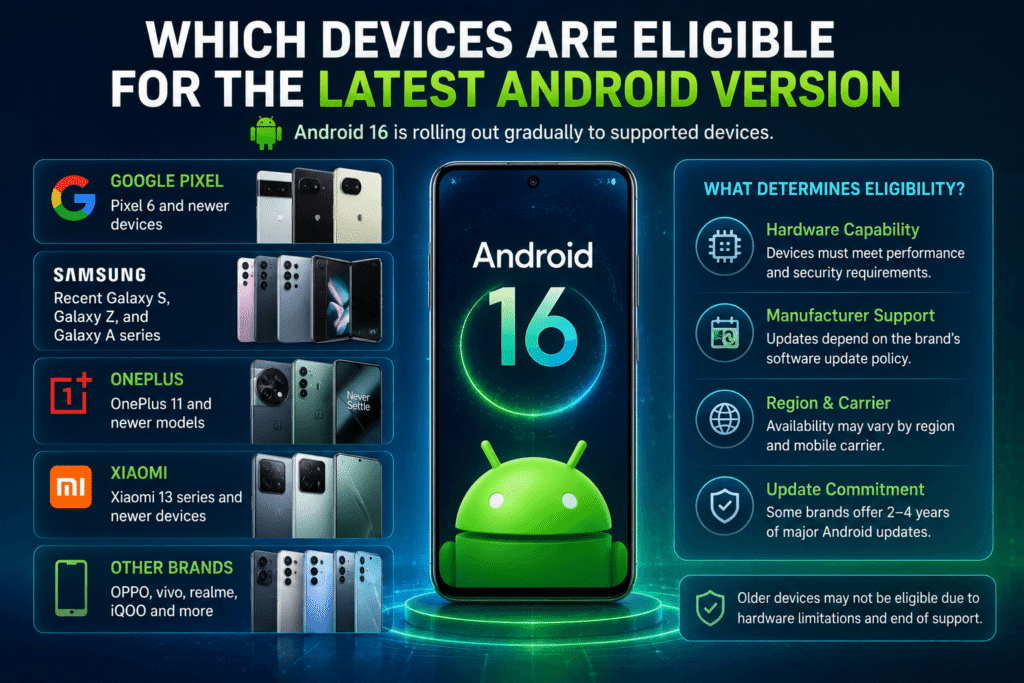
One of the biggest frustrations for Android users is discovering that their device is not eligible for the latest update.
Unlike Apple, Android updates depend on both Google and individual phone manufacturers. This means eligibility varies significantly between brands.
Google Pixel Devices
Supported Pixel devices typically receive updates first. Many Pixel models from the Pixel 6 series onward qualify for Android 16.
Samsung Devices
Samsung generally provides updates to recent Galaxy S, Galaxy Z, and many Galaxy A series devices. However, rollout schedules differ by region and carrier.
OnePlus, Xiaomi, OPPO, Vivo, and Others
Most modern flagship devices receive Android 16, but budget models often receive fewer major upgrades.
Why Older Flagships Get Dropped
Manufacturers eventually stop supporting older hardware because:
- Processors become outdated
- Security requirements increase
- Testing costs rise
- Hardware limitations prevent smooth operation
Even premium phones typically receive a limited number of major Android upgrades before support ends.
How to Check and Update Your Android Software Version
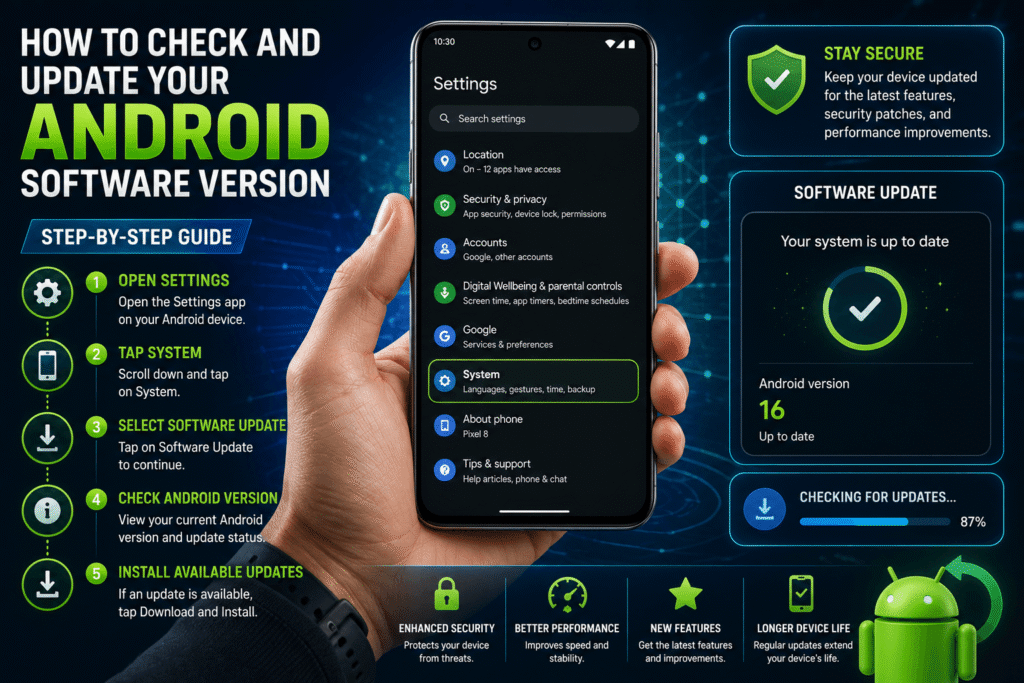
Many users become confused because settings menus differ across brands. Fortunately, the process remains similar on most devices.
Check Your Android Version
- Open Settings
- Tap About Phone
- Select Software Information or Android Version
- View your current Android version number
Check for Updates
- Open Settings
- Tap System
- Select Software Update
- Tap Check for Updates
If an update is available, follow the on-screen instructions.
System Updates vs Security Updates
Many users assume every update installs a new Android version.
In reality:
- Major Android Updates introduce new features and version numbers.
- Security Updates provide protection improvements without changing the Android version.
Understanding this difference helps avoid confusion when checking update history.
Why Your Phone Might Not Receive the Latest Android Update
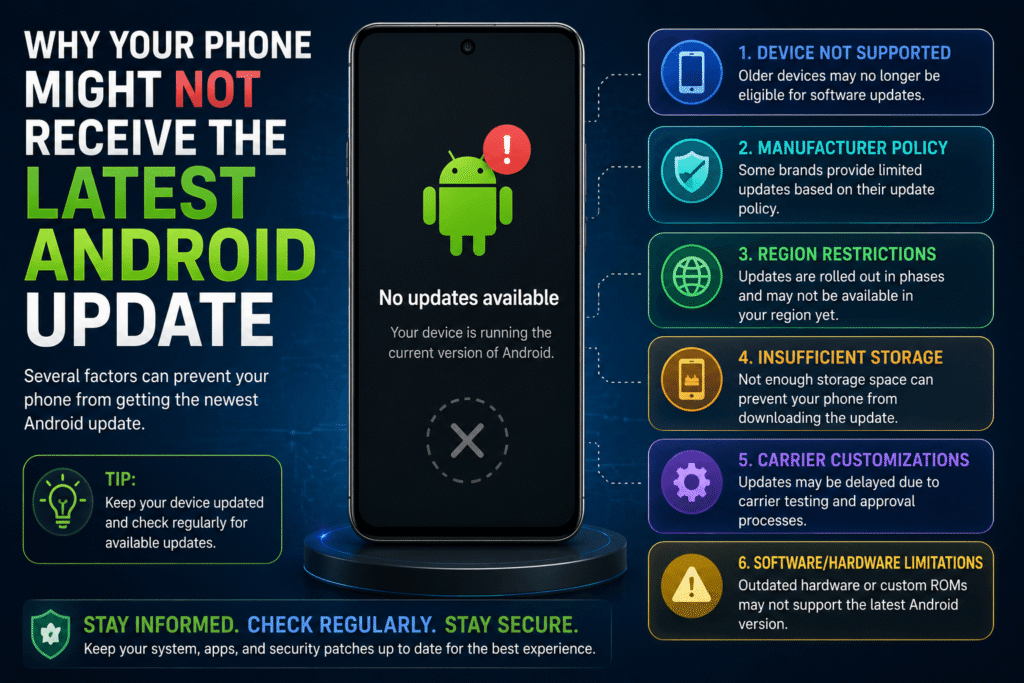
Many users expect Android 16 to appear automatically but never receive the update.
Several factors may be responsible.
Carrier Delays
Carrier-locked devices often receive updates weeks or months later than unlocked phones because carriers perform additional testing before release.
Limited Manufacturer Support
Budget phones frequently receive only one major Android update. After that, they may continue receiving security patches but no new Android versions.
Regional Rollouts
Manufacturers usually release updates gradually across different countries. Availability in one region does not guarantee immediate availability elsewhere.
Insufficient Storage
Major Android upgrades require significant free storage space. If your phone is nearly full, the update may fail to download or install.
Hardware Limitations
Older devices may not meet the performance requirements needed for newer Android releases.
Common Issues After Installing the Latest Android Software
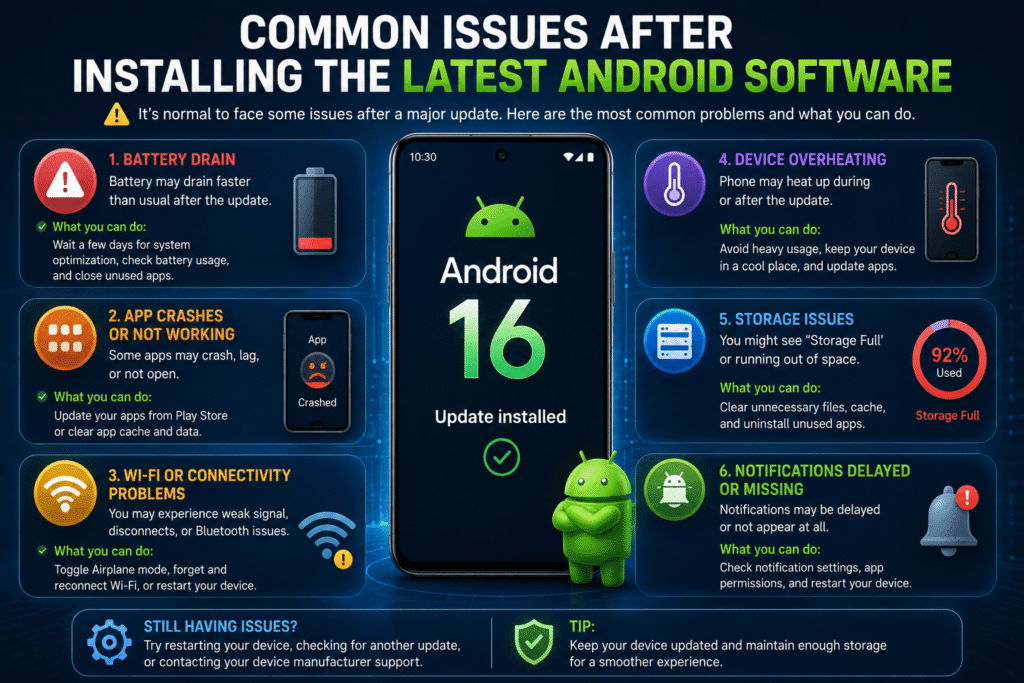
Although updates bring improvements, users sometimes encounter temporary problems immediately afterward.
Faster Battery Drain
Battery life often decreases temporarily after a major update. This happens because Android reindexes files, optimizes apps, and rebuilds system processes in the background.
Battery performance usually stabilizes after several days.
App Compatibility Problems
Some applications require updates before working correctly with a new Android version. Crashes and performance issues typically disappear after developers release compatibility updates.
User Interface Changes
New layouts, settings locations, and visual adjustments can make familiar tasks feel harder initially.
Most users adapt within a few days as they become familiar with the updated interface.
Slower Performance
Older phones may experience temporary lag after a major update while system optimization completes.
Restarting the device and updating applications often resolves these issues.
Android vs iOS: Who Actually Delivers Faster Software Updates?
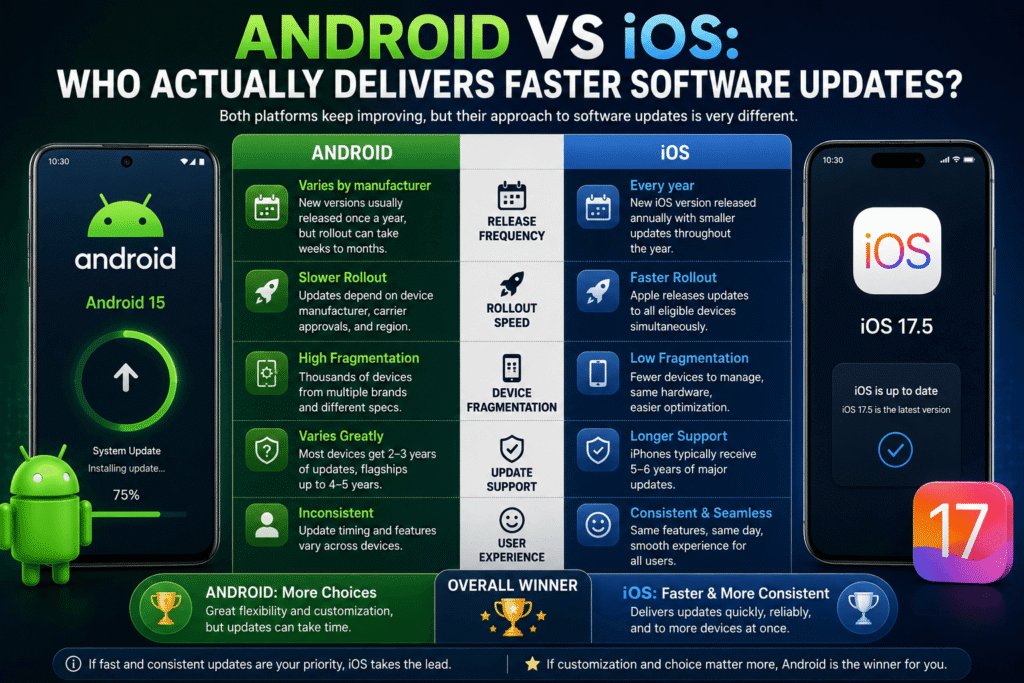
The Android versus iOS update debate continues every year.
Apple’s Advantage
Apple controls both hardware and software. As a result, iPhone users usually receive updates on the same day worldwide.
This centralized approach allows Apple to support devices more consistently.
Android’s Challenge
Android operates across hundreds of manufacturers and thousands of device models.
Google releases the new Android version first, but manufacturers must customize, test, and distribute updates for their own devices.
This process creates delays and fragmentation.
Security Considerations
The longer a device remains on an outdated version, the greater the potential security risk becomes.
Fortunately, many Android manufacturers have improved their update commitments significantly in recent years, providing longer support periods than ever before.
Final Thoughts
Understanding what is the latest version of Android software helps users make informed decisions about upgrades, security, and device purchases. Android 16 currently represents Google’s latest stable Android release and introduces meaningful improvements in security, notifications, accessibility, and overall user experience.
Before expecting an update, always verify whether your device remains eligible for support. If your phone no longer receives major Android upgrades, it may be worth considering a newer device with a longer software support policy.
Staying updated not only provides access to the newest features but also helps keep your personal information protected against emerging security threats.
You May Also Like: