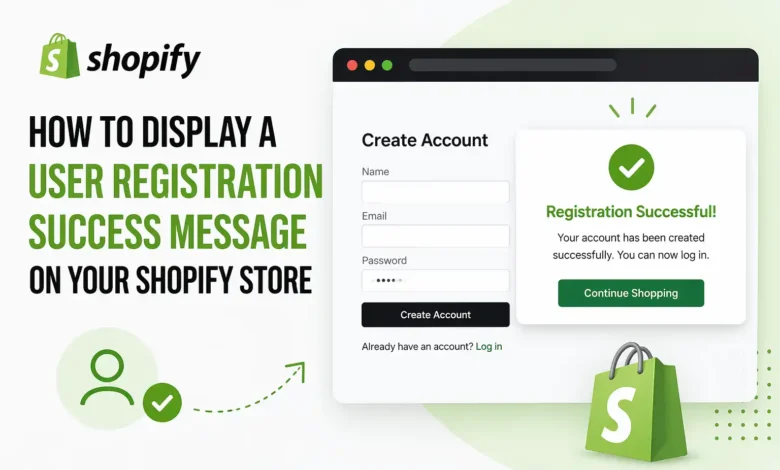
When running a Shopify store, it’s important to provide a seamless experience for your customers, especially during key moments such as account registration. A user registration success message not only confirms that their account has been created successfully, but it also adds a personal touch to their journey. This small but essential message can improve user satisfaction and guide them through the next steps. If you’re looking to create a user registration success message on your Shopify store, here’s how you can do it effectively.
Understanding the Importance of a User Registration Success Message
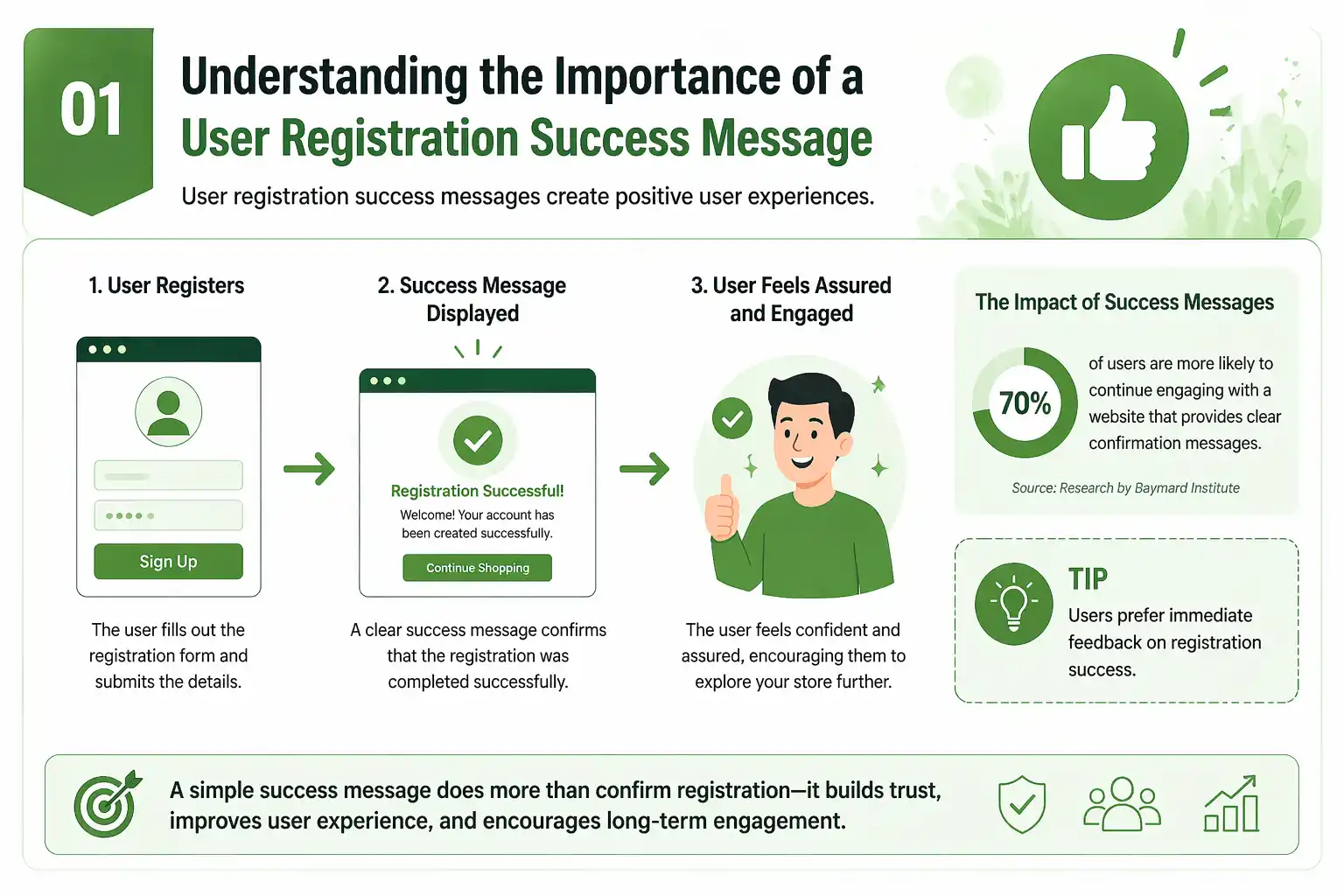
A user registration success message is a confirmation that the user’s registration process has been completed successfully. This message informs customers that their account has been created, allowing them to log in, make purchases, and access any other features available on your Shopify store. Providing clear, immediate feedback not only improves user experience but also helps prevent confusion.
A personalized success message can set the tone for customer interaction. It assures the user that everything is set up and provides a sense of completion. This is a crucial element of customer engagement, as it makes the process feel less mechanical and more human. Furthermore, it can encourage new users to explore other features of the site or offer suggestions for further actions such as browsing or shopping.
Steps to Add a Registration Success Message on Shopify
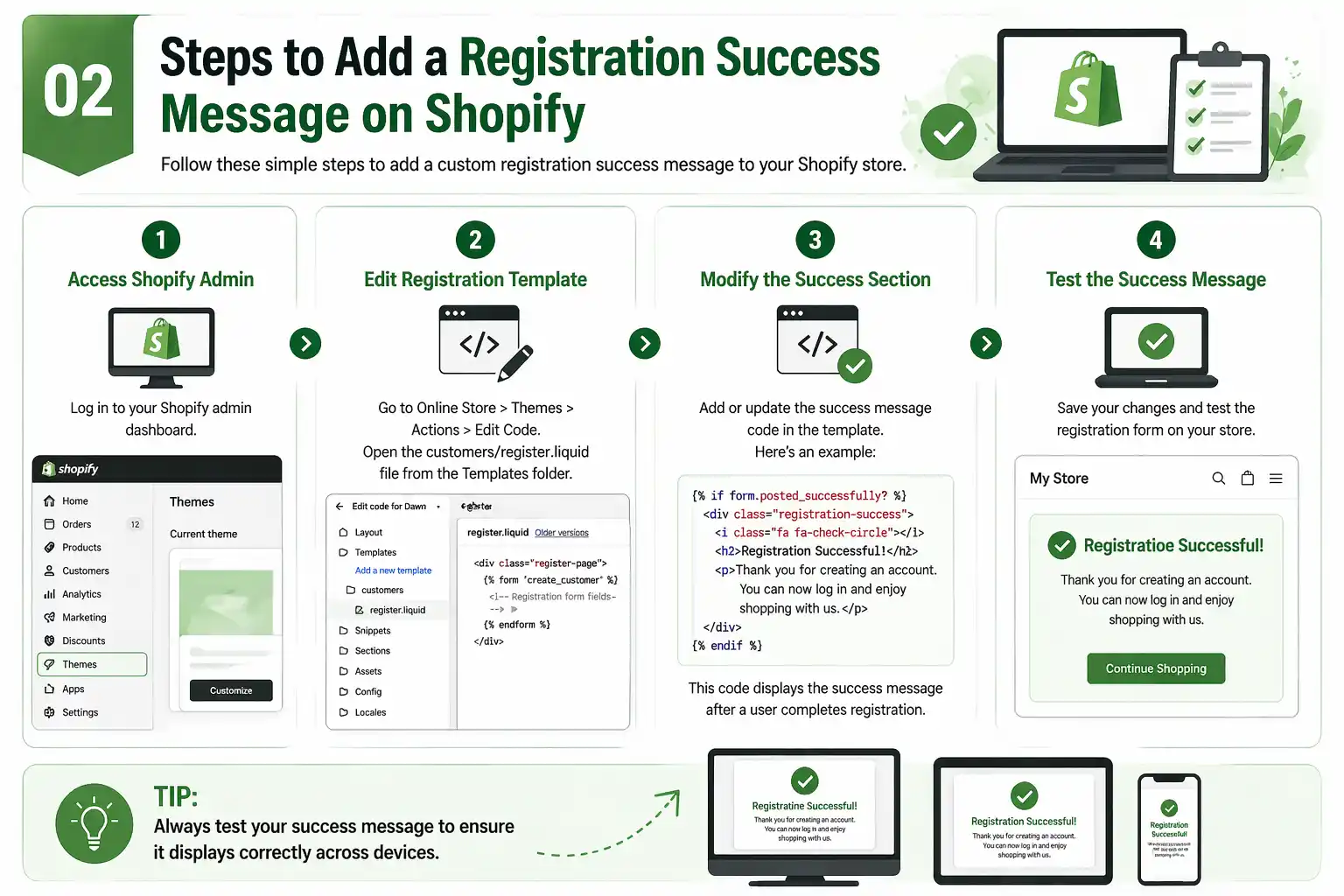
- Access Your Shopify Admin Panel
To start, log in to your Shopify admin panel. This is where you can manage all the elements of your online store. Once you’ve logged in, navigate to the Themes section. Here, you can modify your theme’s code to add a custom success message.
- Edit the Registration Form Template
The registration form is usually built into your Shopify store’s theme. Shopify uses a Liquid template engine for creating and managing the layout of your site. To customize the user registration success message, you’ll need to access the customers/register.liquid file. This file contains the code that controls the customer registration form.
In the Themes section of your Shopify admin, click on Actions, then select Edit Code. Locate the customers/register.liquid file under the Templates section.
- Modify the Registration Success Section
Once you have the customers/register.liquid file open, you can start customizing it. Look for the section of code where Shopify handles the registration submission. Shopify uses the form.posted_successfully? condition to check whether the registration form has been submitted successfully. If this condition is met, the user will be shown a success message.
You can modify or add a new success message within this section. For example, you can add:
<p>Thank you for registering with us! Your account has been successfully created. You can now log in and start shopping.</p>
{% endif %}
This message will be displayed immediately after a user successfully registers. You can personalize the message further to fit your store’s tone, whether you want it to be formal, casual, or fun. A more personalized message like, “Welcome to our store! Your account is now ready for you to explore our latest designs,” can add warmth and familiarity.
- Customizing Your Message’s Look
You can also style your success message to make it stand out. Using Shopify’s built-in Liquid and CSS, you can adjust the font, colors, and layout to match your store’s branding. For example, you can wrap the success message in a <div> and add a class for styling:
<div class=”registration-success”>
<p>Thank you for registering with us! Your account has been successfully created. You can now log in and start shopping.</p>
</div>
{% endif %}
Then, in your theme’s CSS file (usually found in the assets folder), you can define the styles for the .registration-success class:
background-color: #e0f7fa;
padding: 20px;
border-radius: 8px;
font-size: 16px;
color: #00796b;
text-align: center;
}
This will make your success message pop visually and ensure it aligns with your website’s color scheme. A well-designed success message will not only provide the confirmation users need but will also enhance the overall user experience.
- Testing the Registration Success Message
Before going live, it’s crucial to test the registration success message to ensure it works as expected. You can do this by registering a test account on your Shopify store. After completing the registration process, you should see your custom success message.
Ensure that the message appears on the correct page and that it is clear and helpful. You should also test on different devices (desktop and mobile) to confirm that the layout and styling are consistent. A message that looks great on one screen size may appear awkward on another, so testing is essential for a seamless experience.
Other Tips for Enhancing the Registration Experience
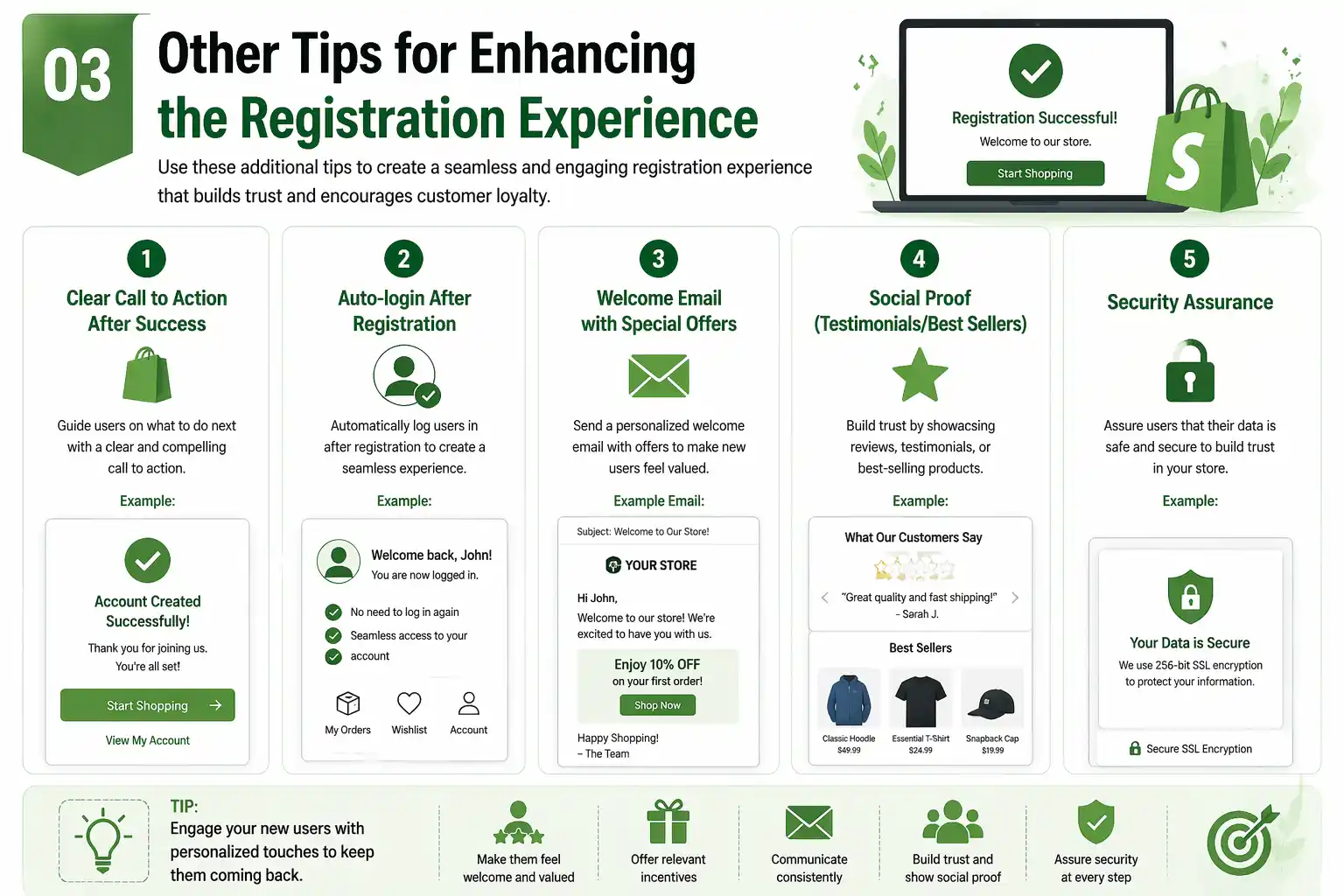
Beyond the success message itself, there are several other ways to improve the registration experience on your Shopify store:
- Clear Call to Action: After the success message, offer users a clear next step. You can add a button like “Start Shopping Now” or “Complete Your Profile” to encourage further interaction with your site.
- Auto-login After Registration: For a smoother user experience, you can set up auto-login so users don’t need to log in manually after registration. This can be particularly useful for Shopify stores that require users to log in to make purchases.
- Welcome Email: Along with the registration success message, send a welcome email to the new user. This email can include additional information, such as store benefits, exclusive offers, or product recommendations. This builds rapport and keeps the user engaged.
- Social Proof: Adding some social proof, like testimonials or a section highlighting your best-selling products, can encourage new users to start browsing right away.
- Security Assurance: Reassure users about the security of their data. Let them know their personal information is protected with secure encryption, helping to build trust and credibility.
Conclusion
Adding a user registration success message on your Shopify store is a simple yet highly effective way to enhance user experience. Not only does it provide important feedback, but it also builds trust and helps guide users through their journey. By customizing the message, adding visual appeal, and testing across devices, you can ensure your success message works seamlessly with your Shopify store.
Incorporating personalized elements, clear calls to action, and additional user-focused features can help keep users engaged, ensuring they have a positive experience every time they interact with your store. Creating a personalized and vibrant registration success message is just one of many steps towards building a loyal customer base.
Remember, the key is to make every interaction, including the registration process, feel human, personalized, and seamless. This will encourage users to return and engage with your store repeatedly.
You May Also Like: